Displaying temperature sensor readings
You can show temperature sensor readings directly on the main object screen to quickly view the current temperature without opening the sensor details.
After enabling this option, the data will appear in the Favorites section on the main object screen.

How to enable temperature display
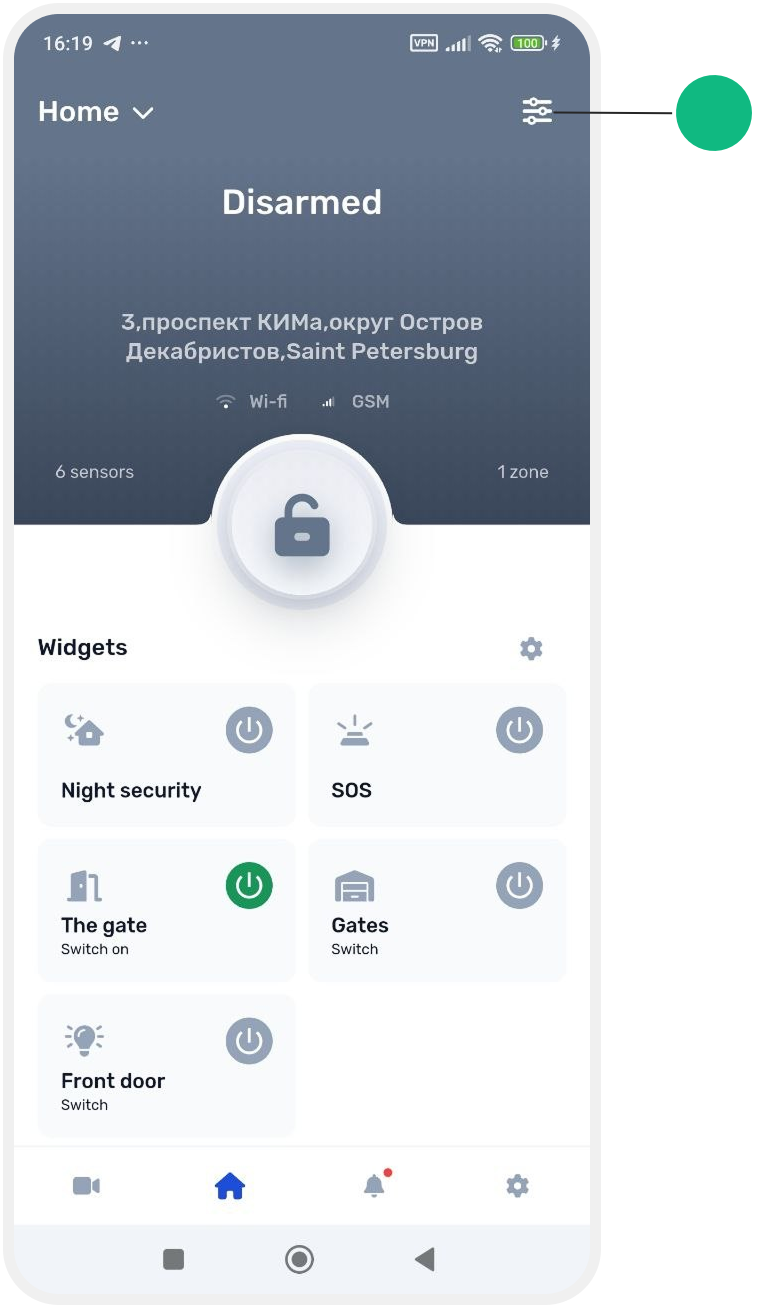
1. Go to Site settings
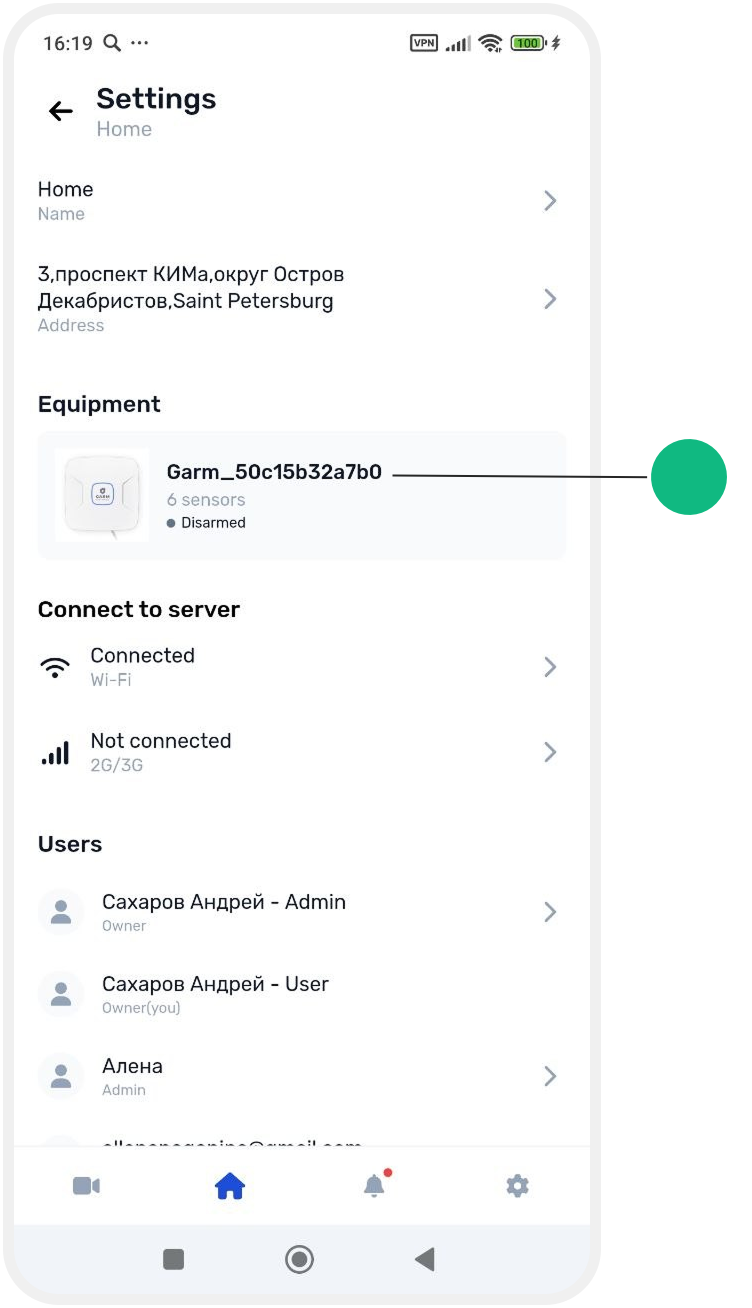
2. Open the hub card
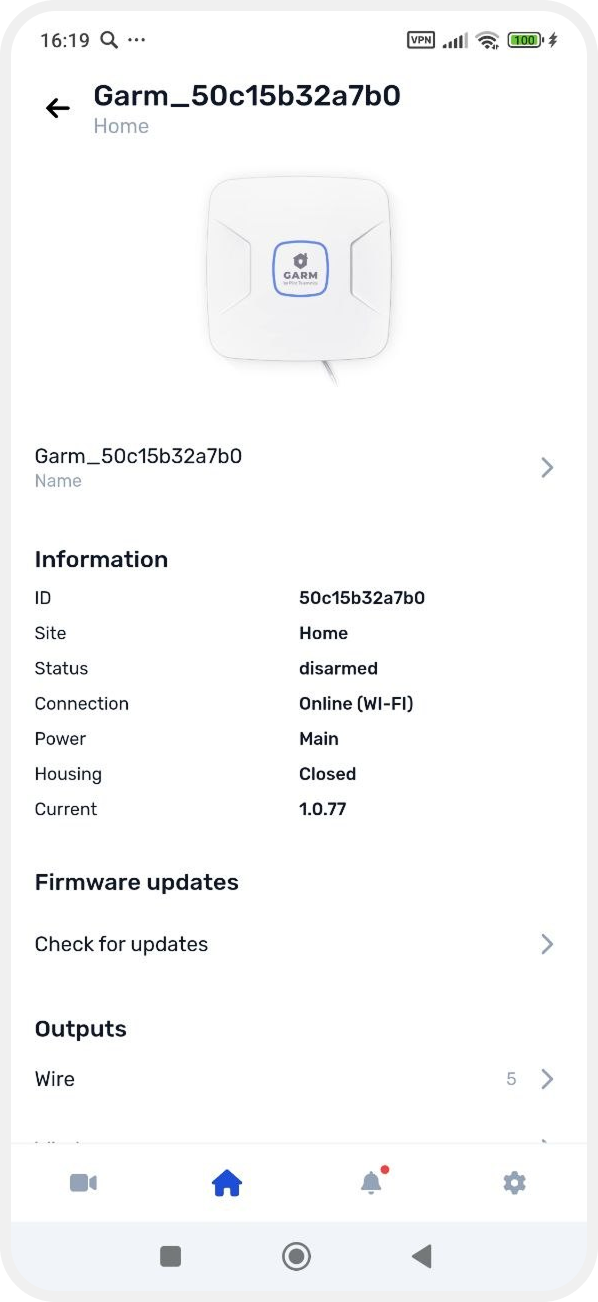
3. Find the Temperature sensors tab

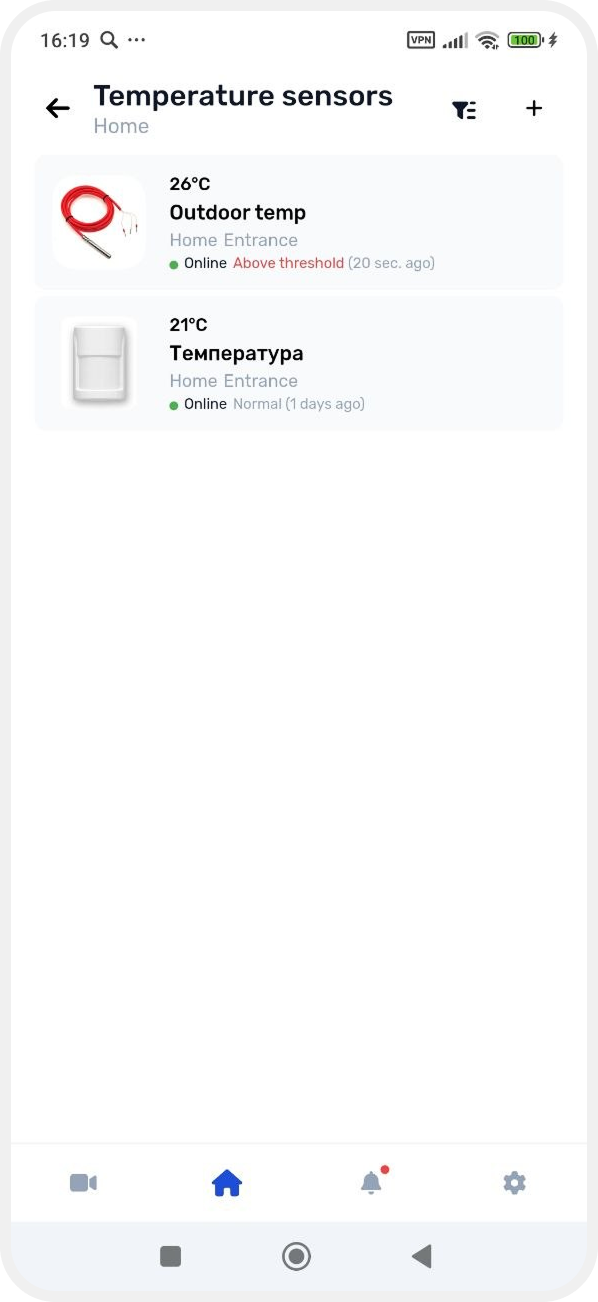
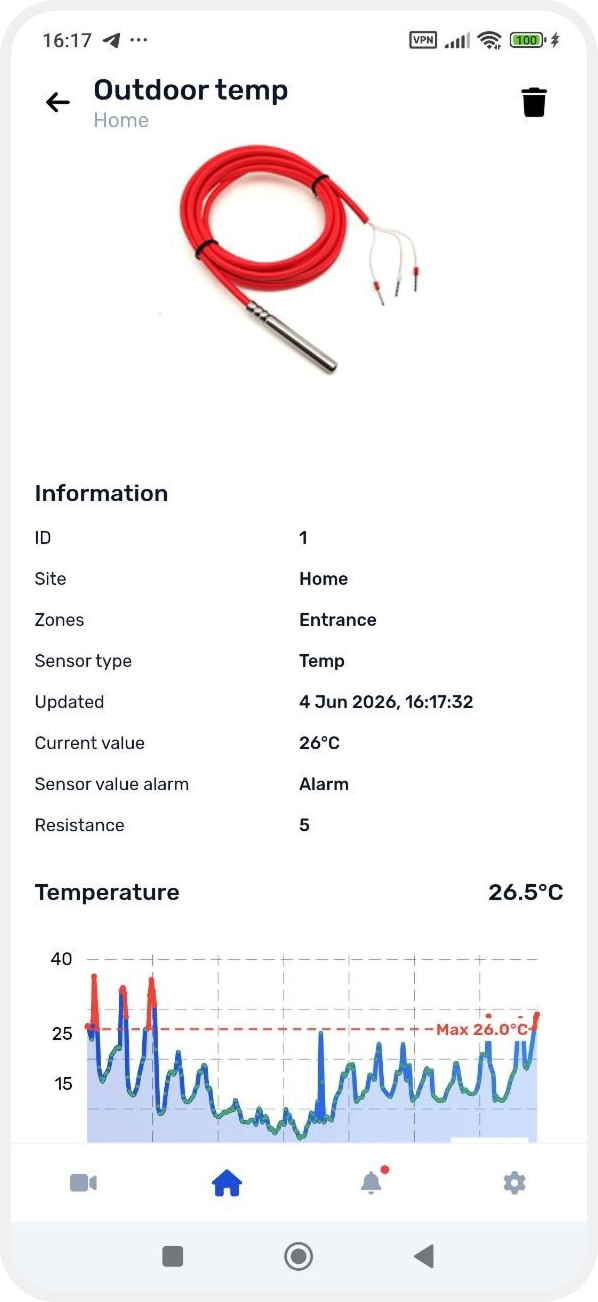
4. Select the required sensor from the list
5. In the sensor card, enable the switch Display indicators on site page
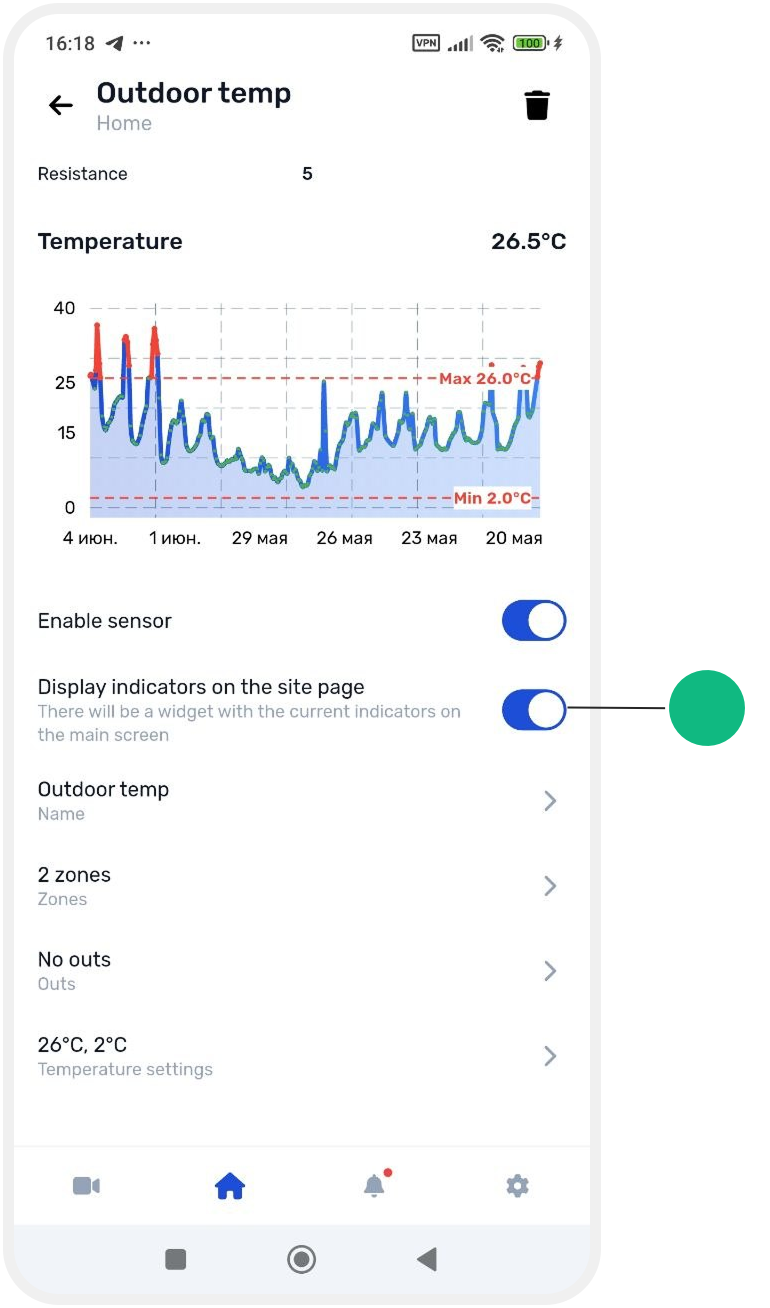
After that, the current temperature will be displayed on the main object screen in the Favorites section.