
How to add another site
You can add multiple sites in the GARM app. Please note:
Each site works with its own hub. One hub can be connected to only one site.
If you want to protect, for example, both your office and country house, install a separate hub at each location and add both sites to the app. This allows you to receive notifications, monitor sensors, and control devices for all sites from a single account.
If you are already using GARM and want to add another site, follow these steps:
1. On the main screen of the app, tap the site list button in the upper-left corner

1 — Site list button
2 — Create site button
2. Tap Create site
3. Enter the name and address of the new site
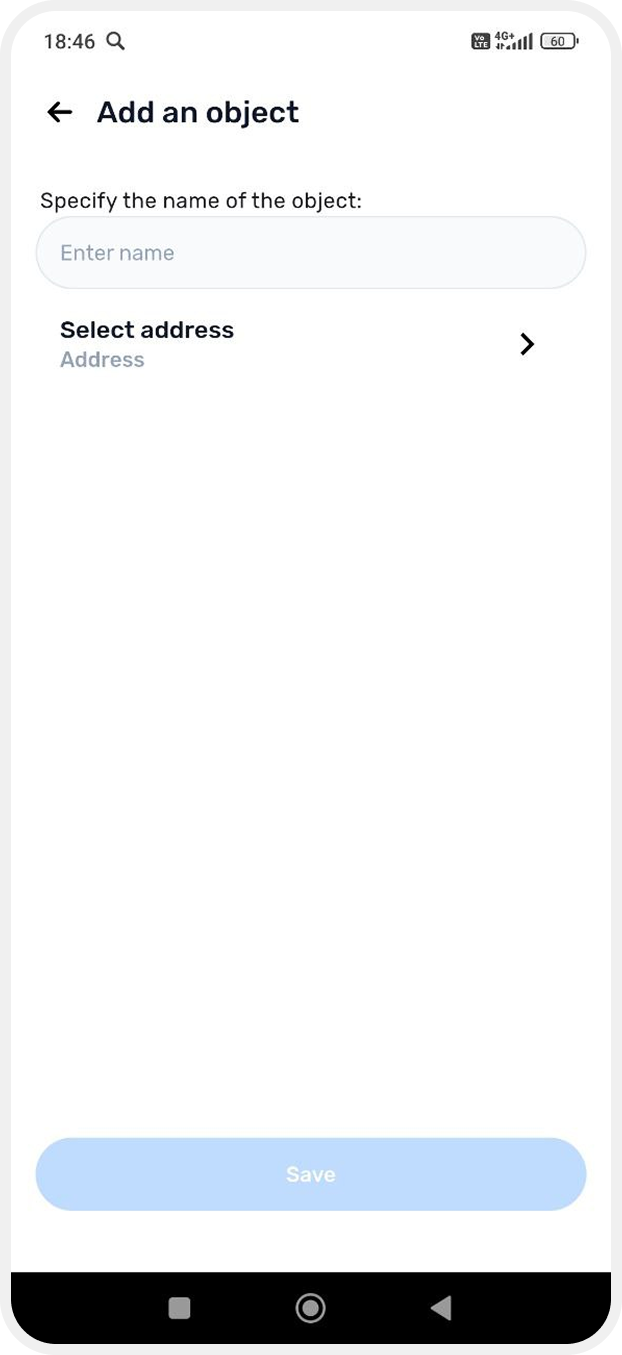
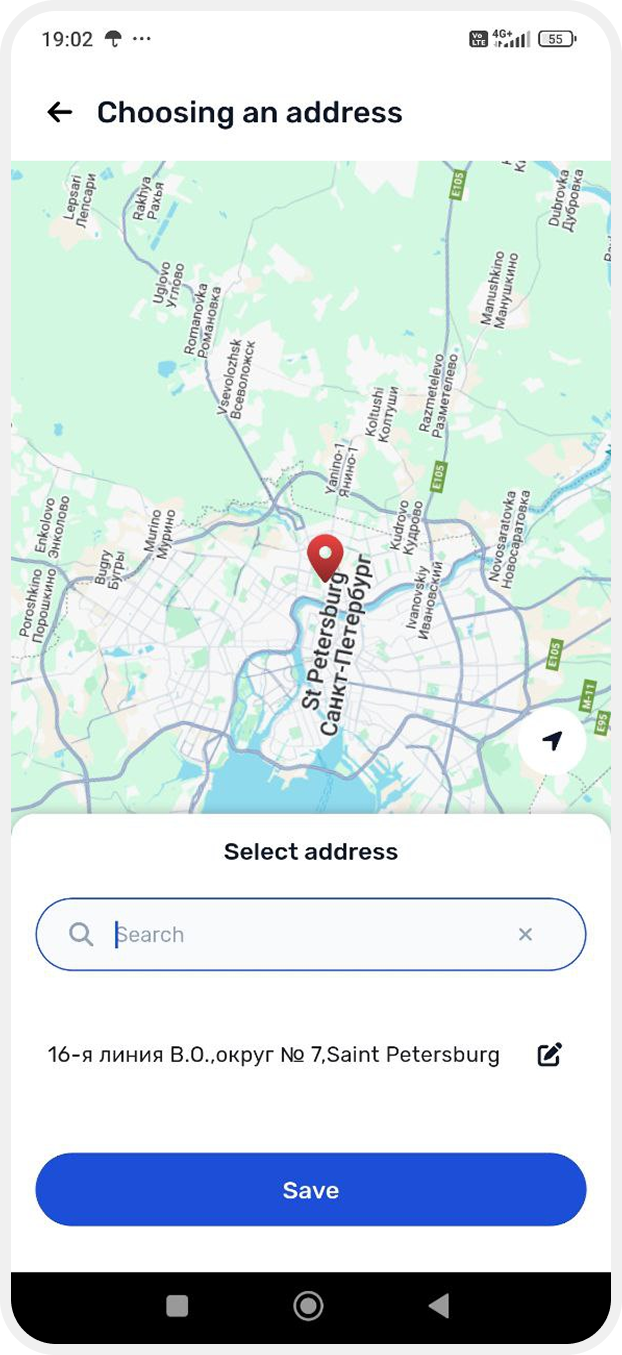
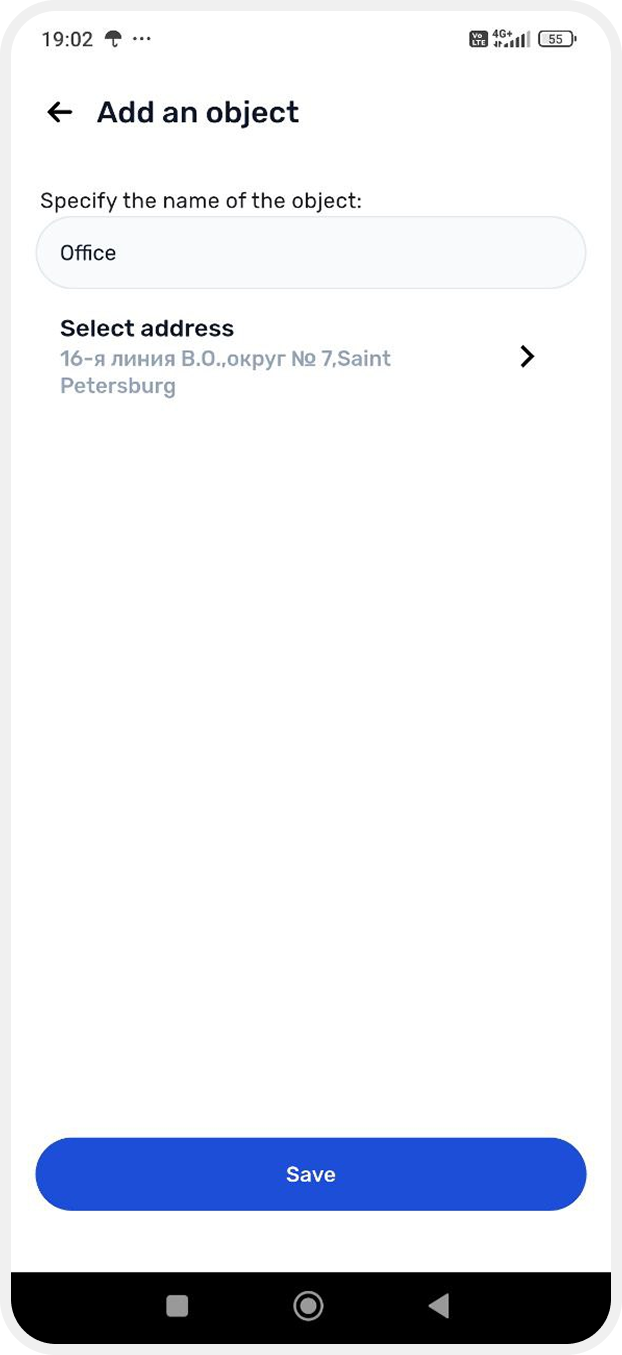
4. Tap Save
The site will now appear in the list, and you will be able to quickly switch between sites in the app.