How to arm a site
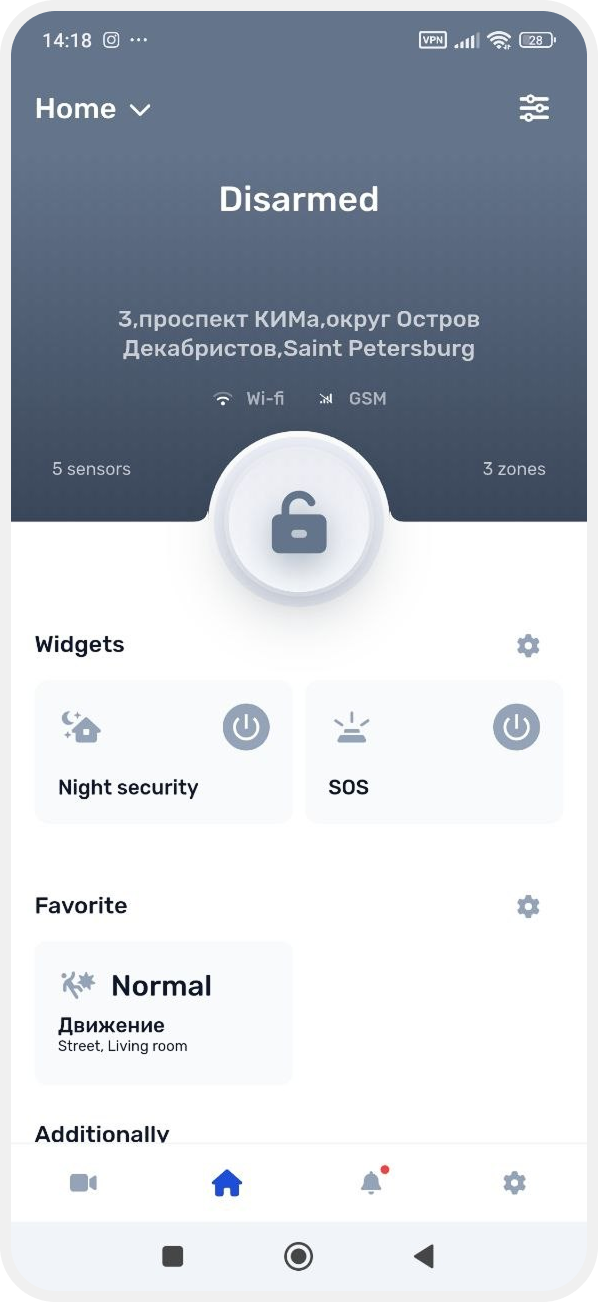
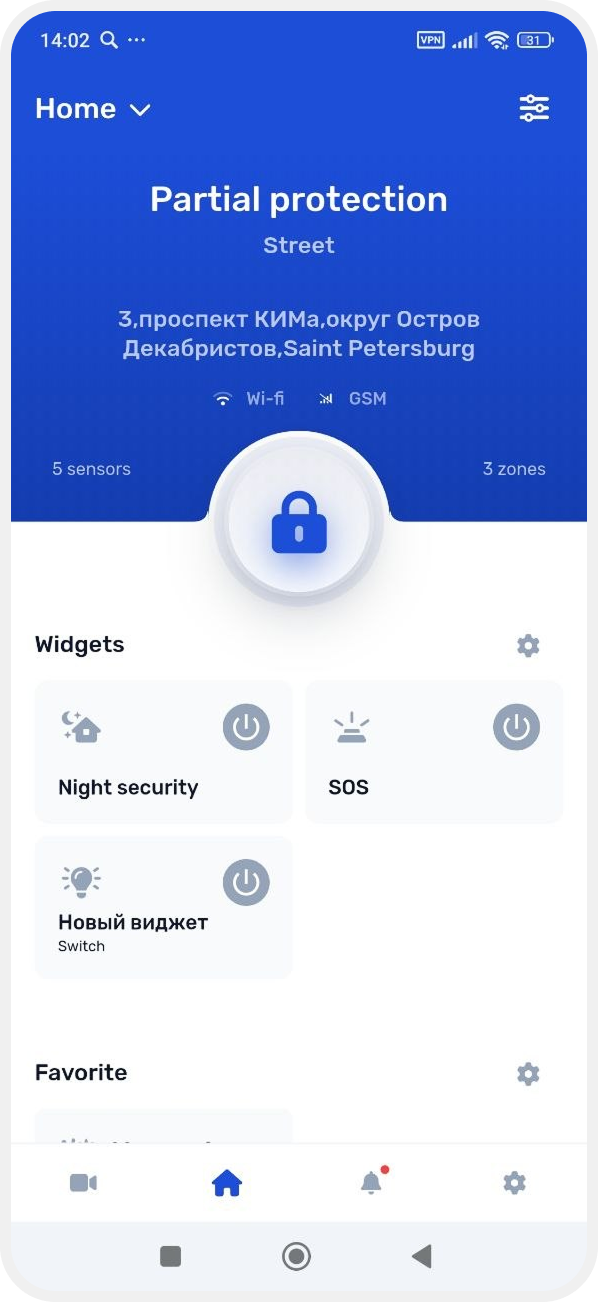
1. On the main screen, tap the lock button
2. Wait for the Changing status message — the command has been sent
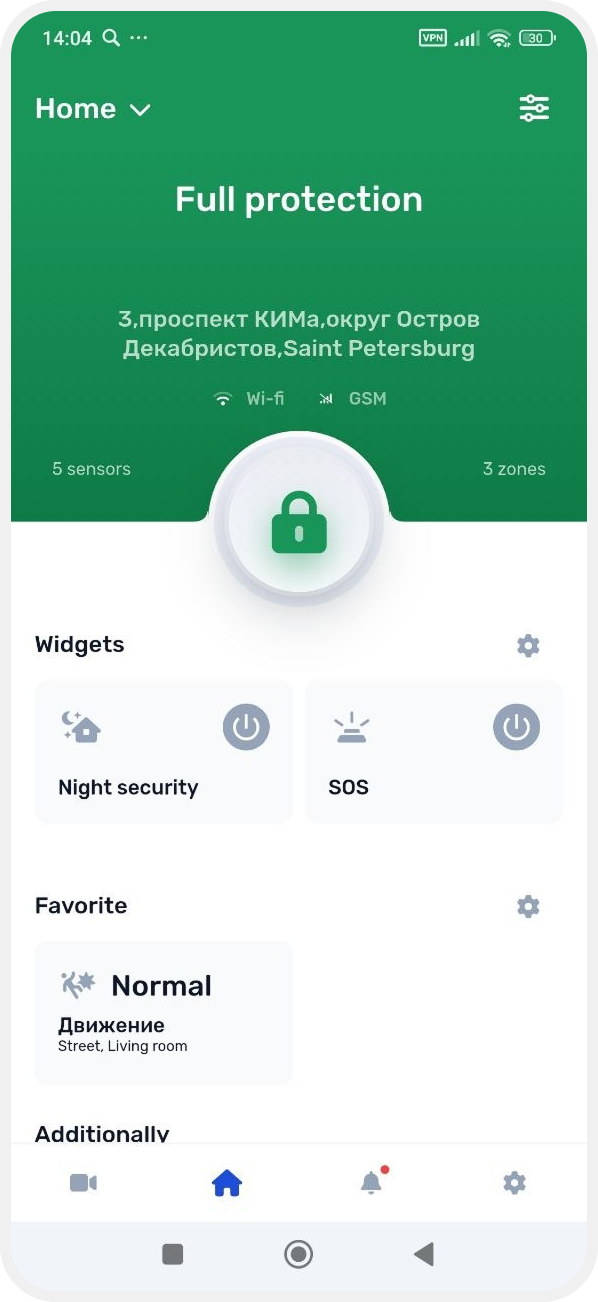
3. After the system processes the command, the status will change to:
• Armed — if full protection is enabled
-
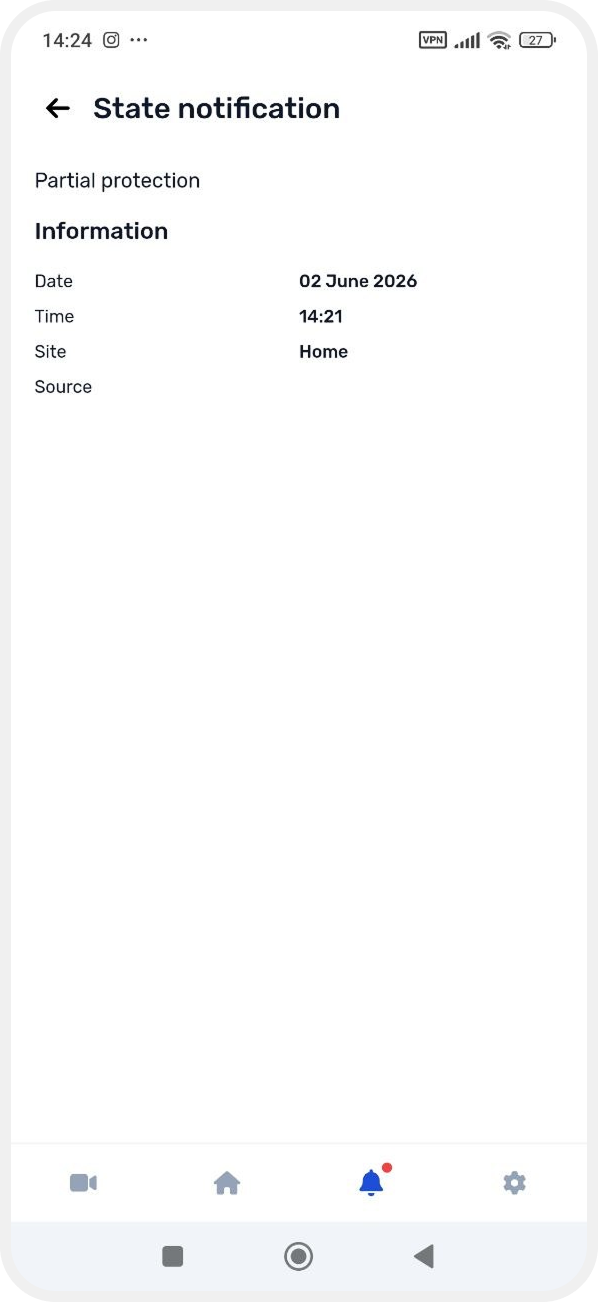
Partial arm — if not all zones are included
• Disarmed — when security is turned off
Arming usually takes from 2 to 10 seconds.
|
Before enabling security mode, the system checks the status of all sensors.
GARM supports devices such as ASTRA series sensors (motion detectors, door sensors, combined devices, and others).
If some sensors are not ready for operation (for example, a sensor is disconnected or faulty), the app will show the notification: “Not all zones can be armed”.
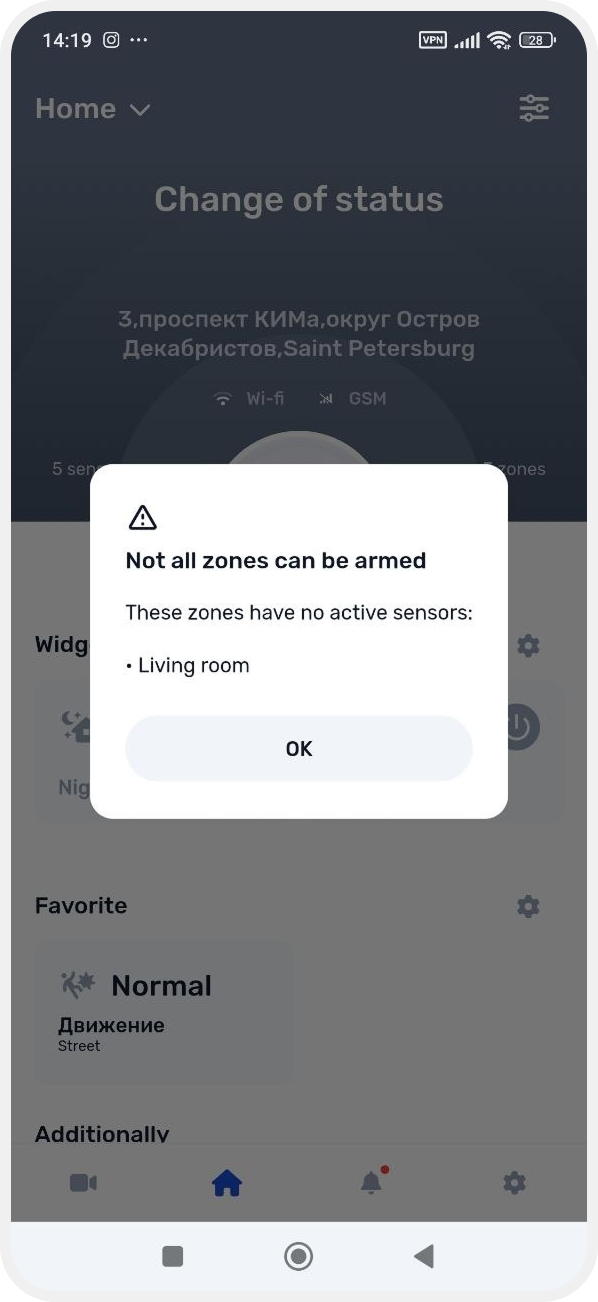
In this case, the system will continue enabling security mode only for available zones — Partial arm will be activated.
To include all zones in security mode, check the sensor settings and sensor status in the required zones.
After the security status changes:
— all users will receive a notification in the app
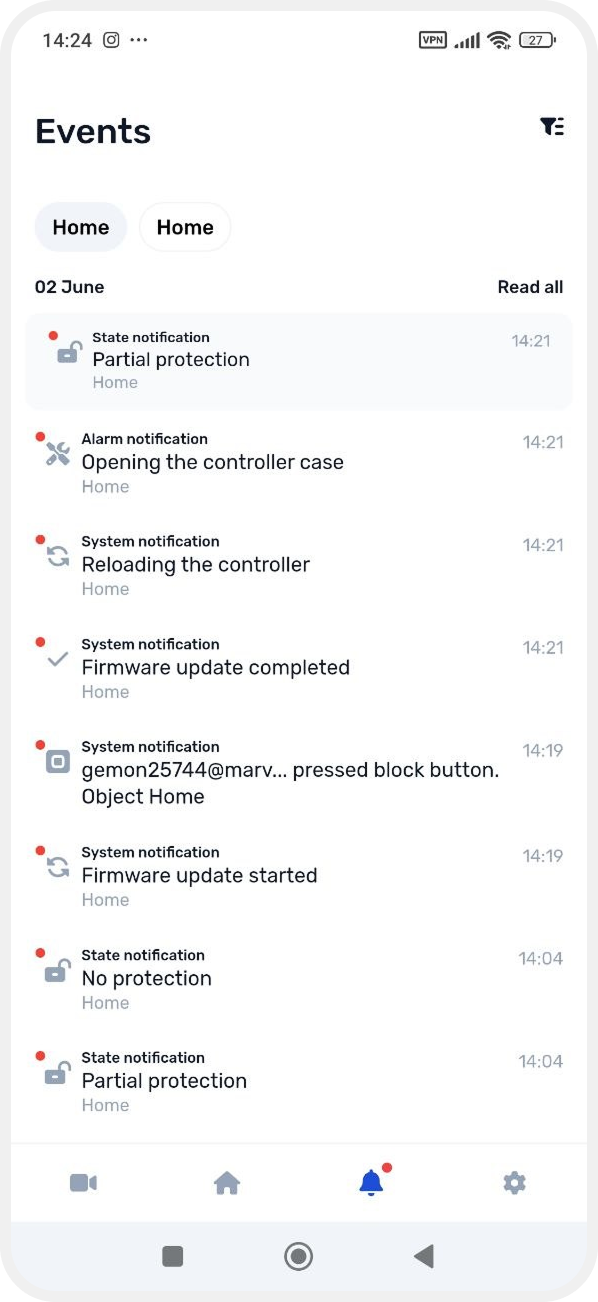
— a new entry with the username and action time will appear in the Events section