How to change user permissions
If you need to change the functions available to a user:
1. Open Site settings and go to the Users section
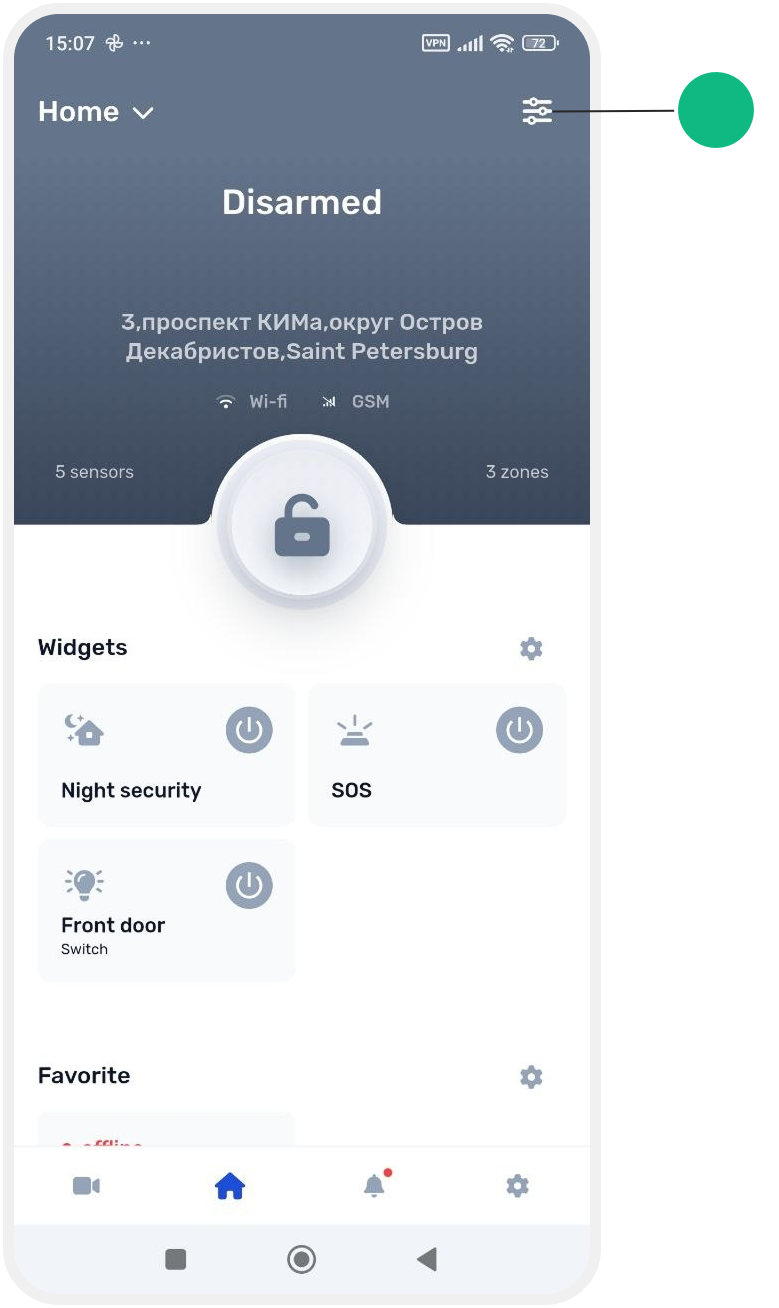
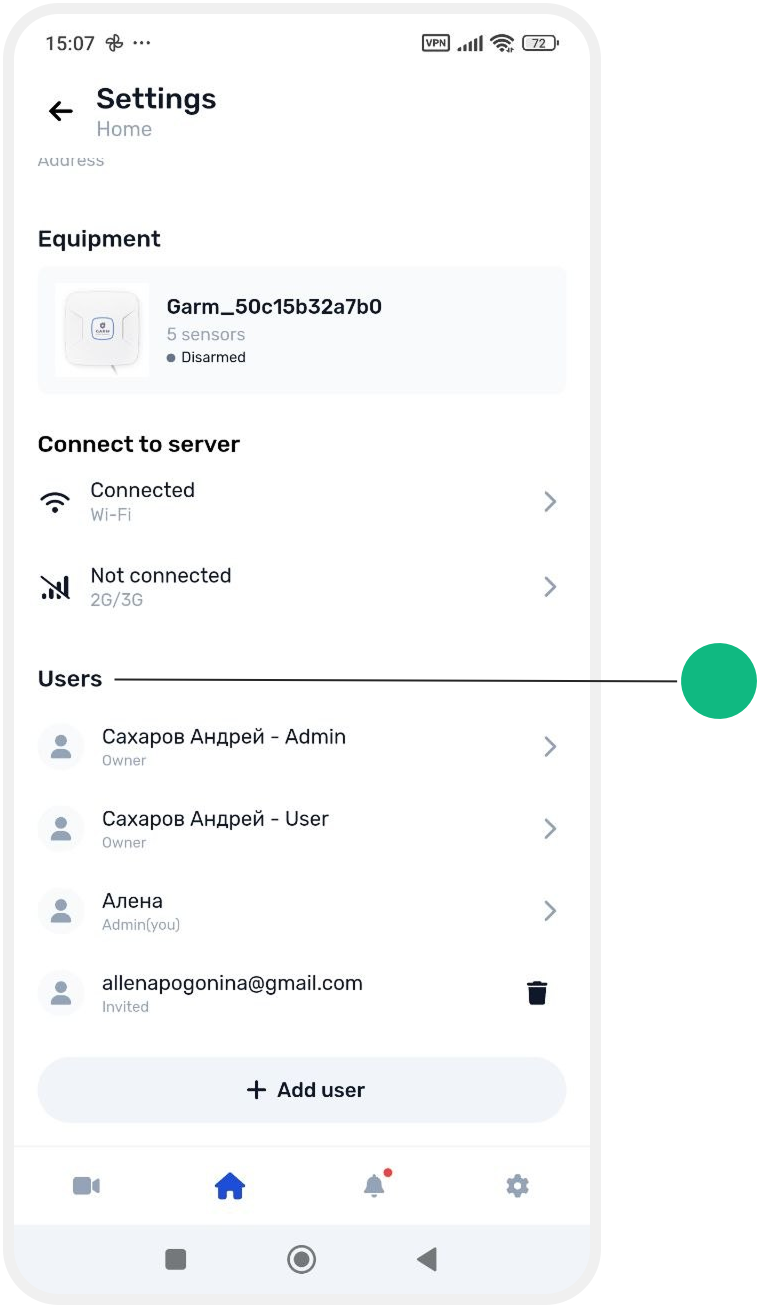
2. Find the required user and tap their name to open the user profile
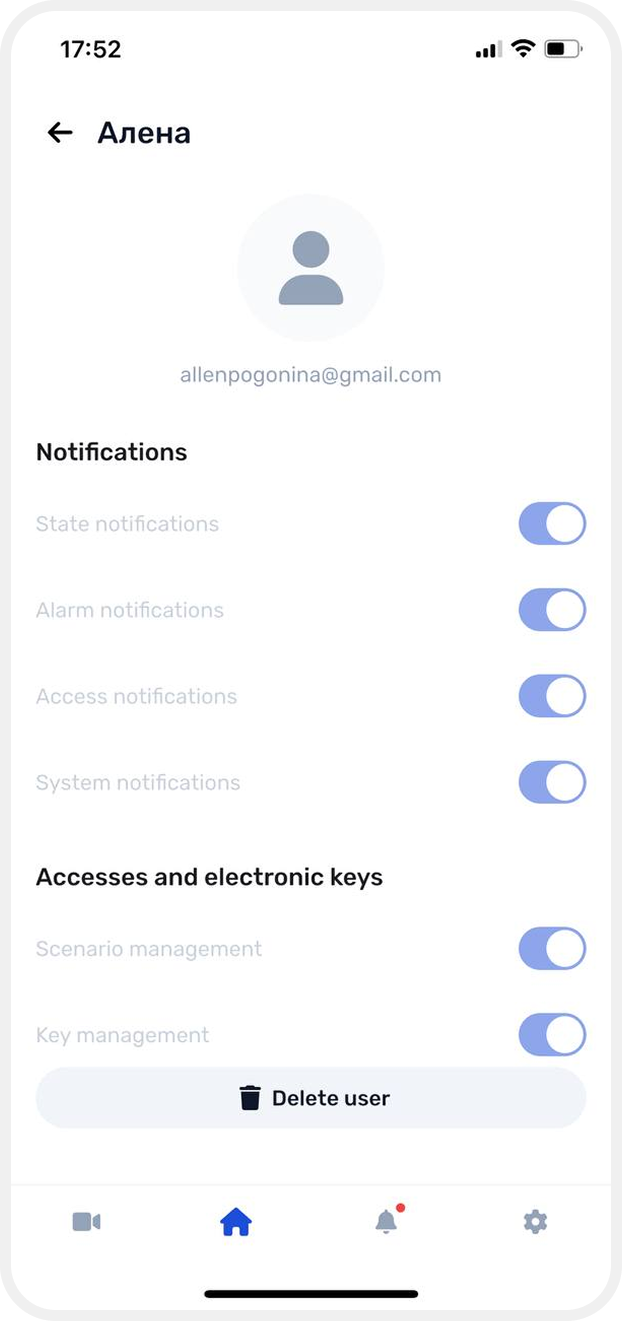
3. You will see a list of permissions available for that user
4. Enable or disable permissions using the available switches
Changes are saved automatically and take effect immediately for the selected user.