How to check the invitation status
After sending an invitation, you can track its status.
1. Open Site settings and go to the Users section
2. The invited user will be displayed with the status Invited

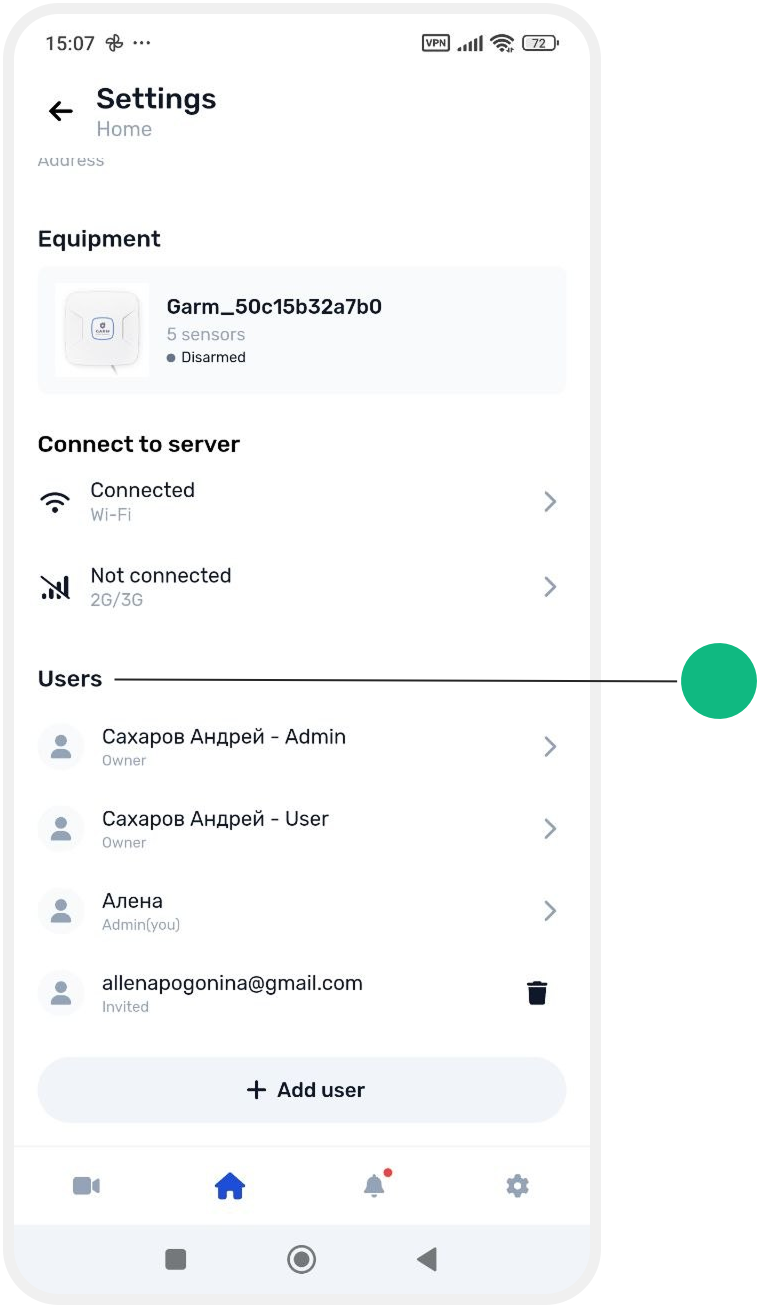
2. The invited user will be displayed with the status Invited

Once the user accepts the invitation, they will appear in the site's user list.