How to configure a zone
After creating a zone, you can configure its settings and add devices.
1. Go to the Zones tab

2. Select the required zone from the list
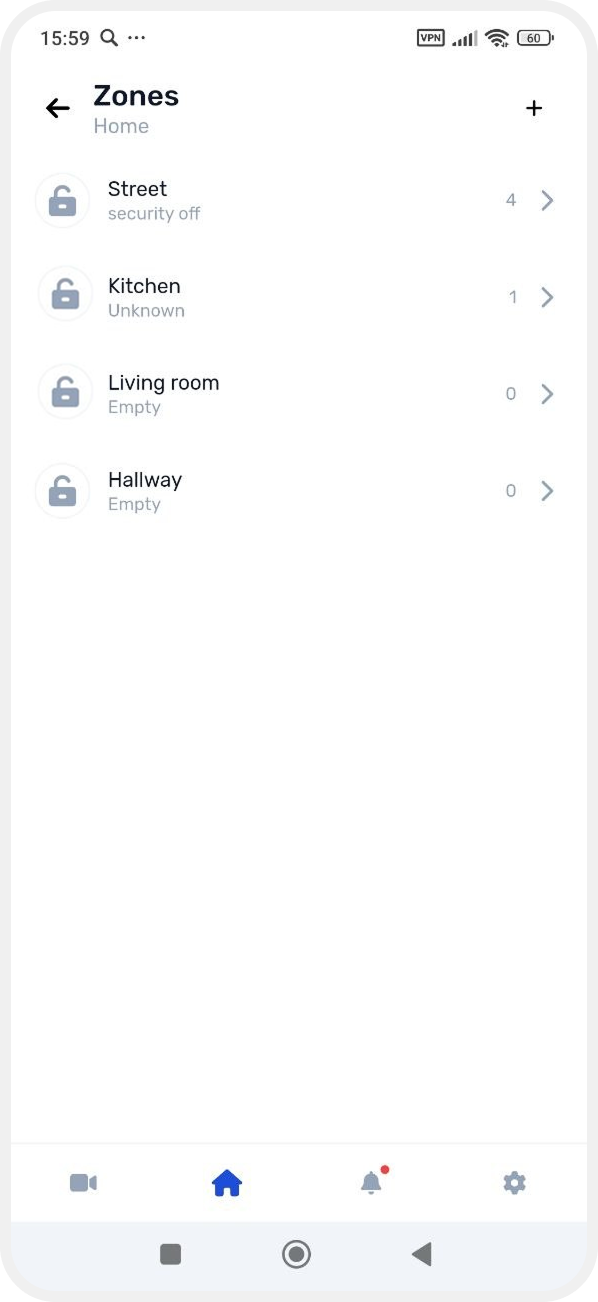
The zone card will open.
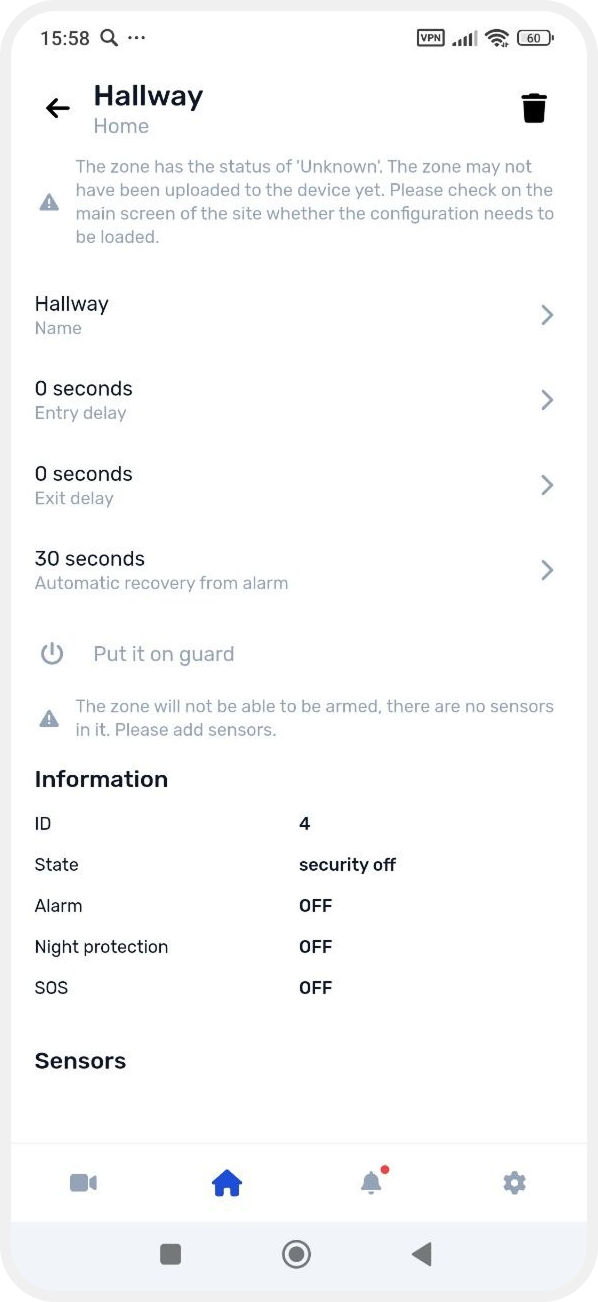
Zone settings
In the zone card, you can configure:
— Zone name
Edit the name and tap Save.
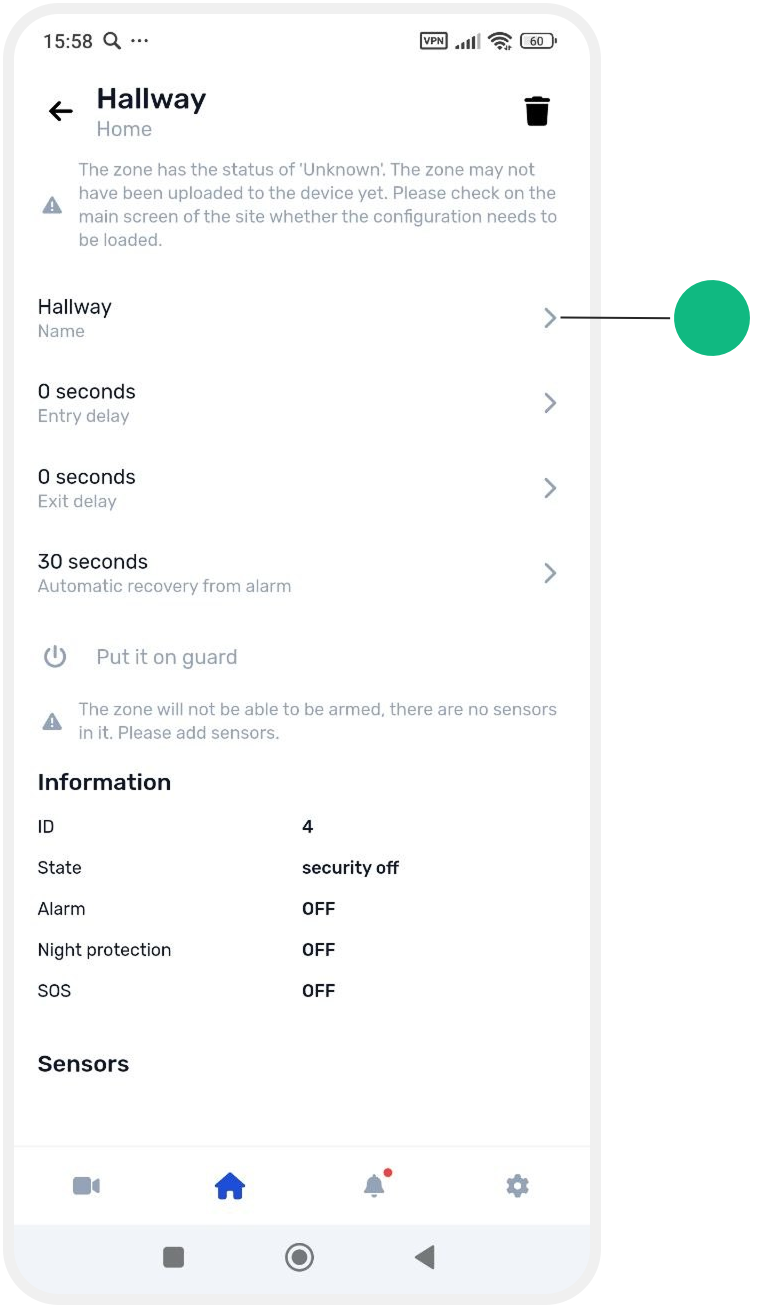

— Entry delay
The time given to the user to disarm the system after entering the zone, before an alarm is triggered.

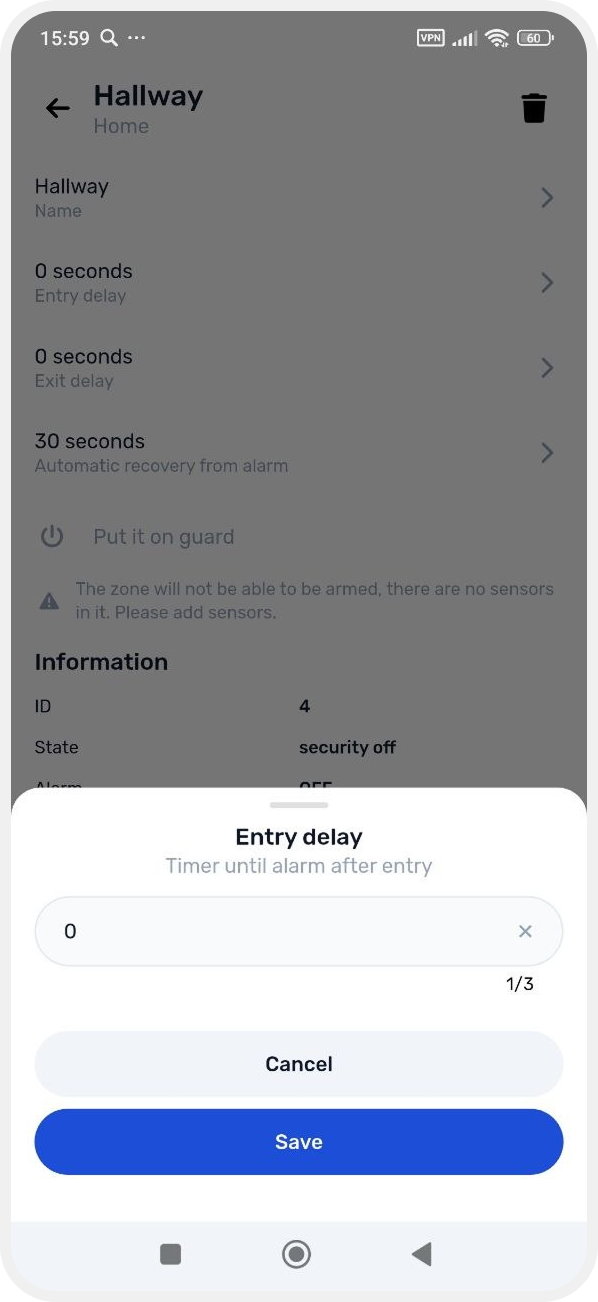
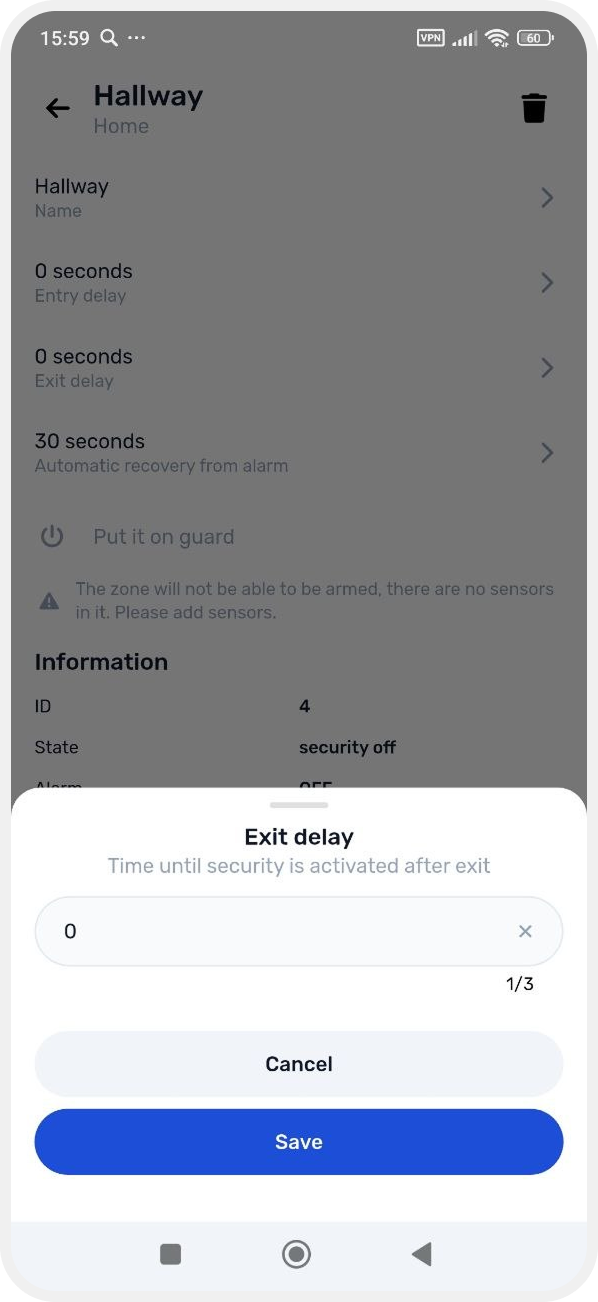
— Exit delay
The delay before the zone is armed after it has been activated.
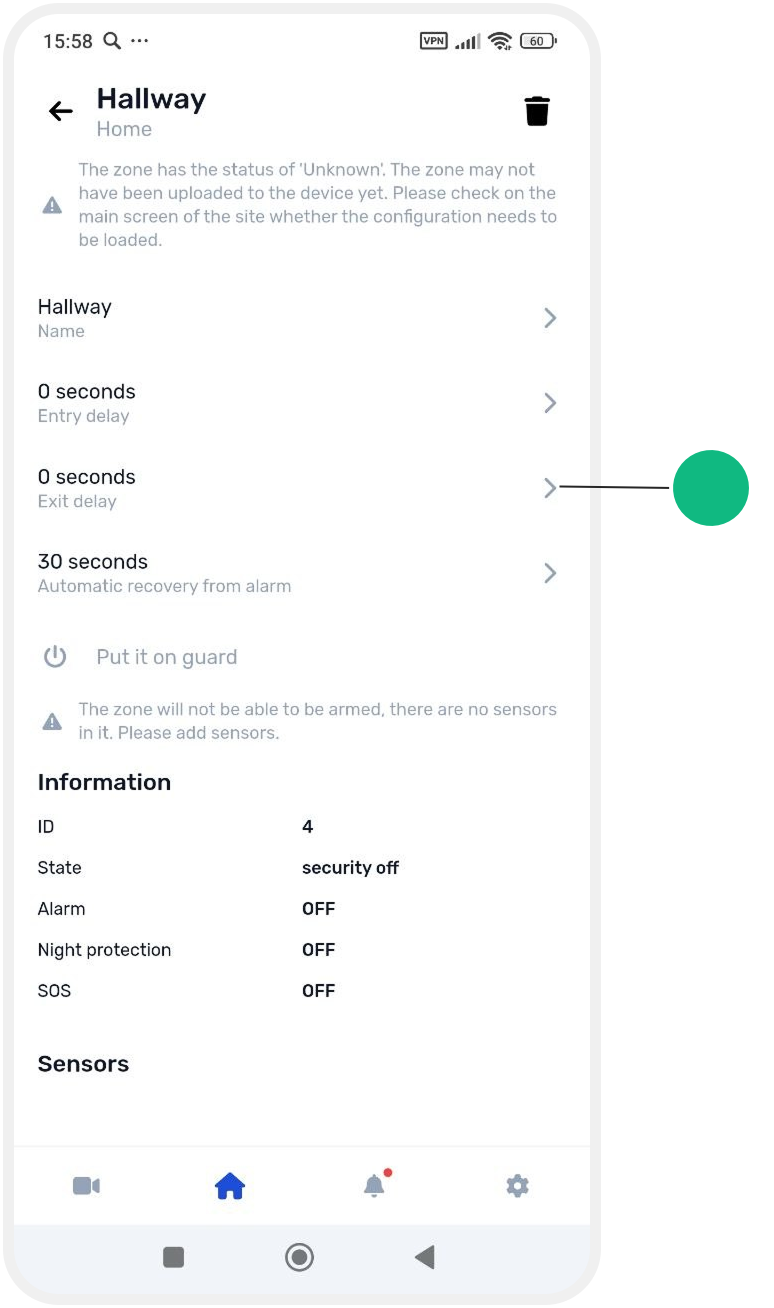
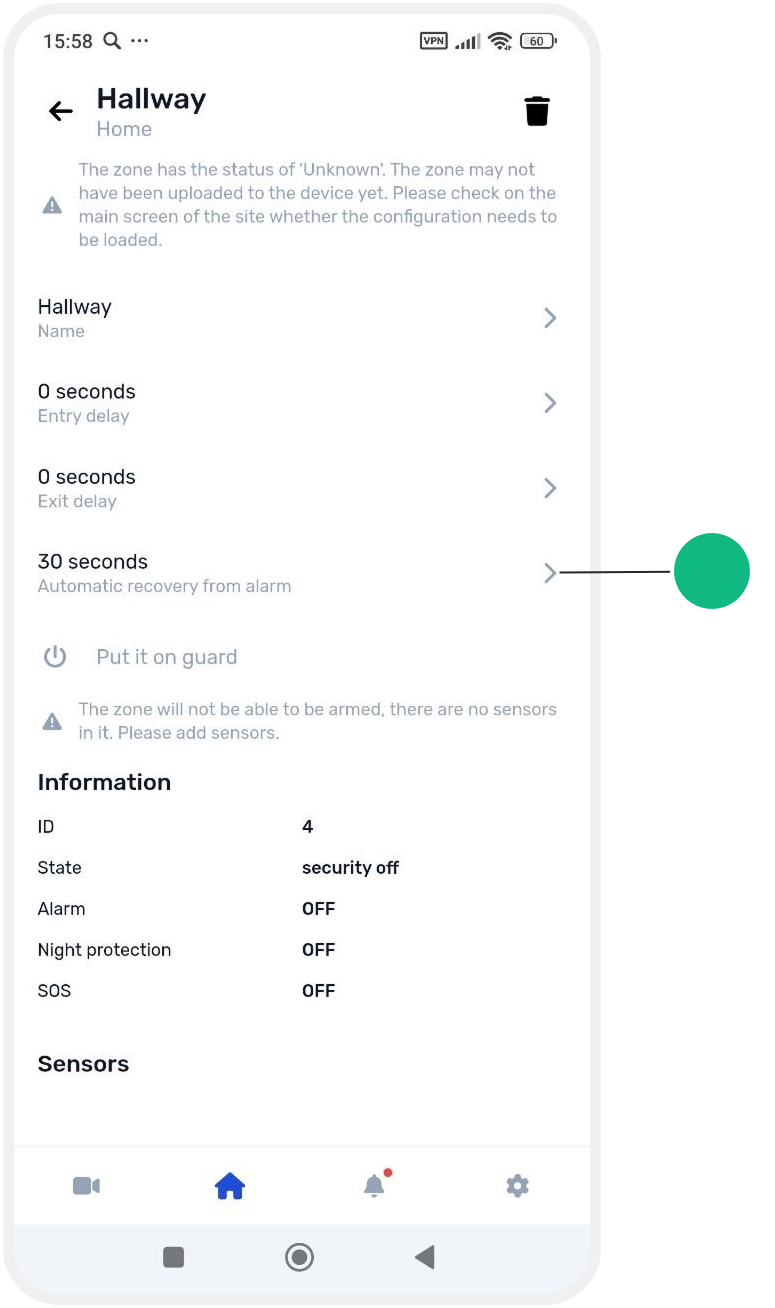
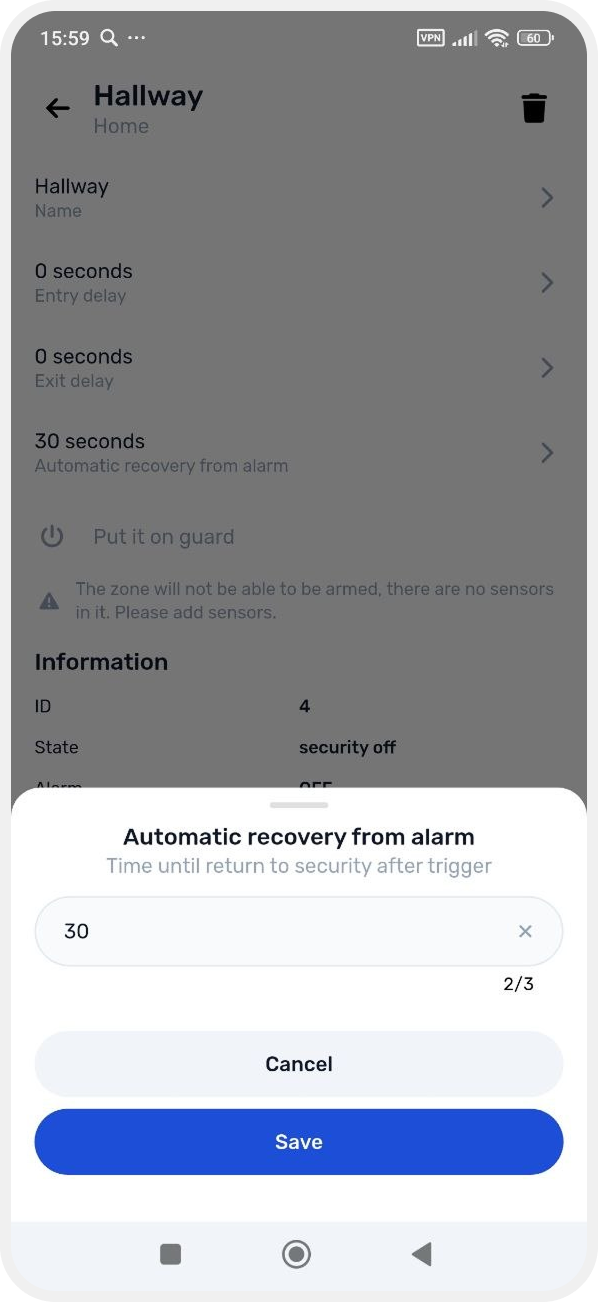
— Automatic restore
Automatically returns the zone to armed mode after an alarm.
Adding devices to a zone
To ensure proper operation, you need to add devices (sensors and outputs) to the zone.
How to add sensors
1. In the zone card, tap Add sensors

2. A list of available sensors will open
3. Enable the switches next to the sensors you want to add
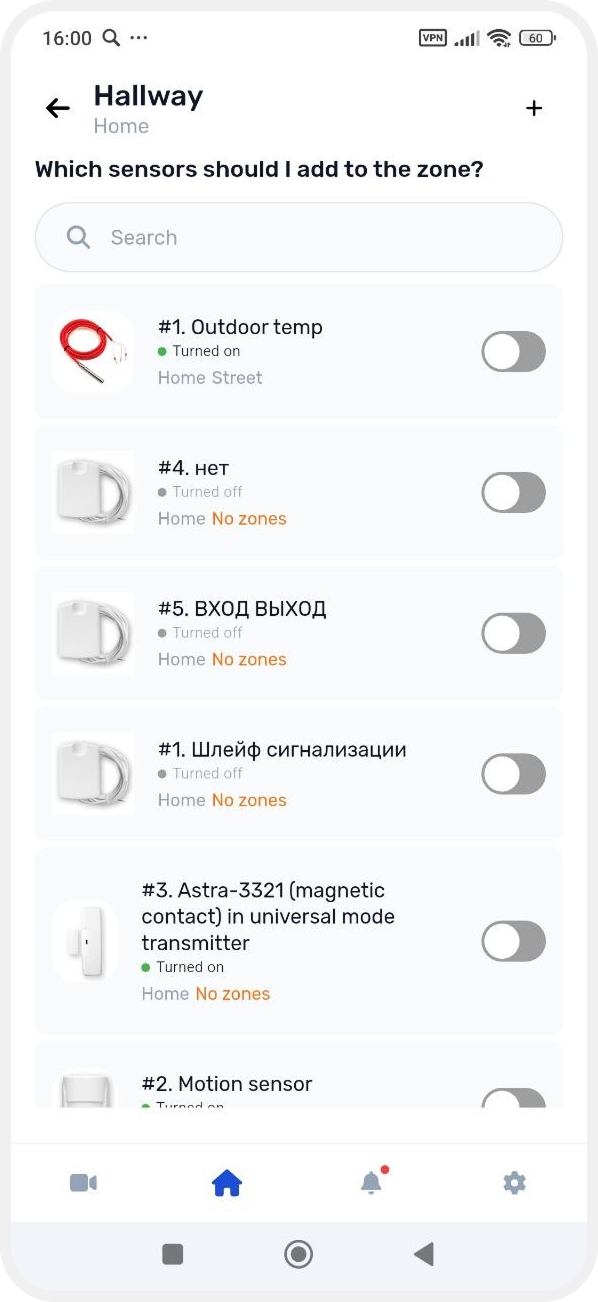
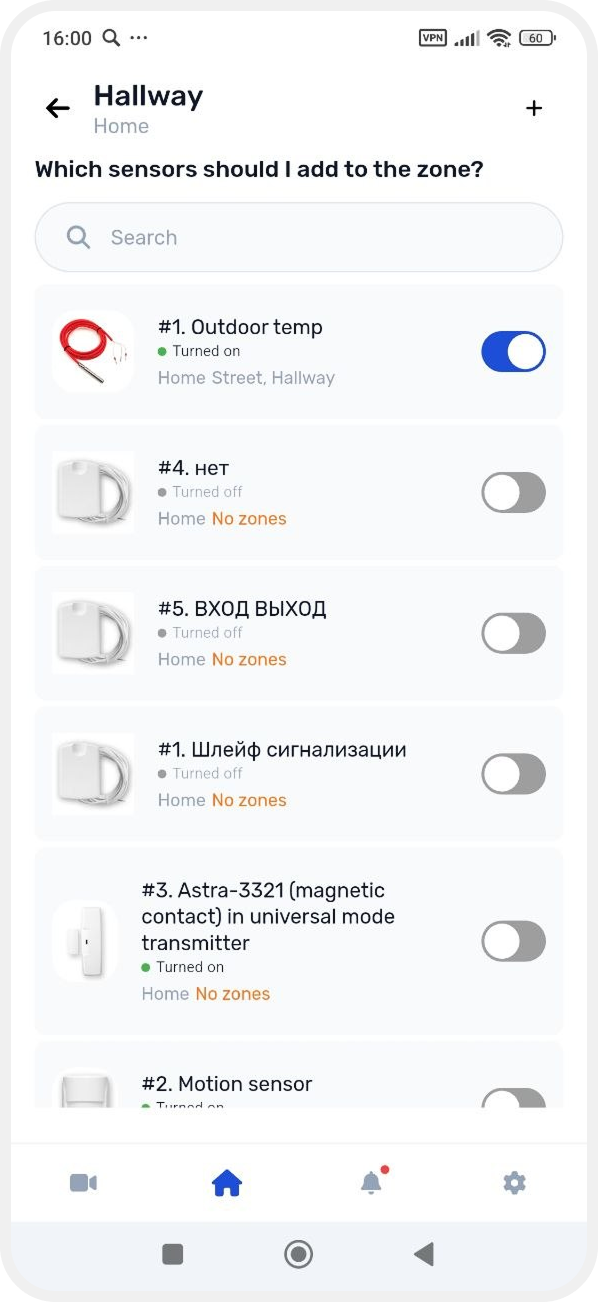
The selected sensors will then appear in the zone settings.
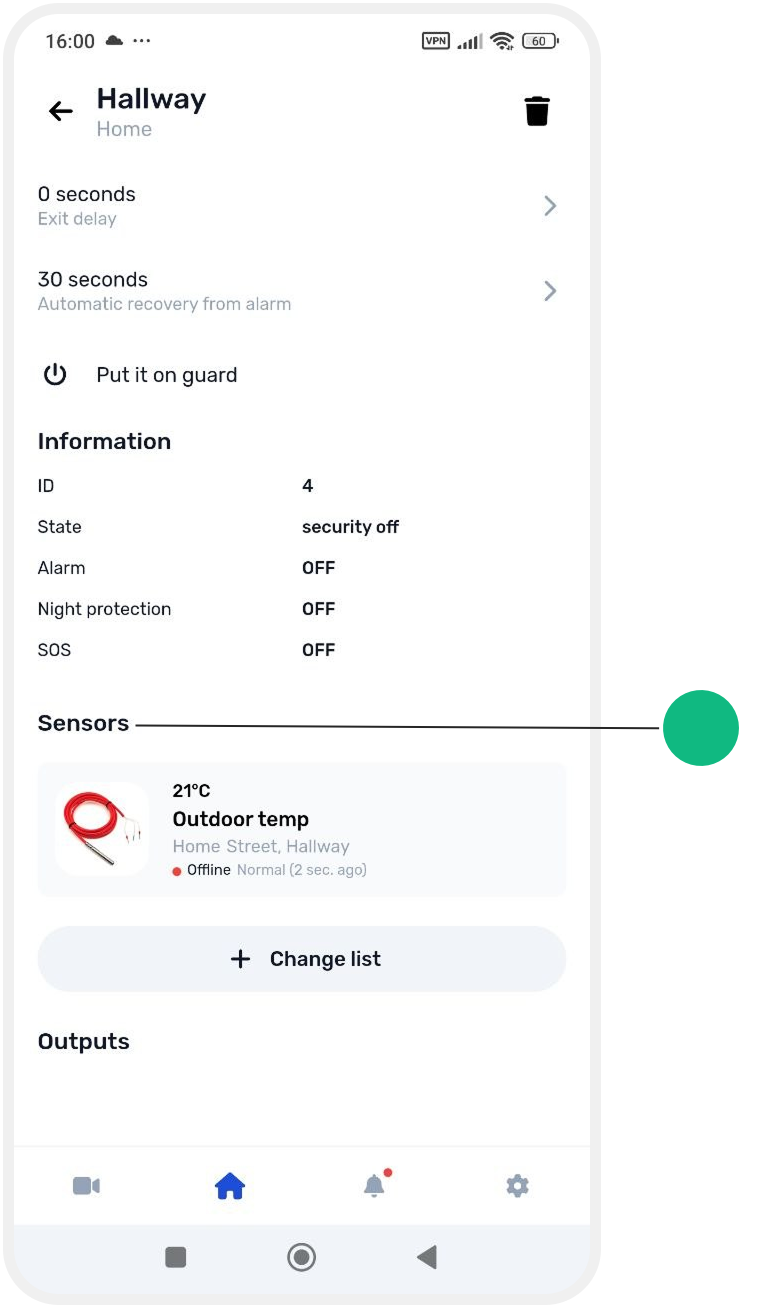
How to add outputs
1. In the zone card, tap Add outputs
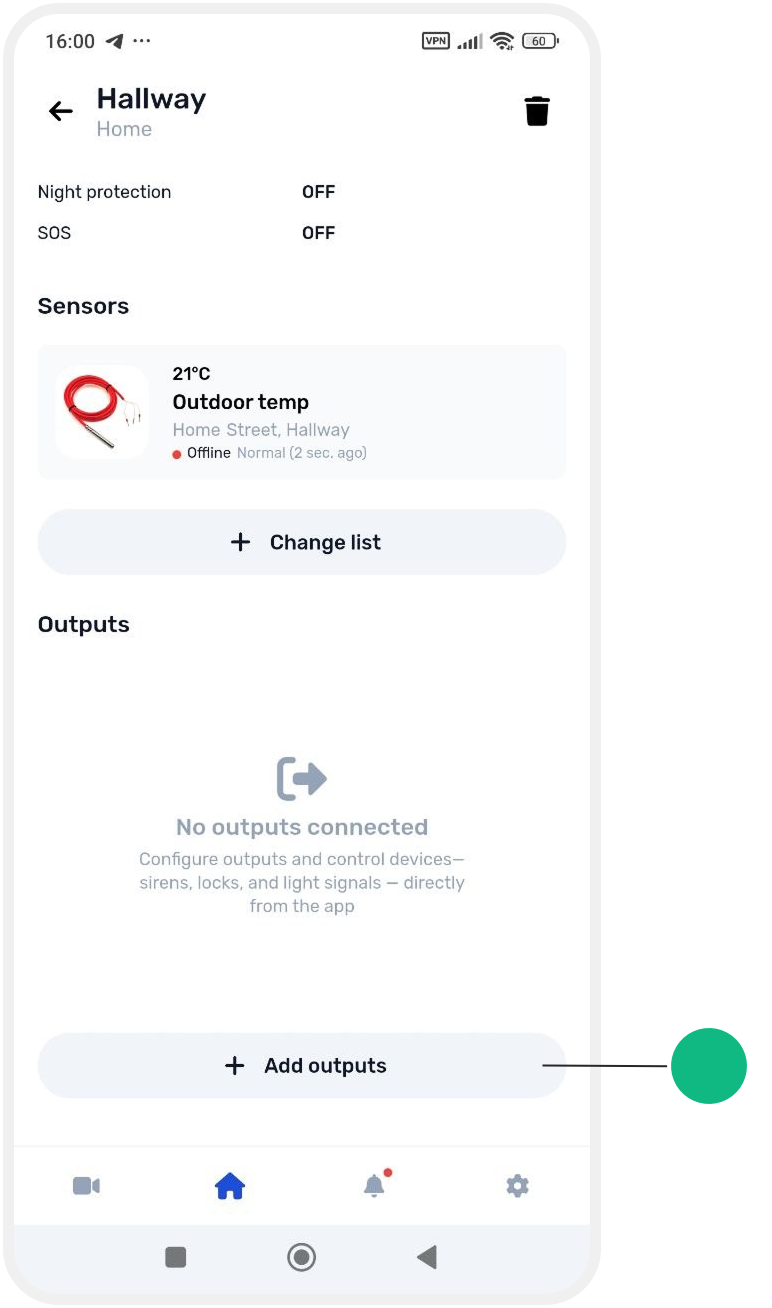
2. Enable the switches next to the required outputs
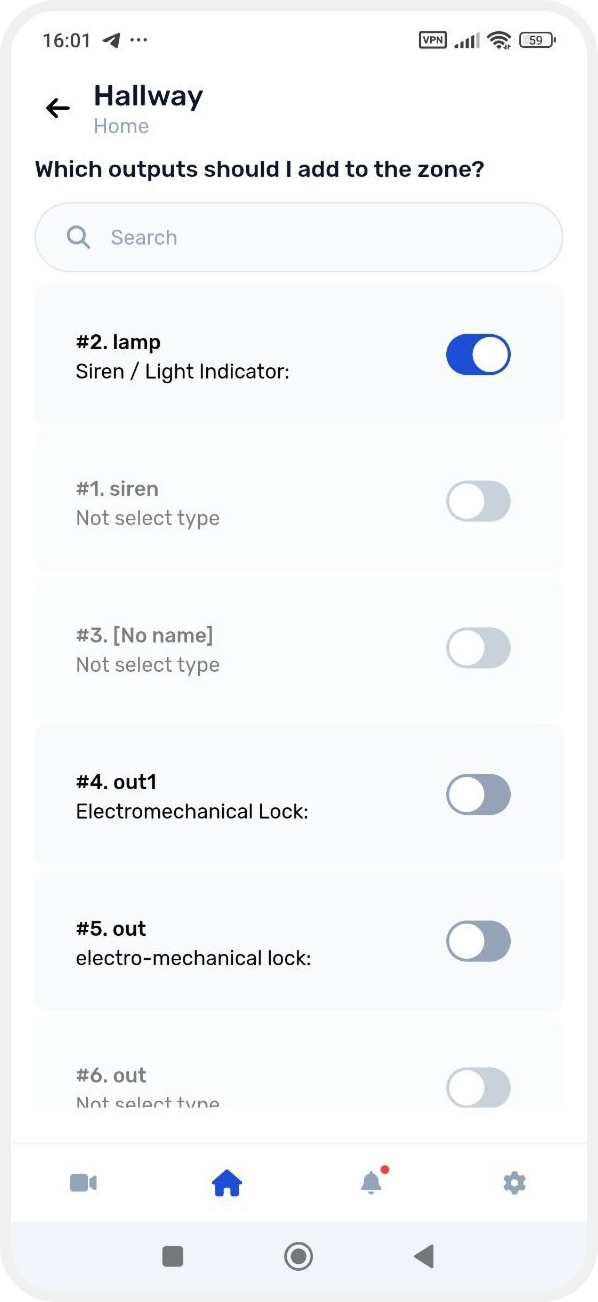
The selected outputs will be added to the zone and shown in its card.

How to edit the device list
If you need to change devices later:
— open the zone card
— in the Sensors or Outputs section, tap Change list

— select the required devices