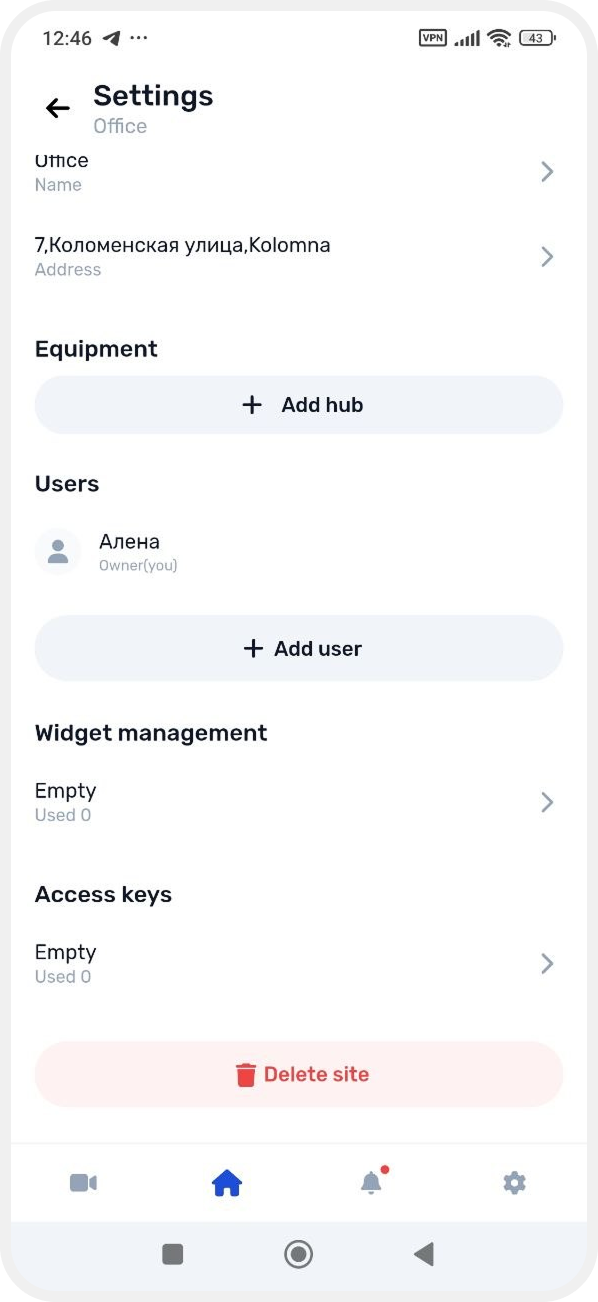
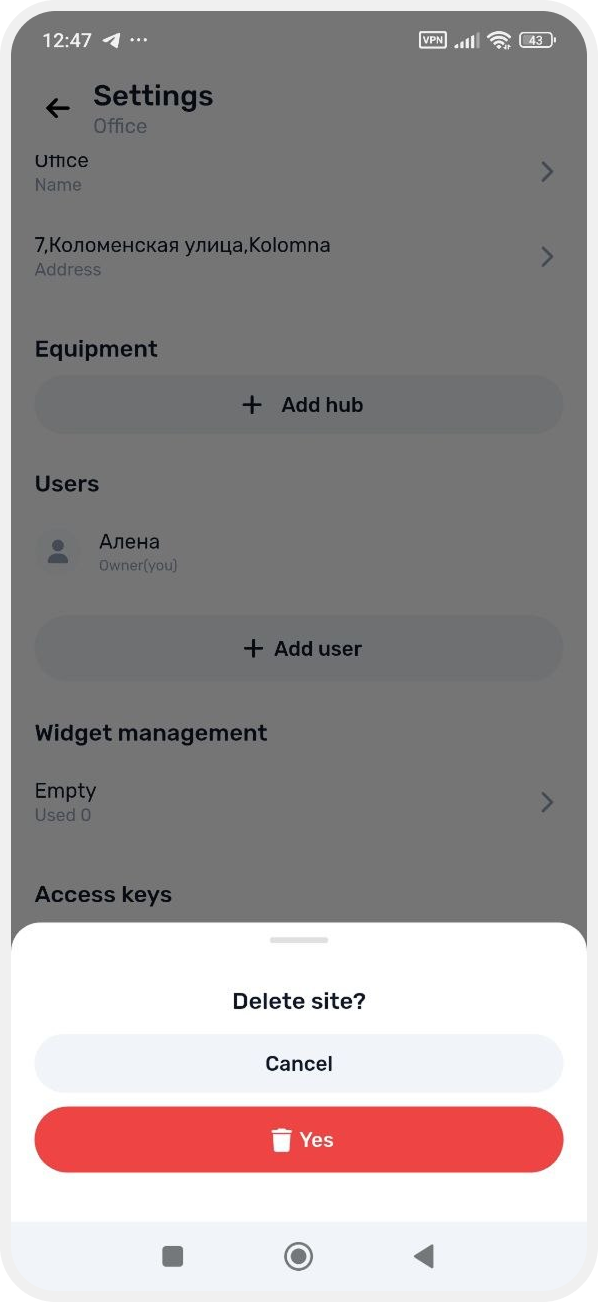
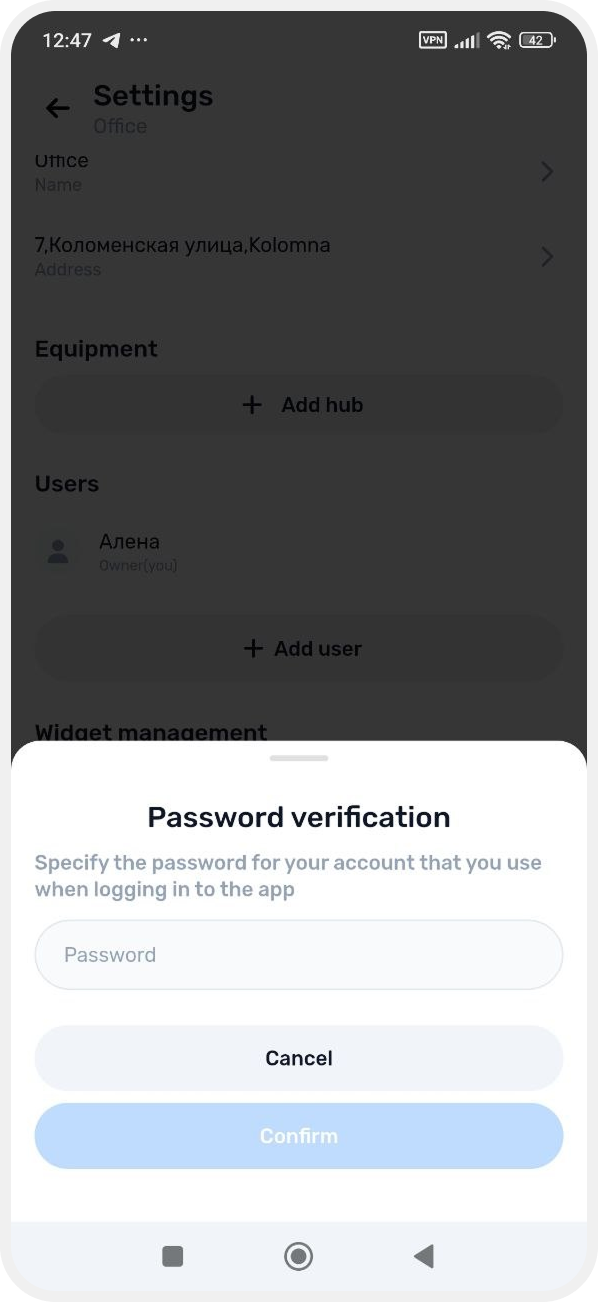
How to delete a site
If a site is no longer in use or you want to remove it from the app, you can delete it from the system.
Only the site owner can delete a site.
|
After deleting the site, the hub settings and connected device settings are not removed.
All communication parameters and system settings remain stored in the hub memory. This allows you to reconnect the system more quickly or use it for a new site without repeating the full setup process.
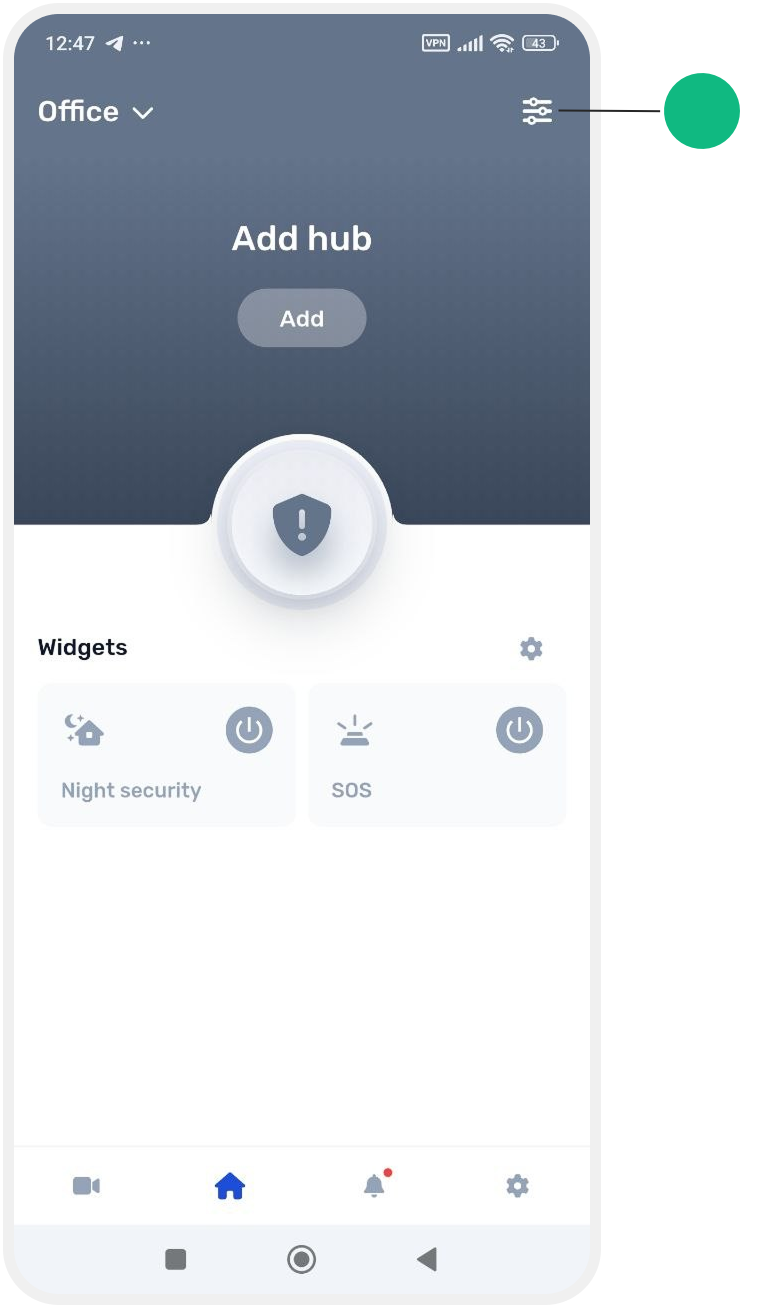
1. Open the main screen of the site
2. Tap the Settings button in the upper-right corner of the screen
3. Scroll down and tap Delete site
To confirm the deletion, enter the password you use to sign in to the app.