
How to delete a user
Only the Site owner or a Site administrator can remove a user from a site.
Users can also remove themselves from a site if they no longer want it to appear in their account.
To remove a user from a site
1. Open Site settings and go to the Users section
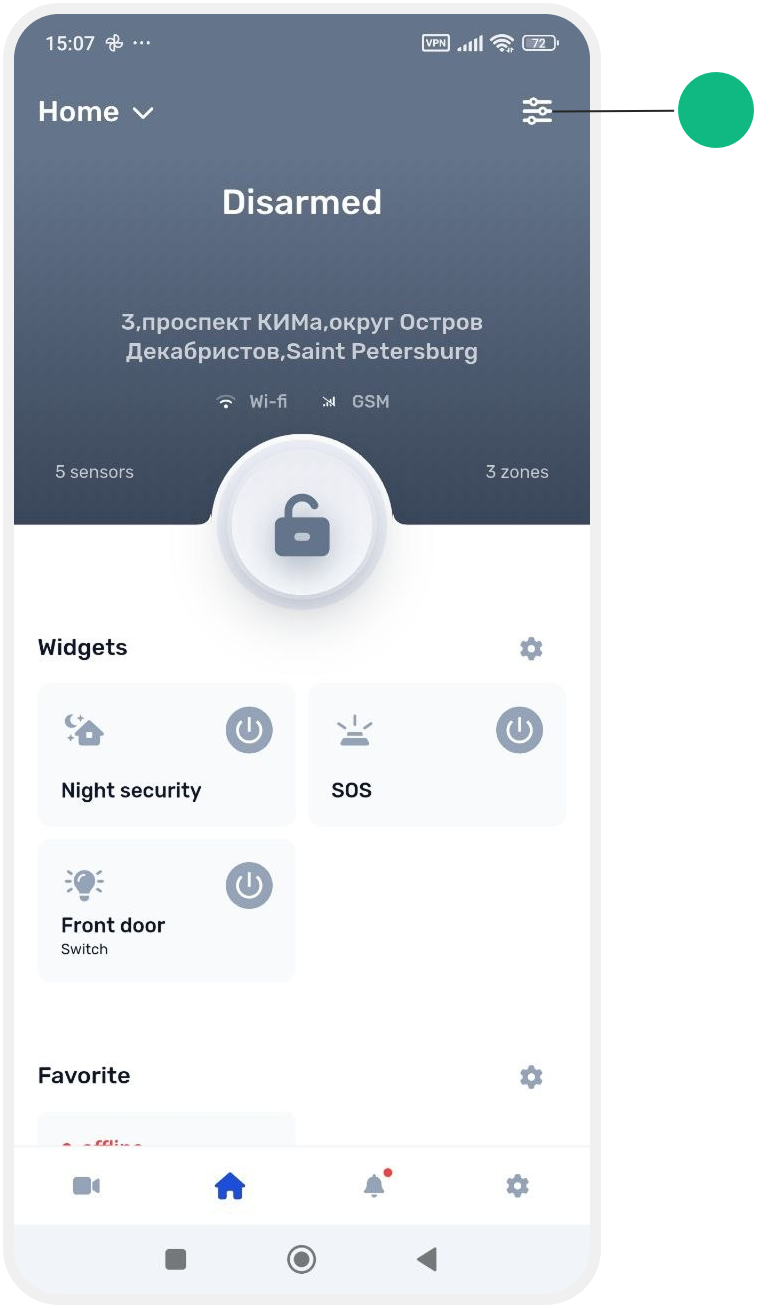

2. Find the user you want to remove
3. Open the user's profile and tap Delete user
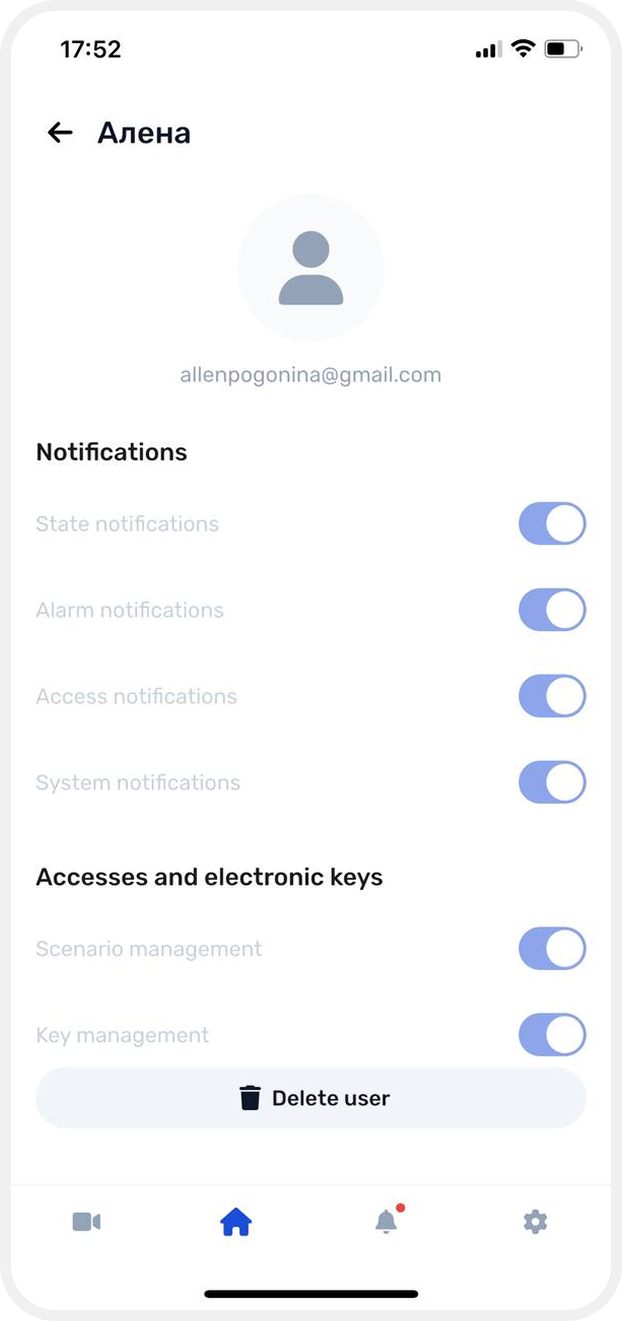
4. Confirm the deletion
After the user is deleted, they will immediately lose access to the site.
The site will be removed from their site list, and the user will no longer appear in the site's user list.