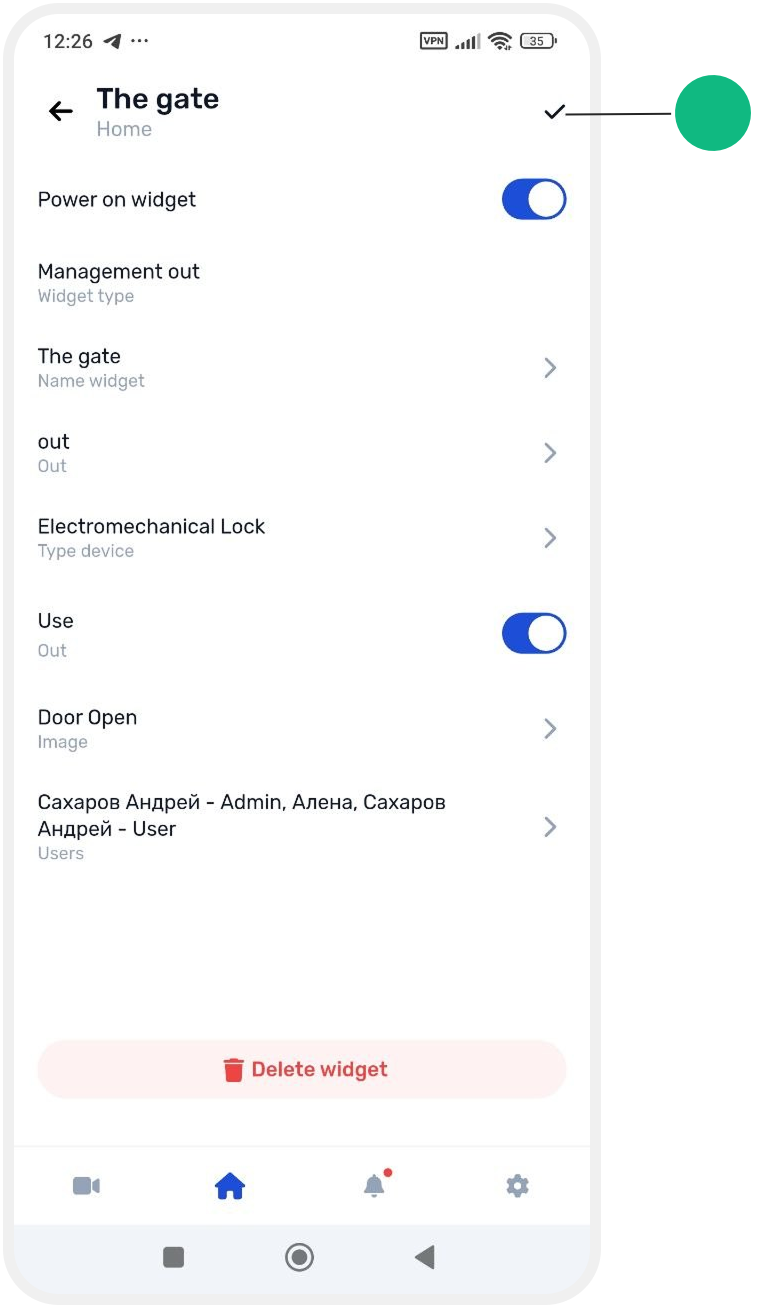
How to edit a widget
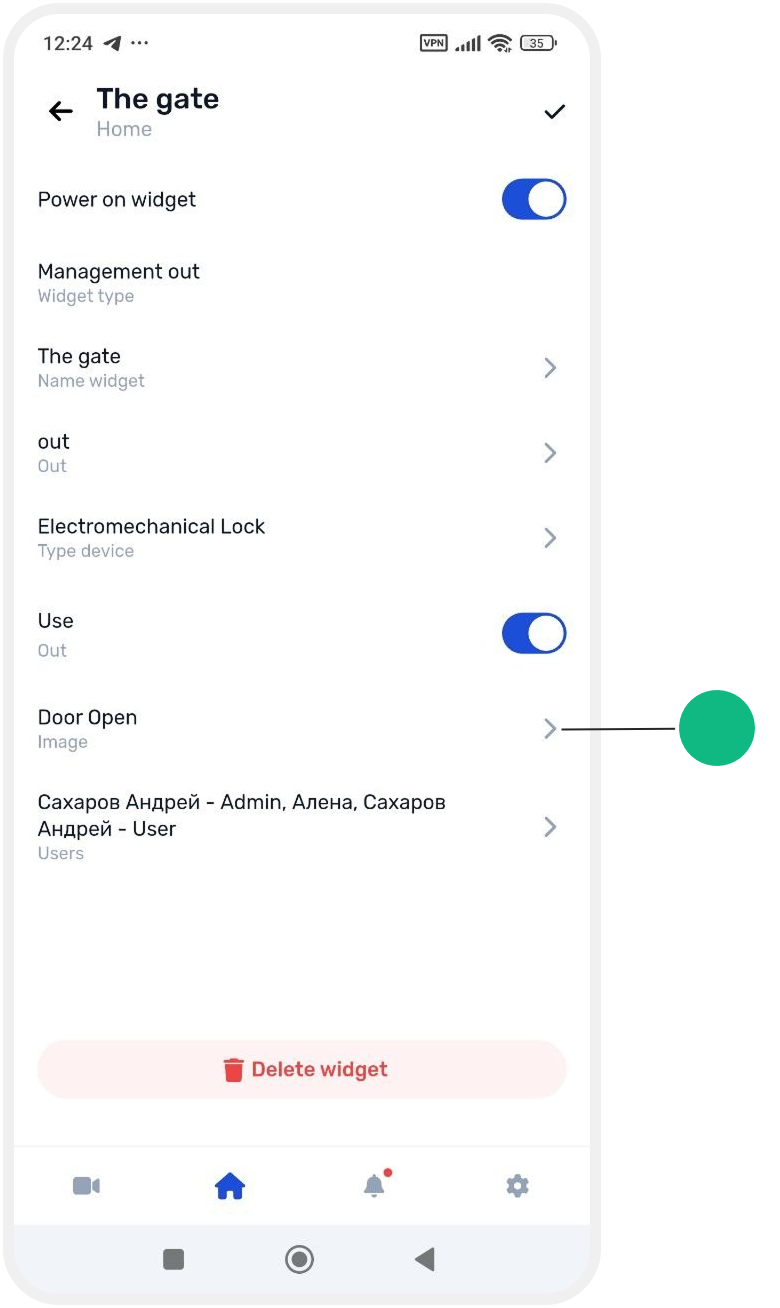
If you want to change an existing widget — for example rename it, change its icon, zone, or output — follow these steps:
1. On the main site screen, tap the gear icon above the pinned widgets

2. Find the widget you want to edit and tap on it

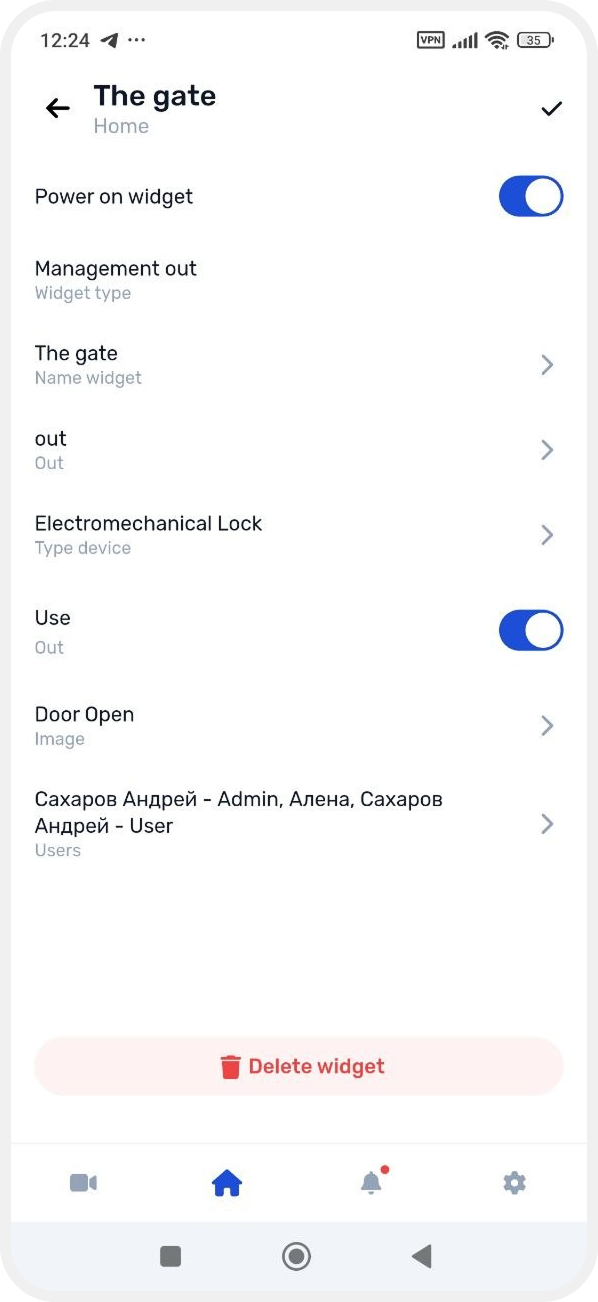
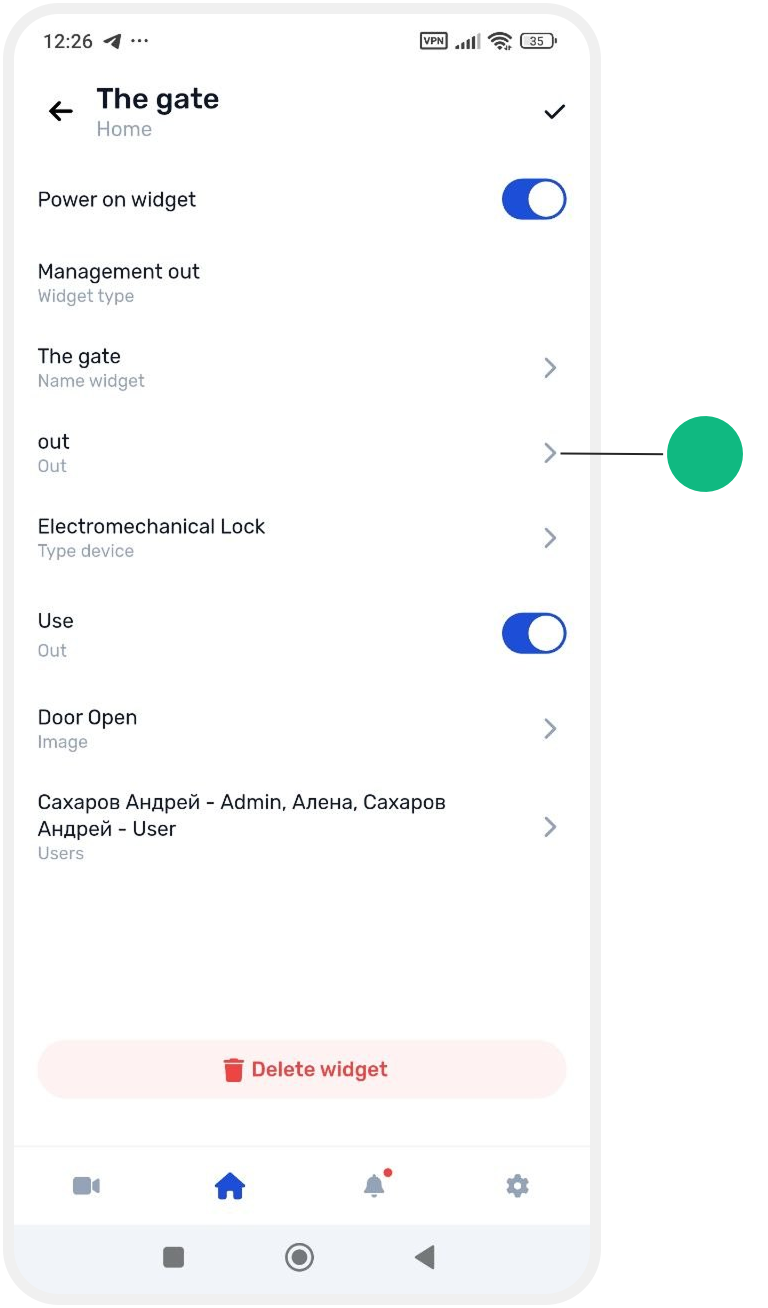
3. In the widget settings screen you can:
-
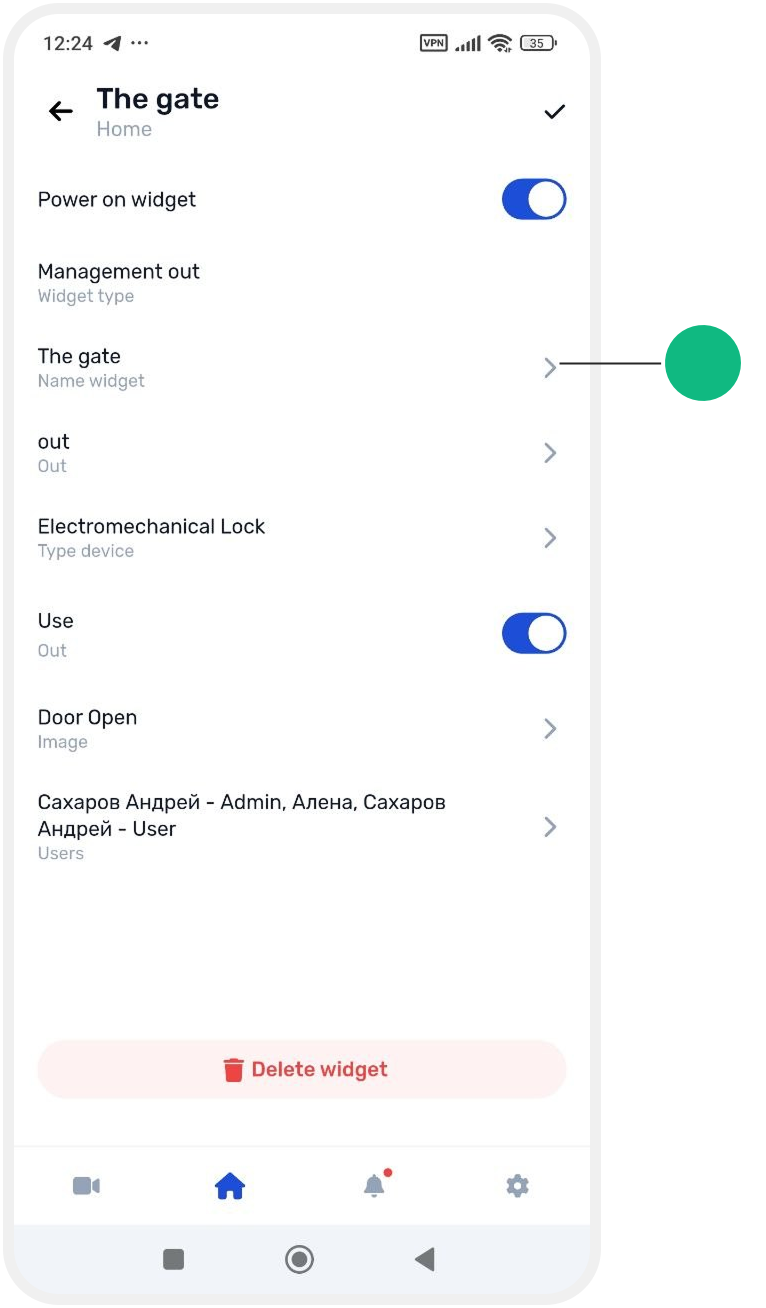
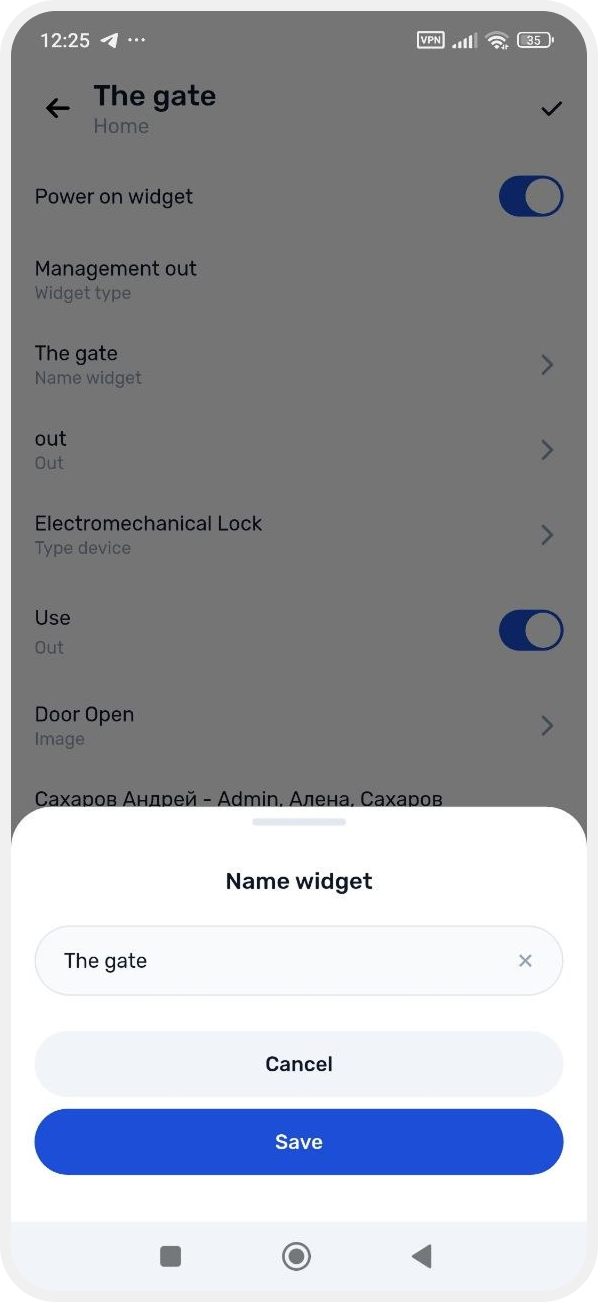
change the widget name
-
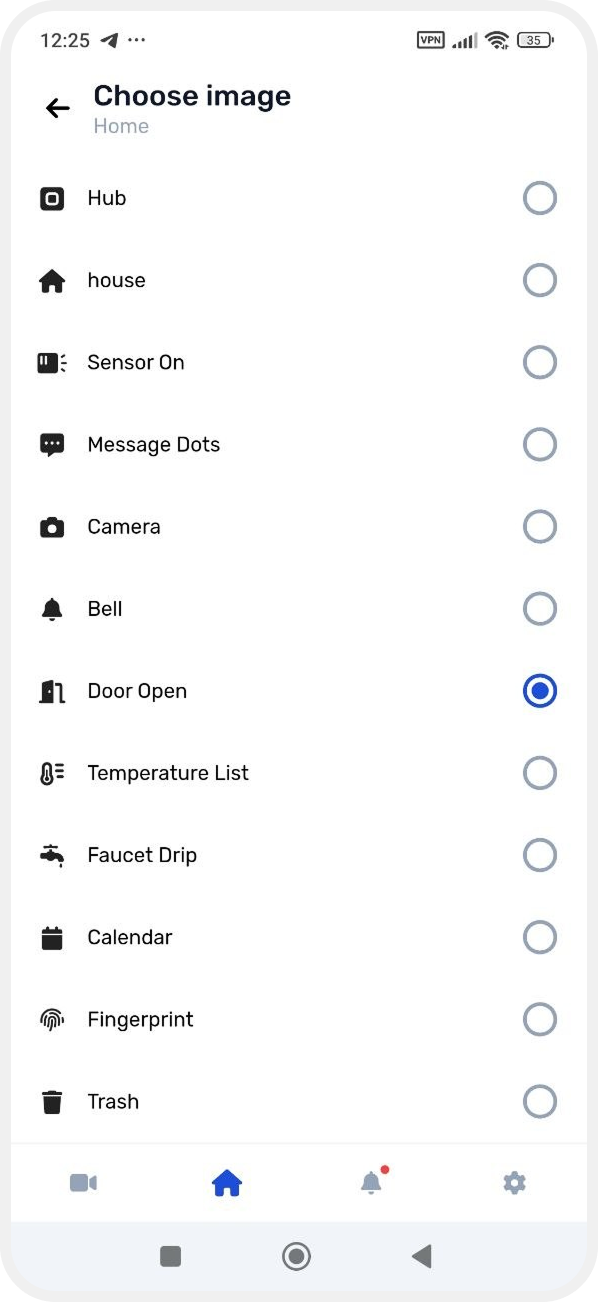
choose a different icon
-
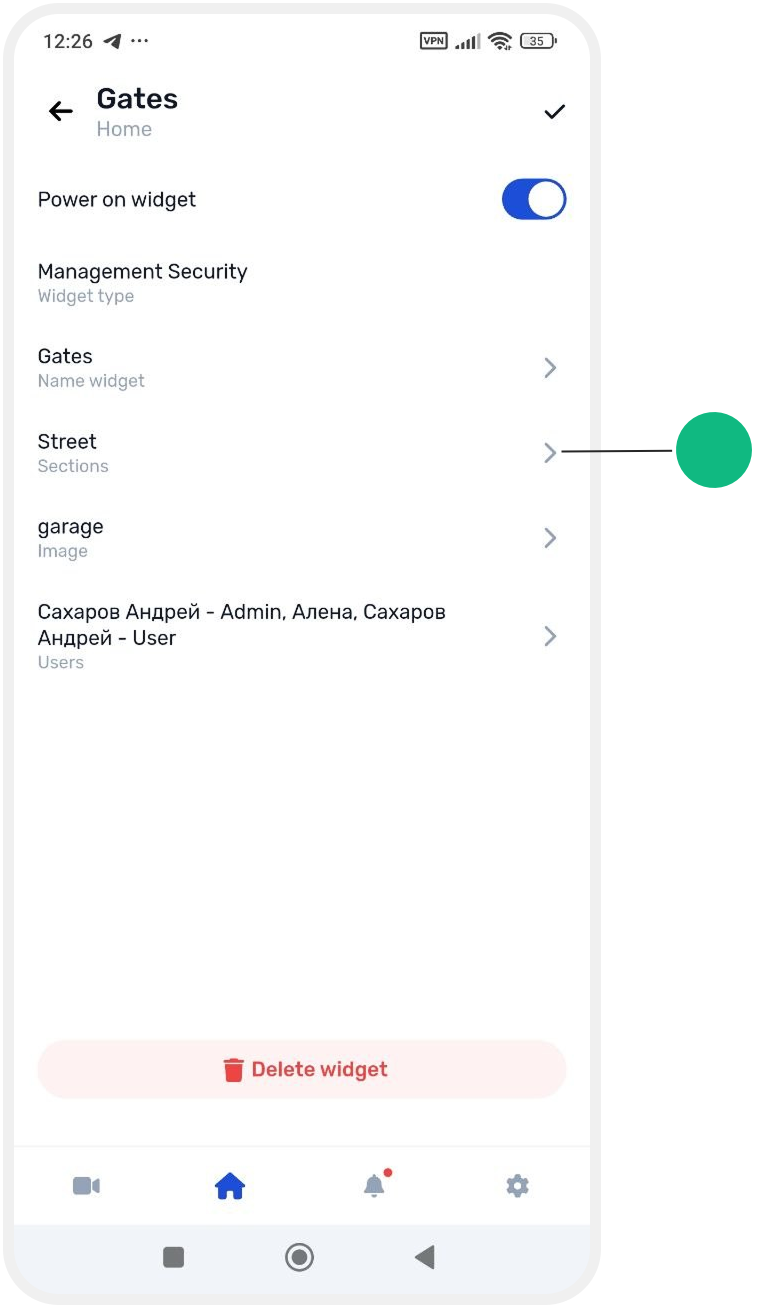
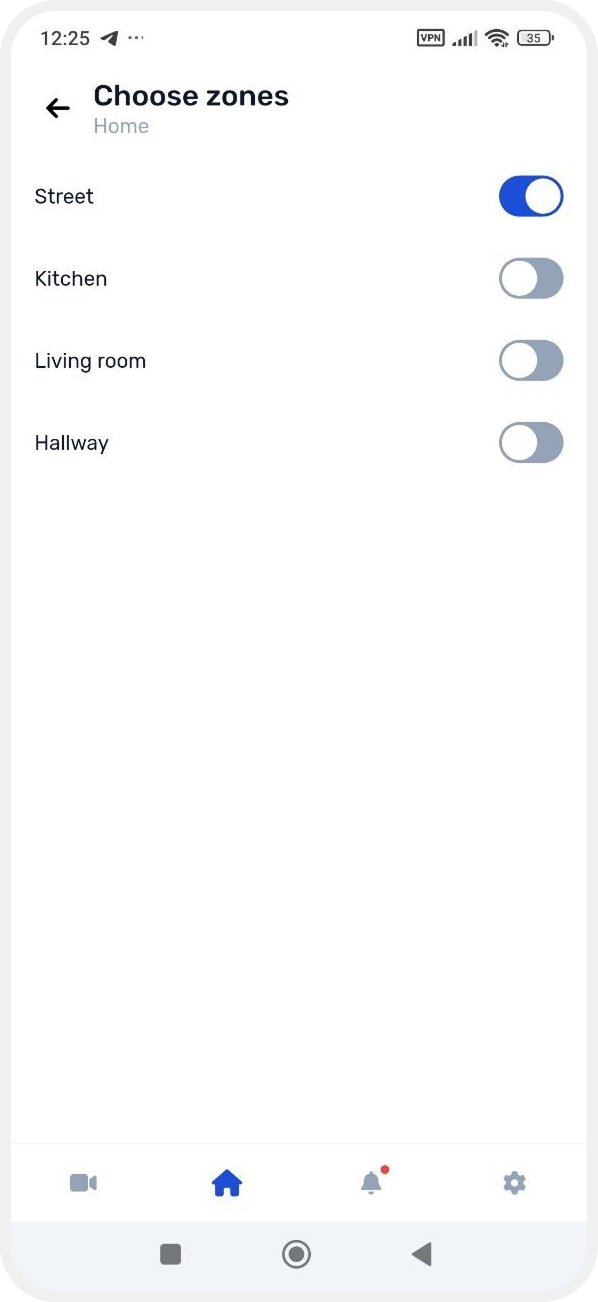
change selected zones or outputs
-
-
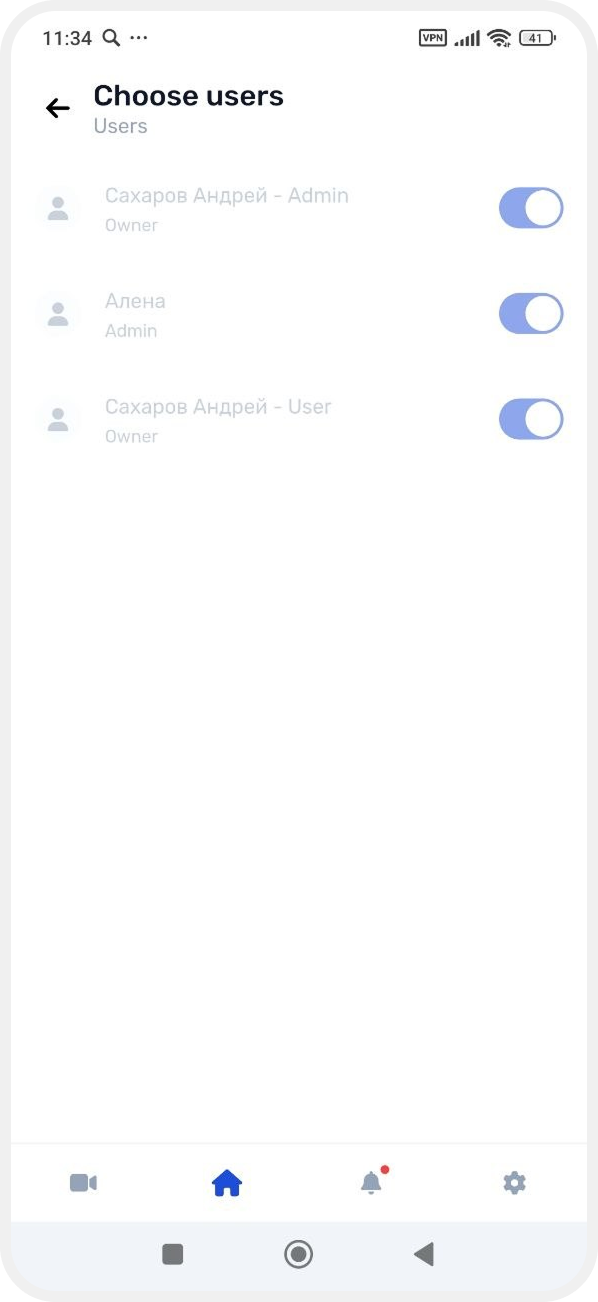
manage user access
-
disable the widget (it will be removed from the main screen but not deleted)
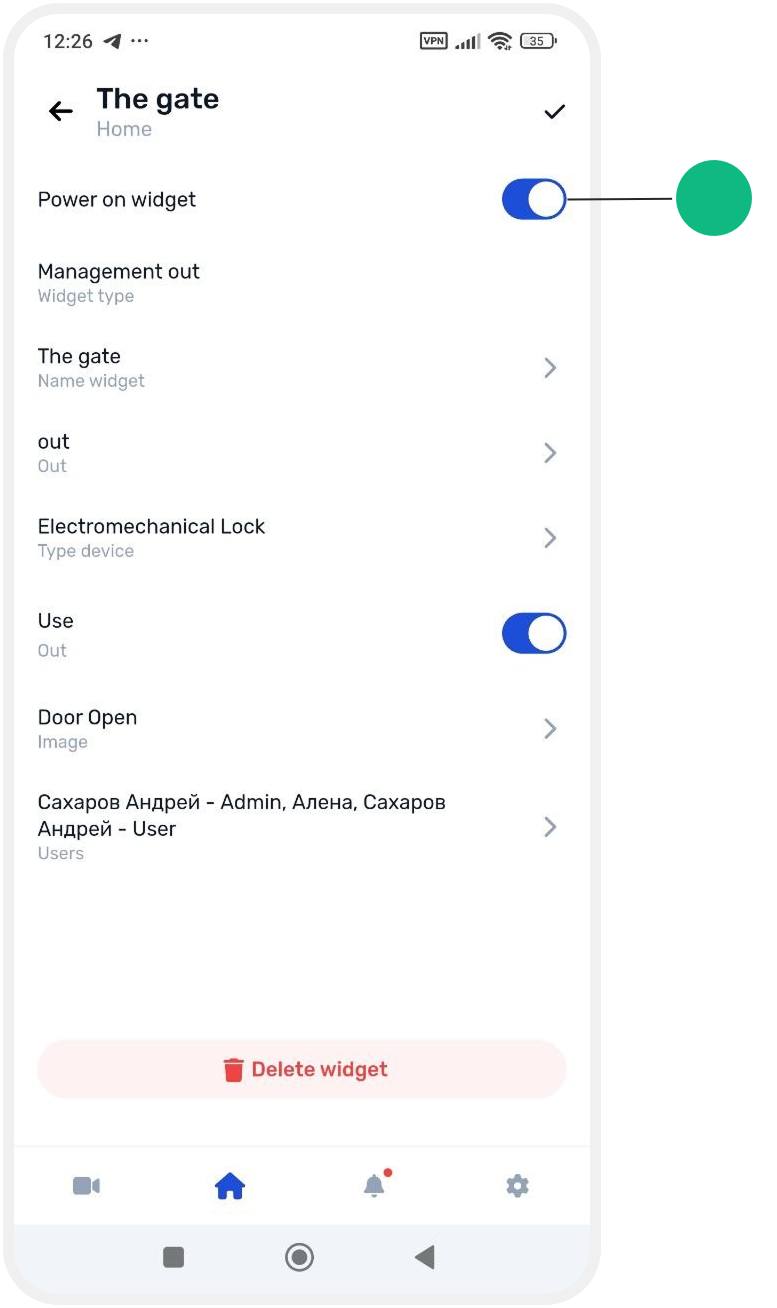
How to re-enable a widget
If you disabled a widget and want to restore it:
1. Go to Site settings

2. Open Widget management
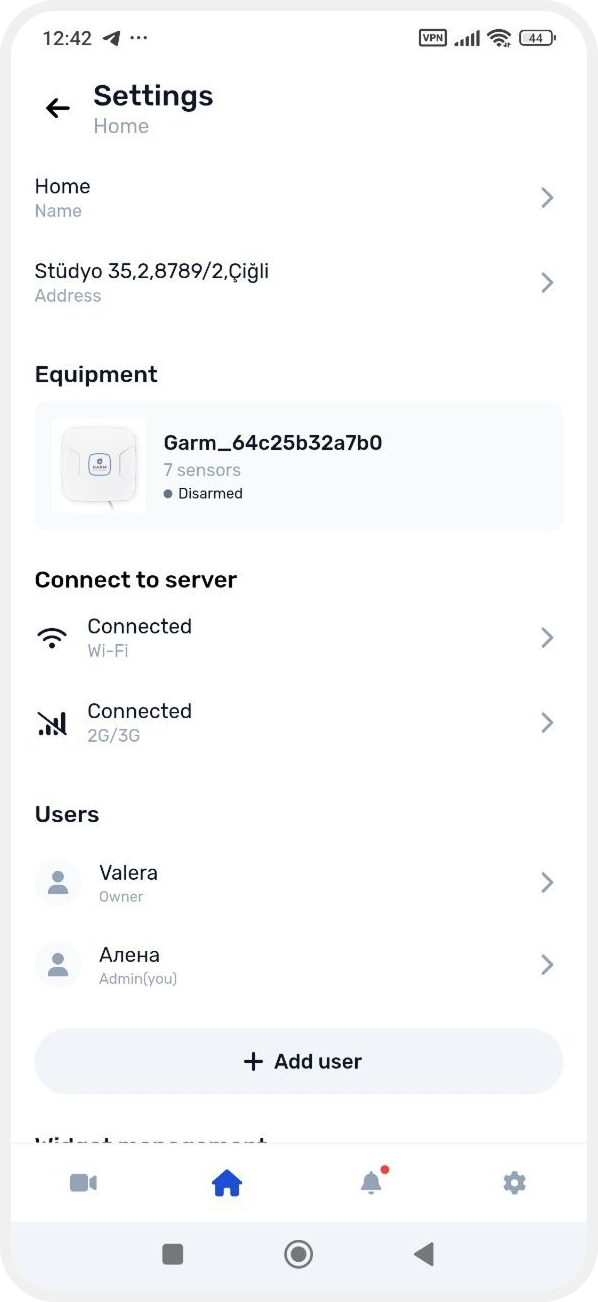
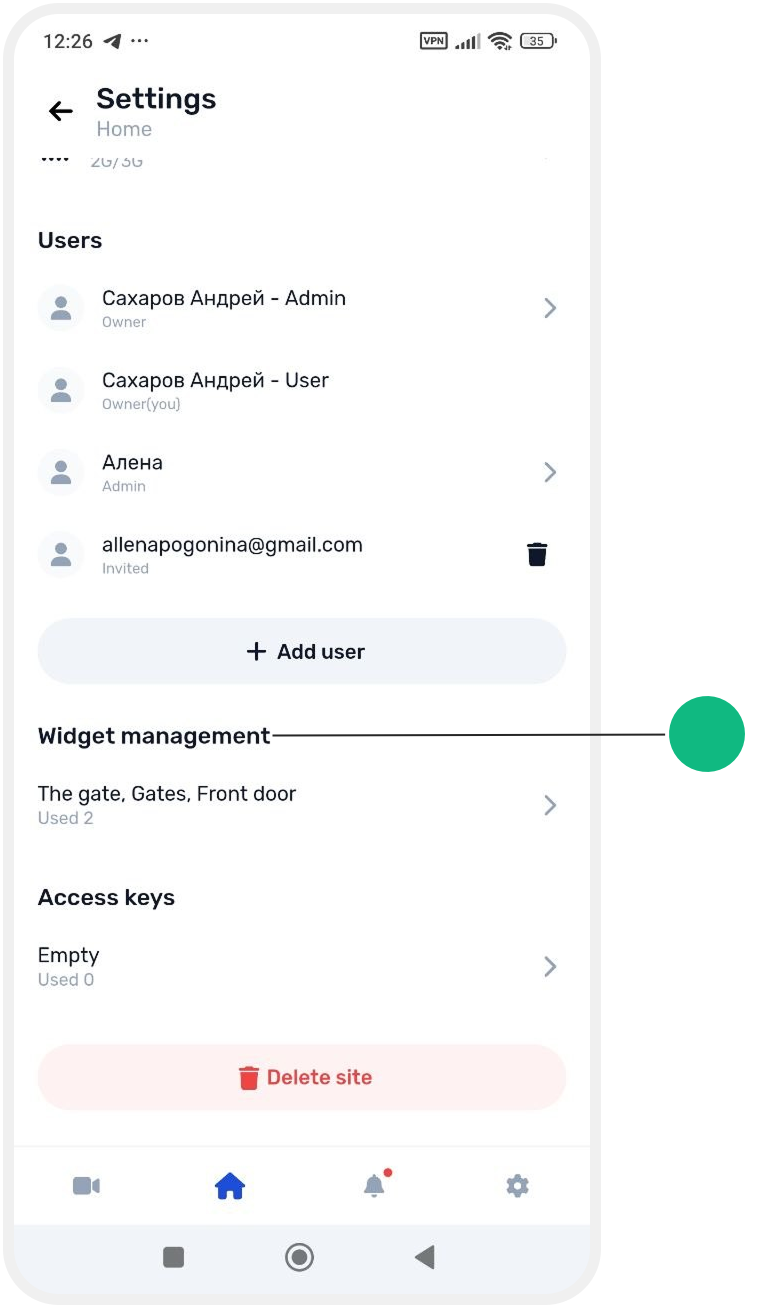
3. Find the required widget and turn it on using the toggle
4. Tap the checkmark in the top right corner to save changes