
Parent and child sensors
Some devices can perform multiple functions at the same time.
For example, one sensor may:
-
detect motion
-
measure temperature
-
control outputs or a siren
In the system, such devices are split into parent and child entities.
What is a parent sensor
A parent sensor is the main device added to the system.
It:
-
is connected to the hub
-
is shown as the main device
-
represents the primary function of the sensor
Examples:
-
motion sensor → main function: motion detection
-
wireless siren → main function: sound alert
What is a child sensor
A child sensor is an additional function of the same device, created automatically after the sensor is added.
Examples:
-
temperature measurement
-
light control
-
siren control
-
additional output
Child sensors:
-
are created automatically
-
are linked to the parent device
-
cannot exist independently
-
move together with the parent sensor
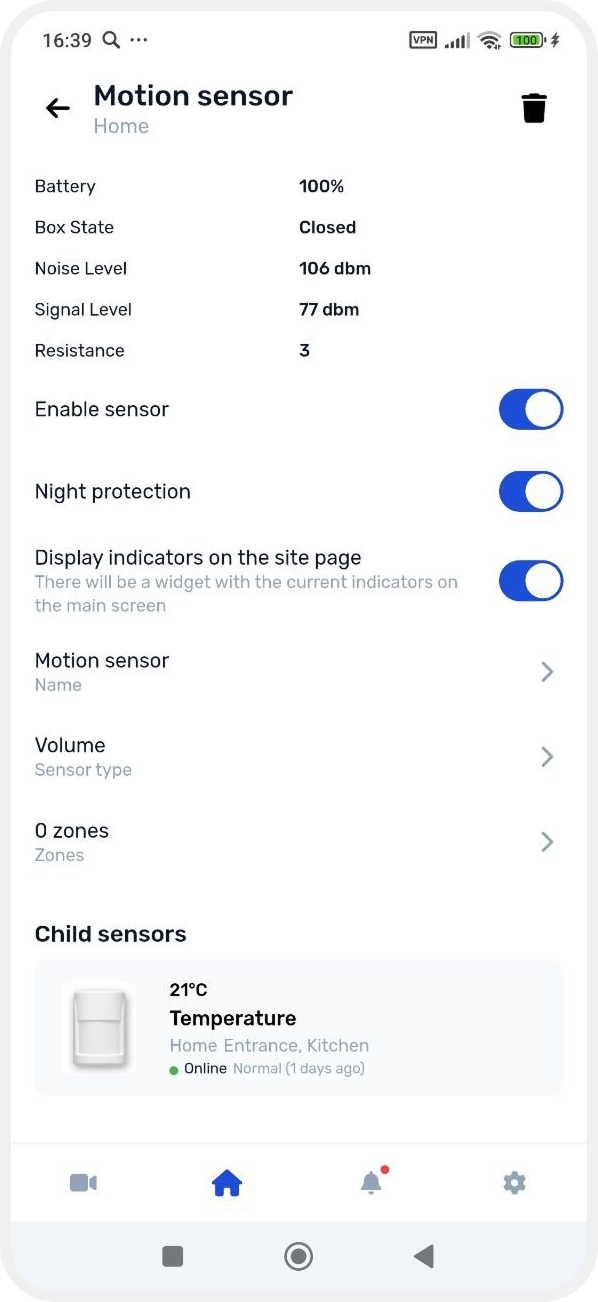
For example, if a motion sensor is assigned to the “Kitchen” zone, its child temperature sensor will automatically belong to the same zone.
Example: motion sensor with temperature
Let’s take a wireless motion sensor already added to the system.
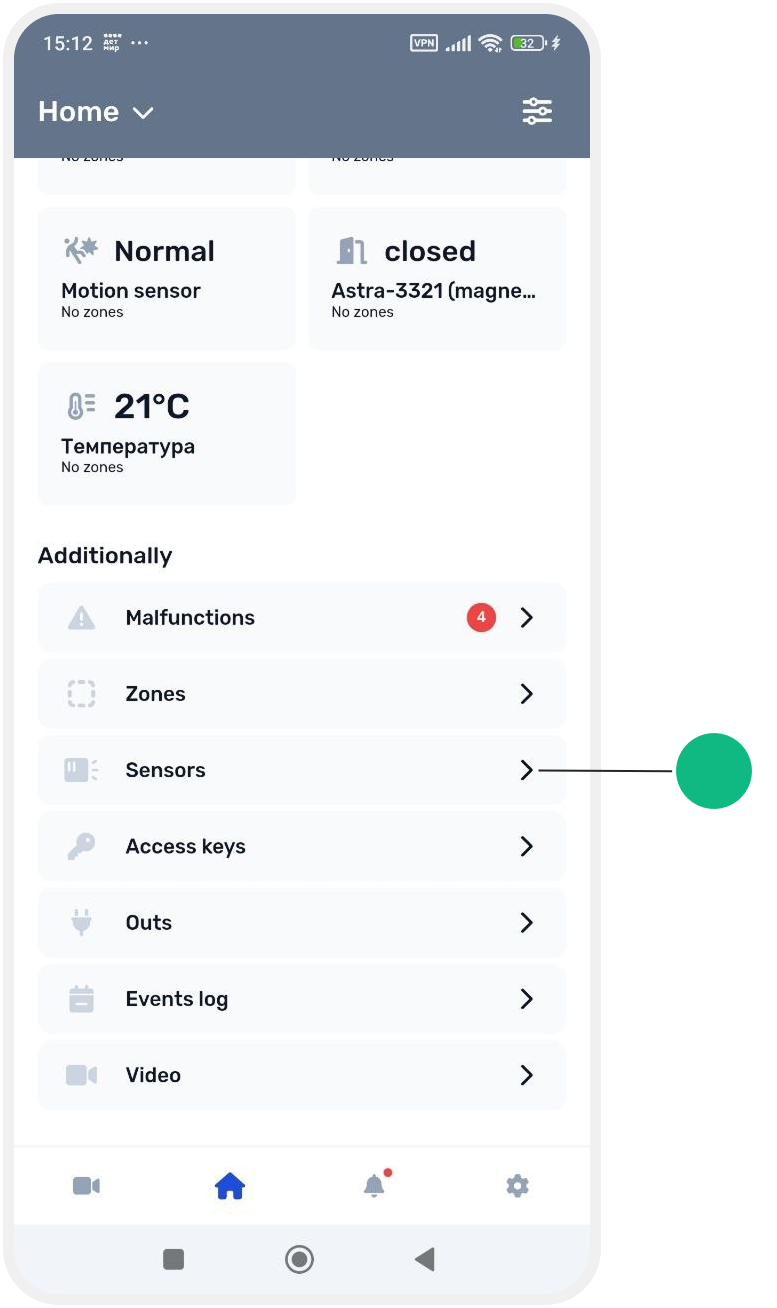

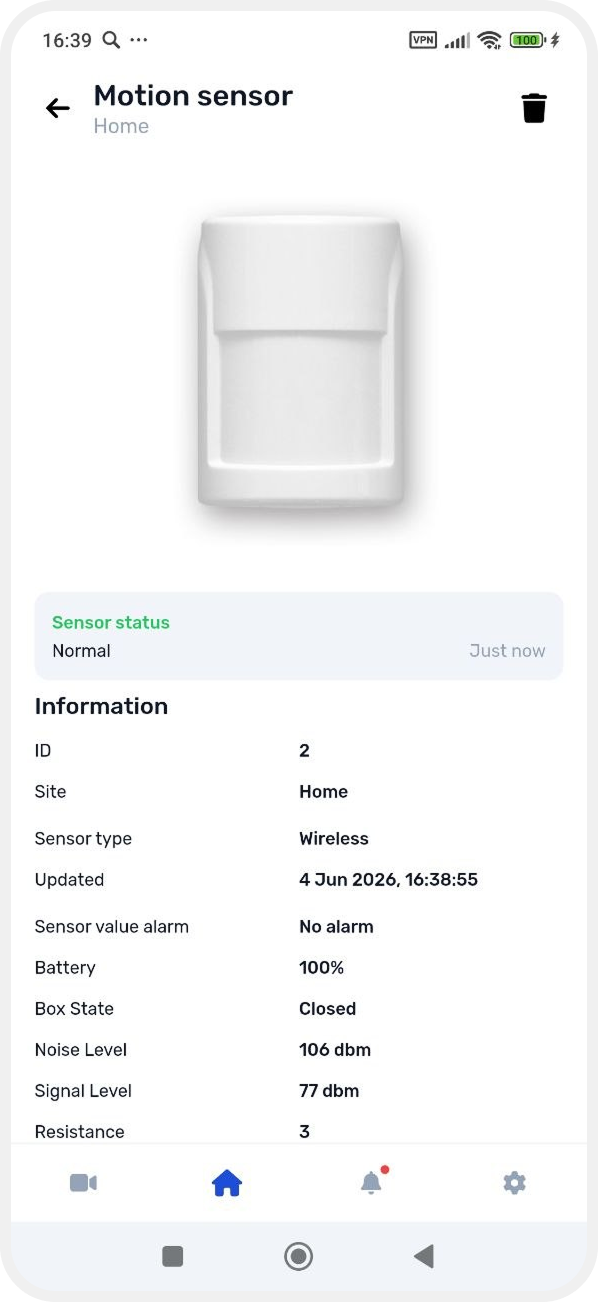
This device is a parent sensor, because its main purpose is motion detection.
However, it may also include a built-in temperature sensor.
In this case, after adding the device, the system will show two entities:
-
parent motion sensor
-
child temperature sensor
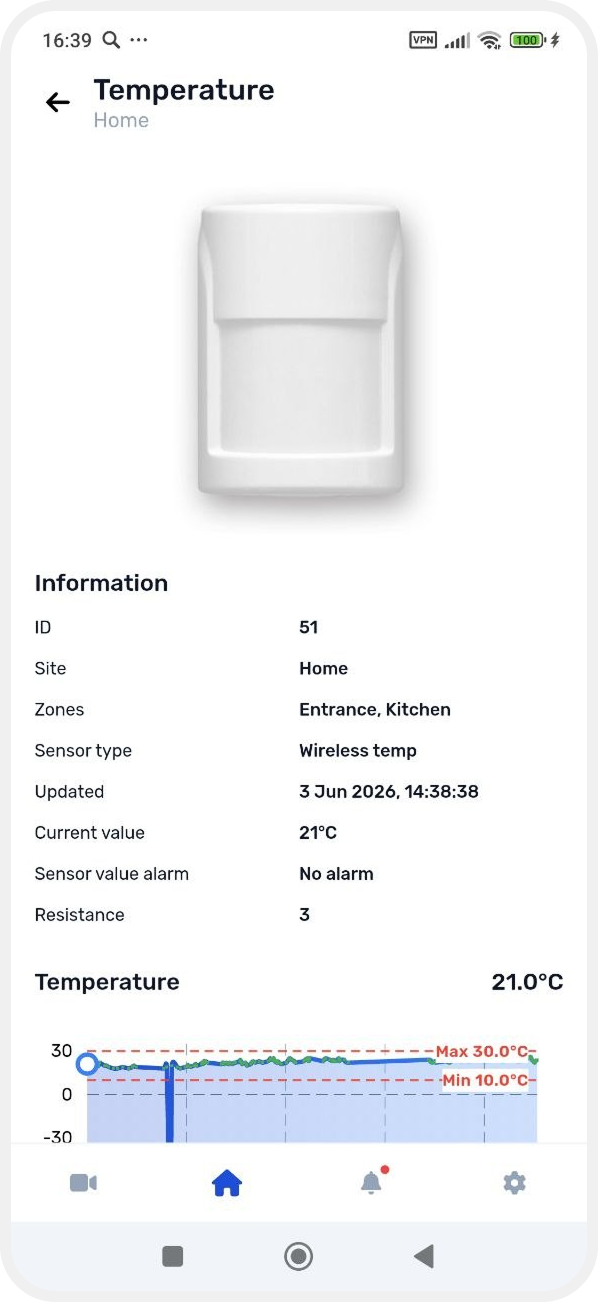
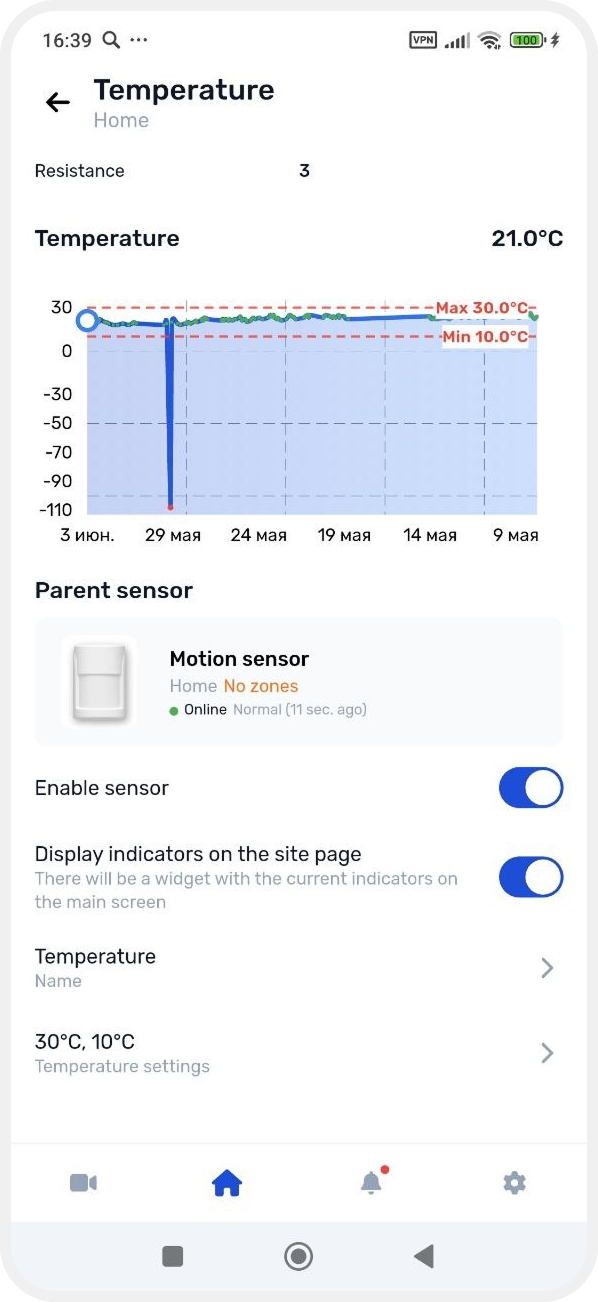
This means one physical device can perform multiple functions.