How to add a site
After registering in the GARM app, you can start creating sites. A site is your home, office, country house, or any other location you want to protect.
How to add your first site
Right after registration, you will be taken to the main screen, where you can add your first site:
1. On the main screen, tap the Add button

2. Enter the site name, for example: “Apartment,” “Country House,” or “Office”
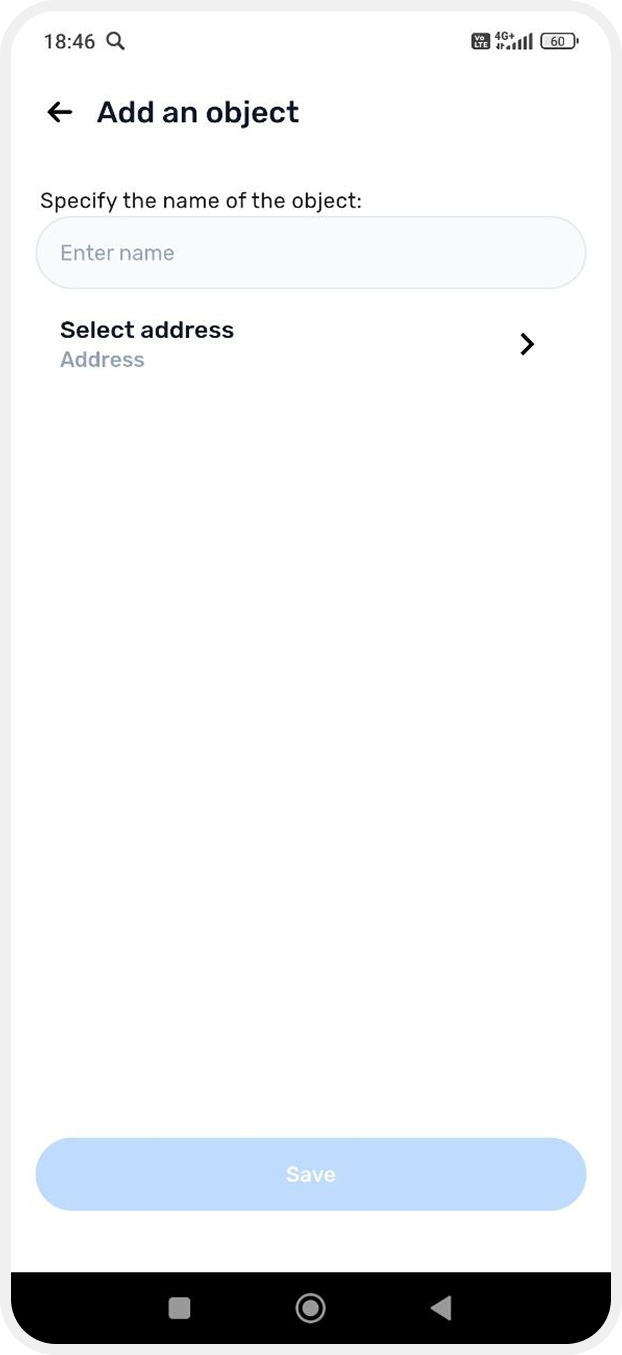
3. Specify the site address — select a point on the map or enter it manually in the search field
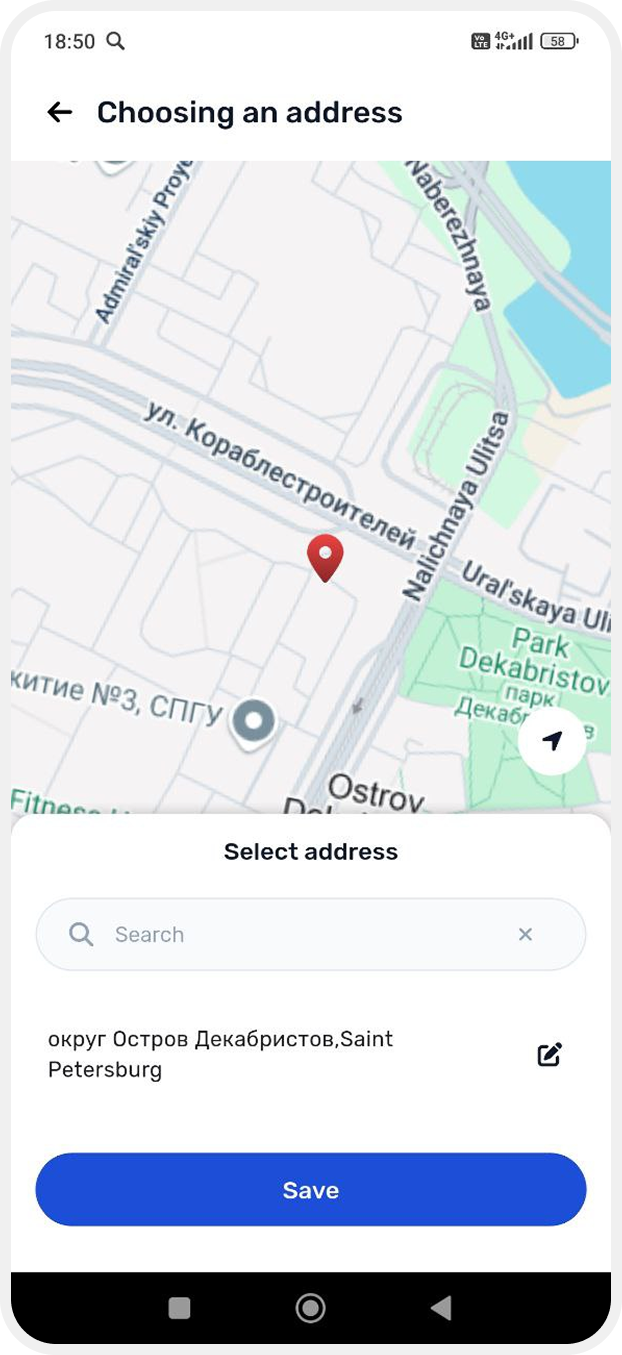
4. Tap Save — the site will be added
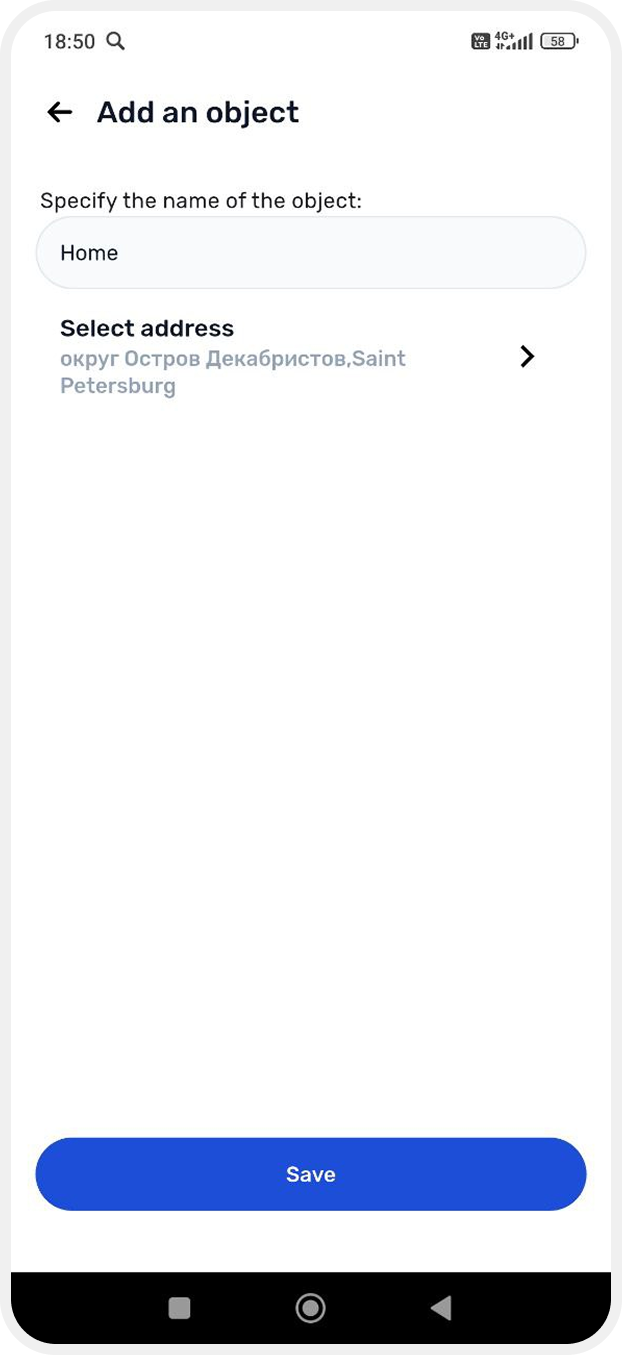
After creating the site, connect a hub to it. For instructions on adding a hub, see here.