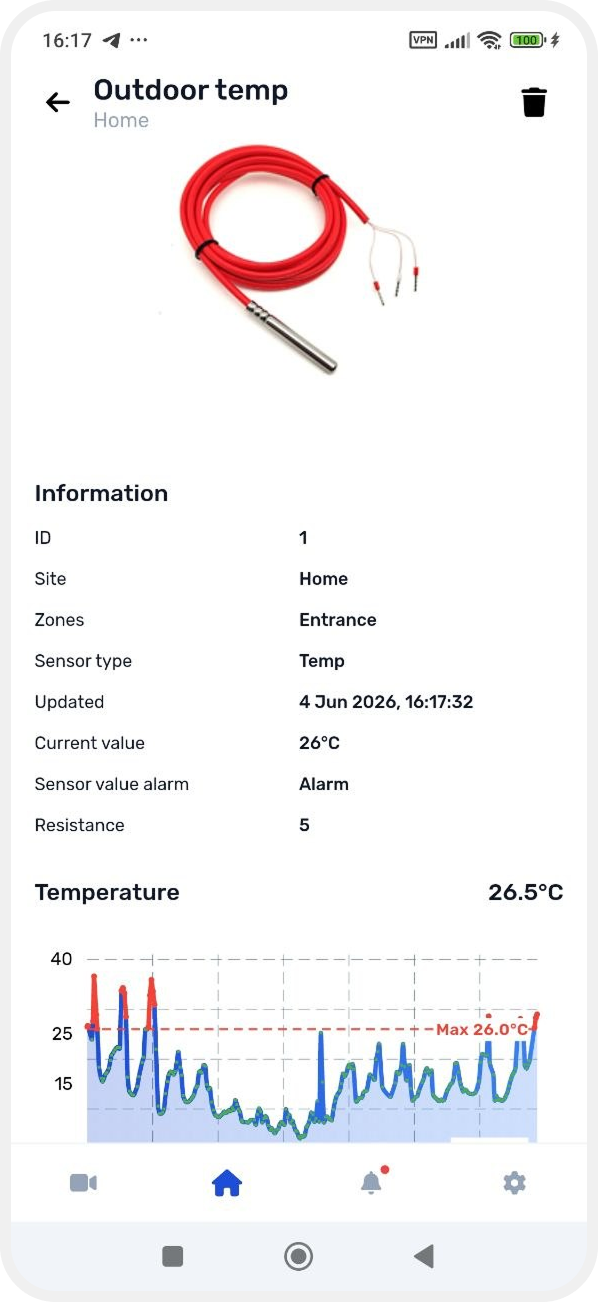
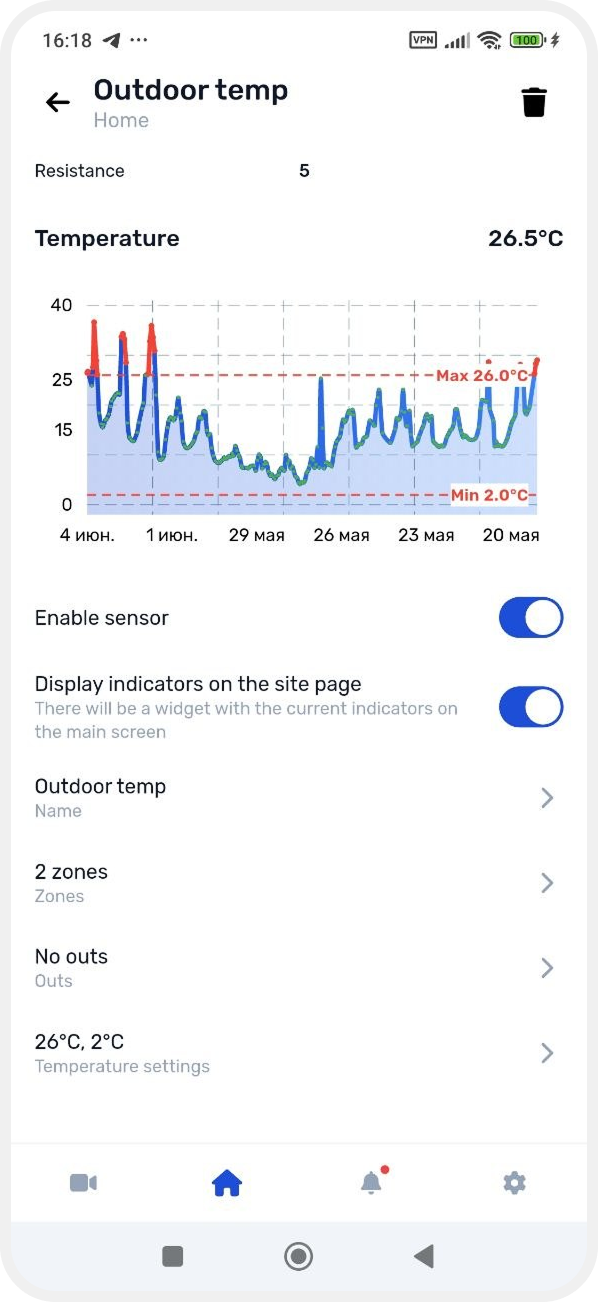
How to add a temperature sensor
After physically connecting a wired temperature sensor to the hub, you need to add and configure it in the app.
Adding the sensor
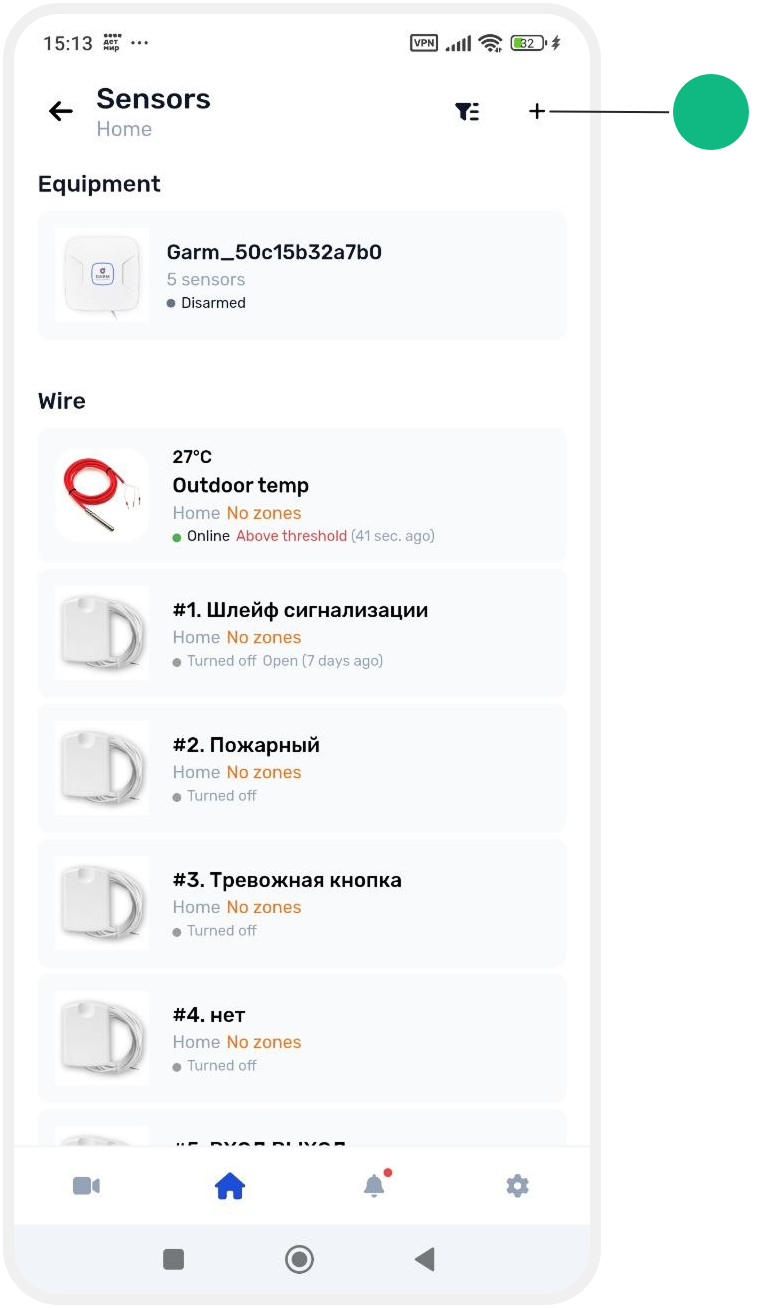
1. Go to the Sensors tab on the main object screen

2. Tap Add sensor in the top right corner
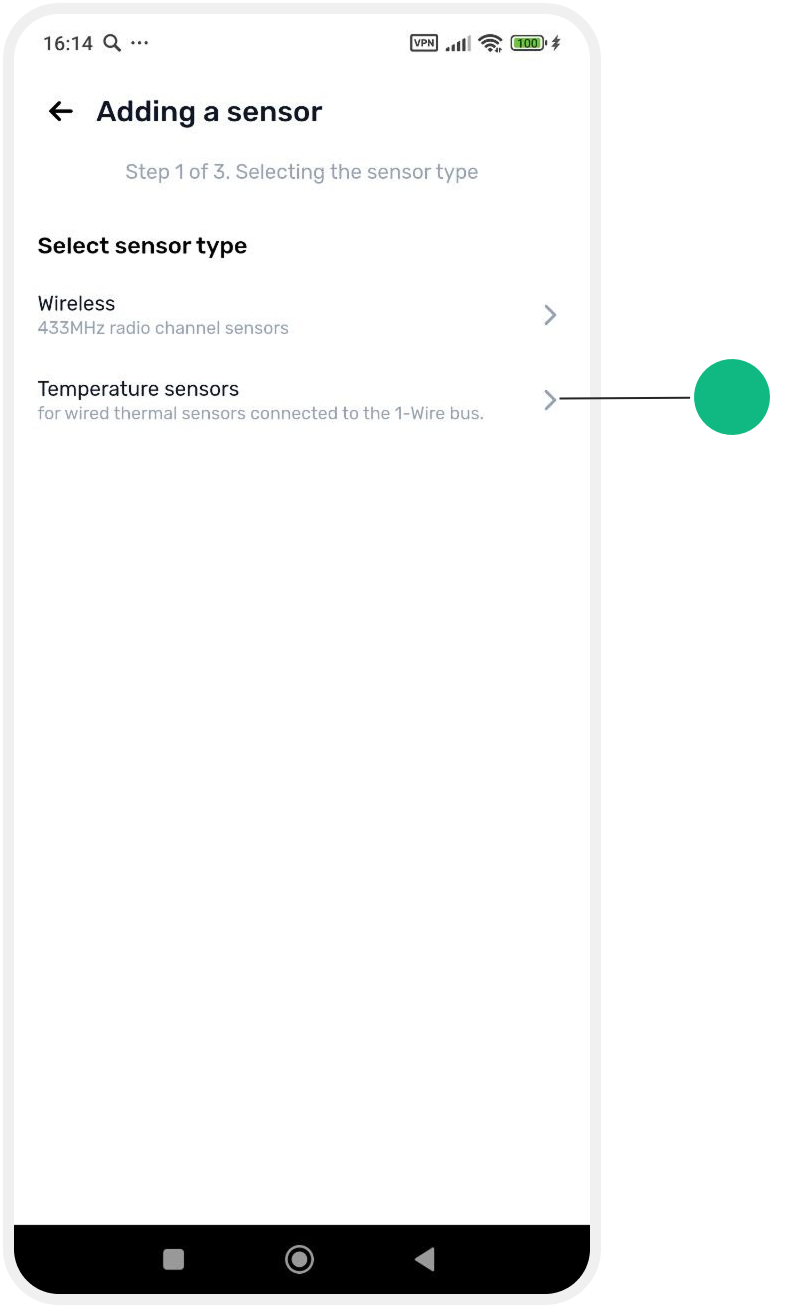
3. Select device type: Temperature sensors
Sensor search
4. Connect the sensor to the hub input and tap Continue
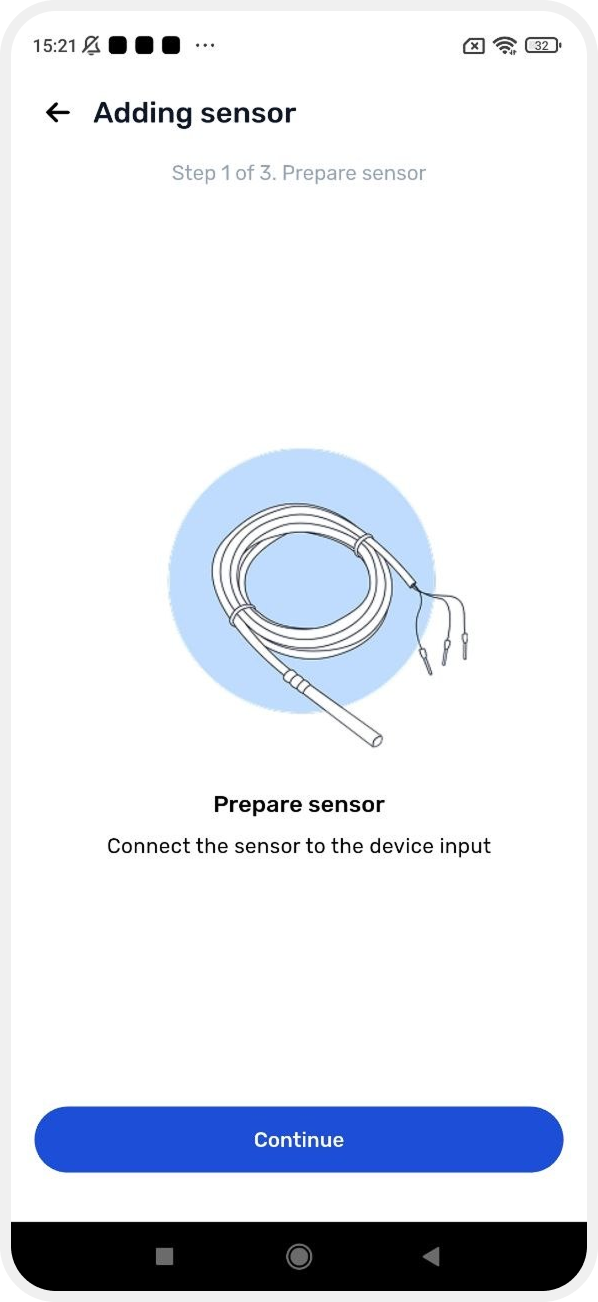
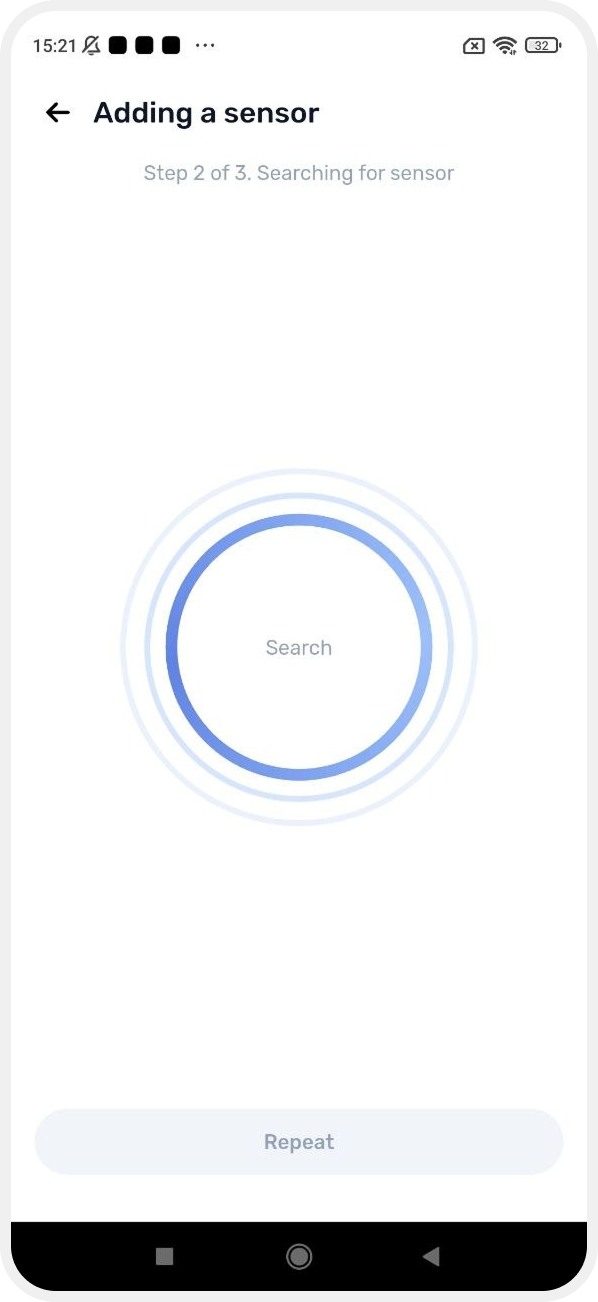
The app will start searching for the connected device
If the sensor is connected correctly, it will be detected automatically.
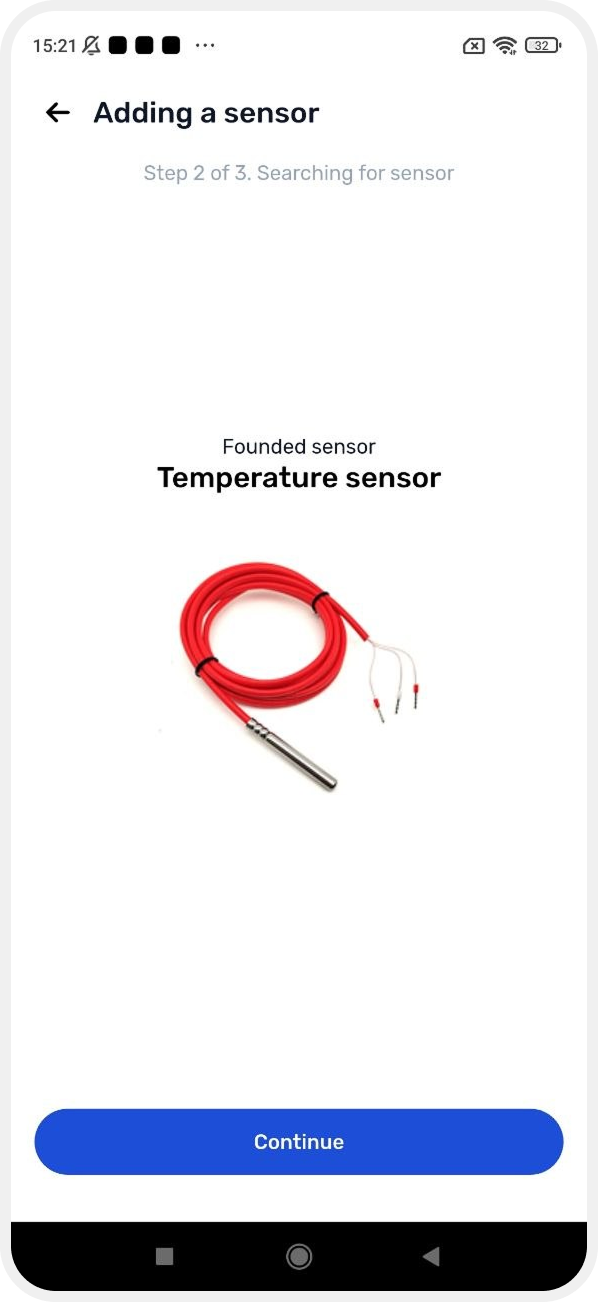
Sensor setup
After detection, configure the sensor parameters:
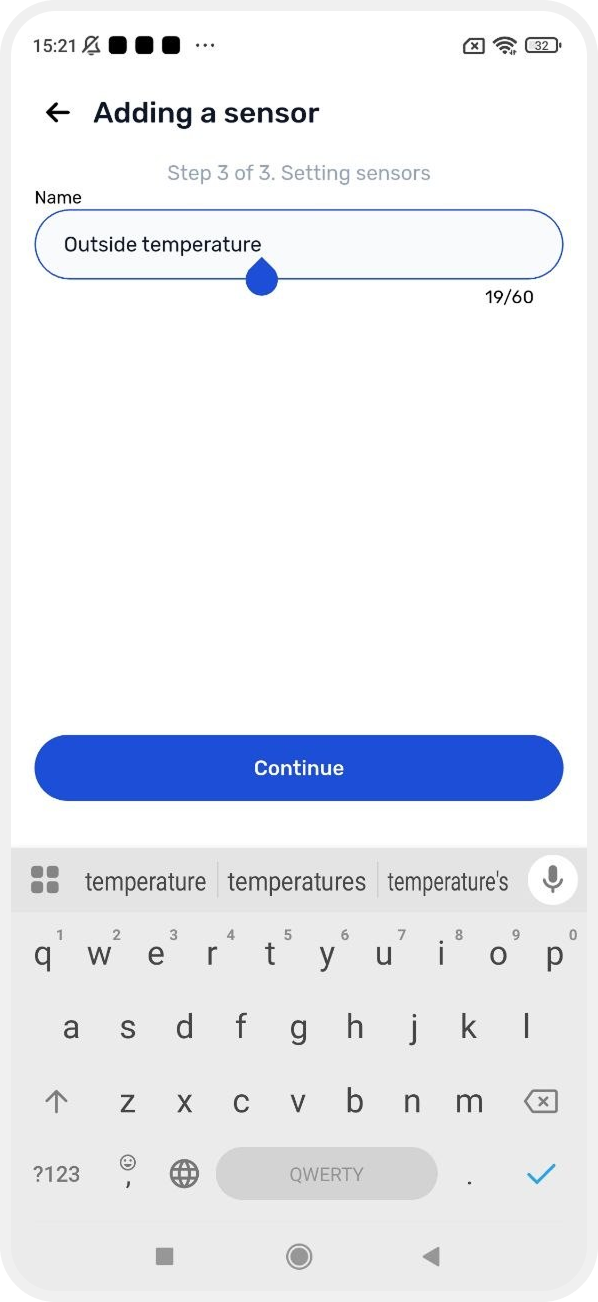
Sensor name
Enter a name for the sensor.
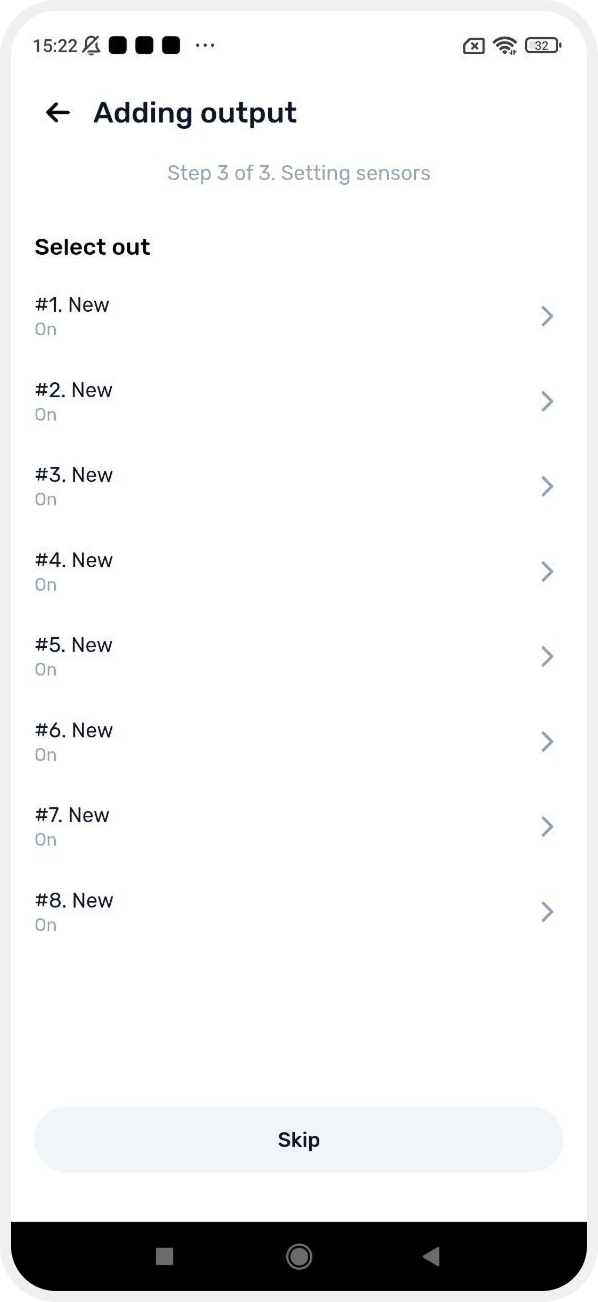
Output binding
If needed, assign the sensor to an output.
For example, the sensor can:
-
turn on heating
-
start ventilation
-
shut down equipment in case of overheating
Temperature thresholds
Set temperature limits that will trigger system actions.
Adjust values using the thermometer slider.

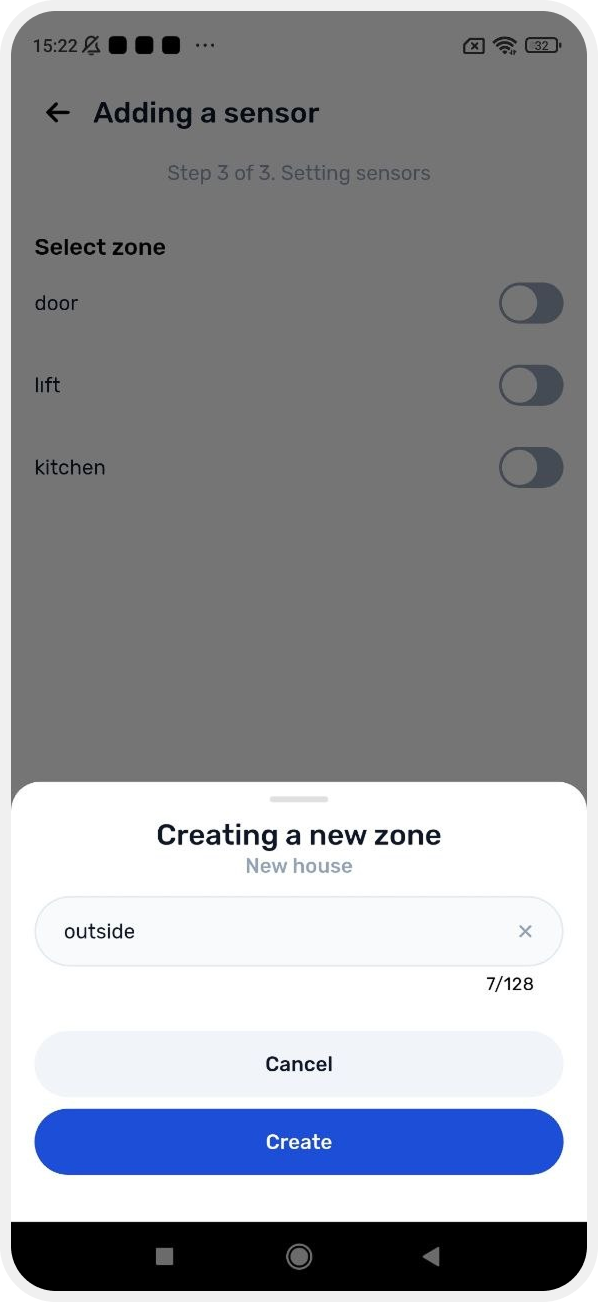
Zone assignment
Select the zone this sensor belongs to.

If the zone does not exist yet:
-
tap Create zone
-
create a new zone and continue setup
Completion
Tap Finish setup to complete configuration.
The sensor will appear in the device list and start sending temperature data to the system.