How to arm a zone
You can arm each zone separately. This is useful when you need to secure only part of a site, such as a garage, warehouse, or a specific room.
Via the zone card
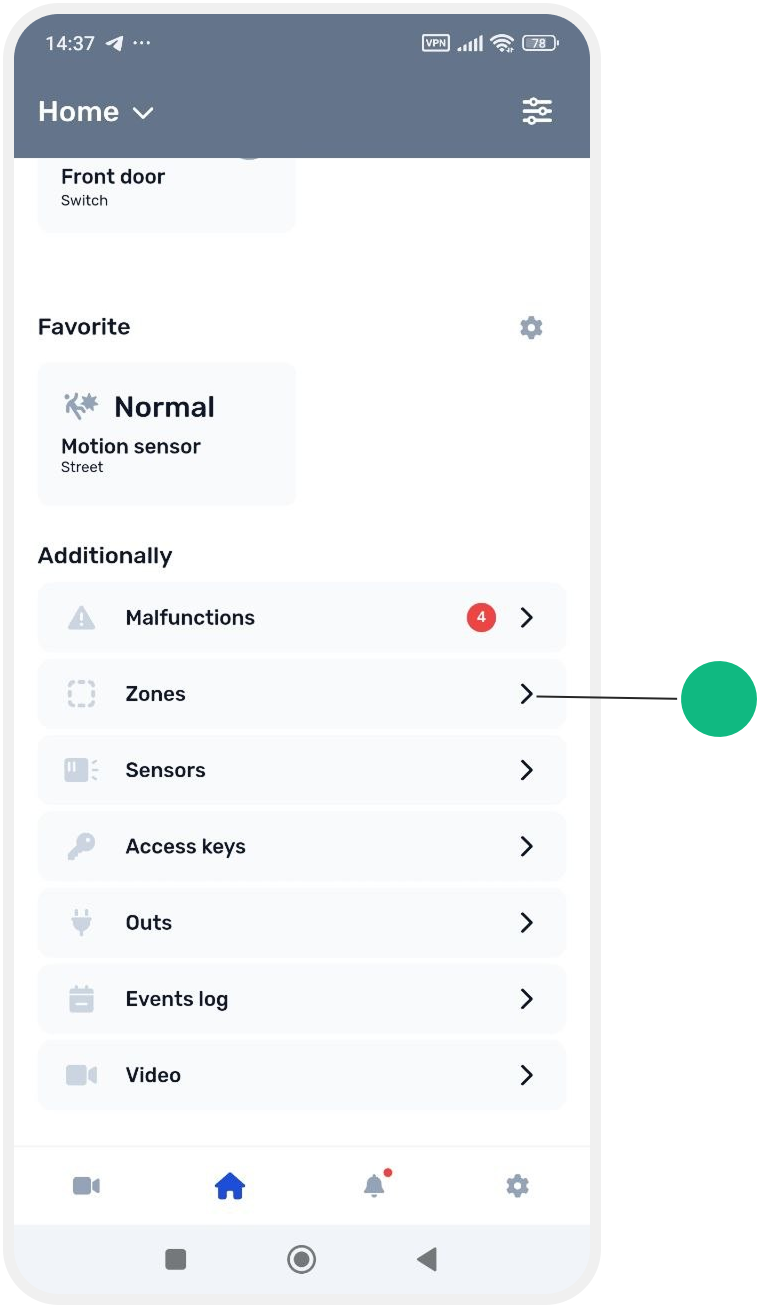
1. Go to the Zones tab
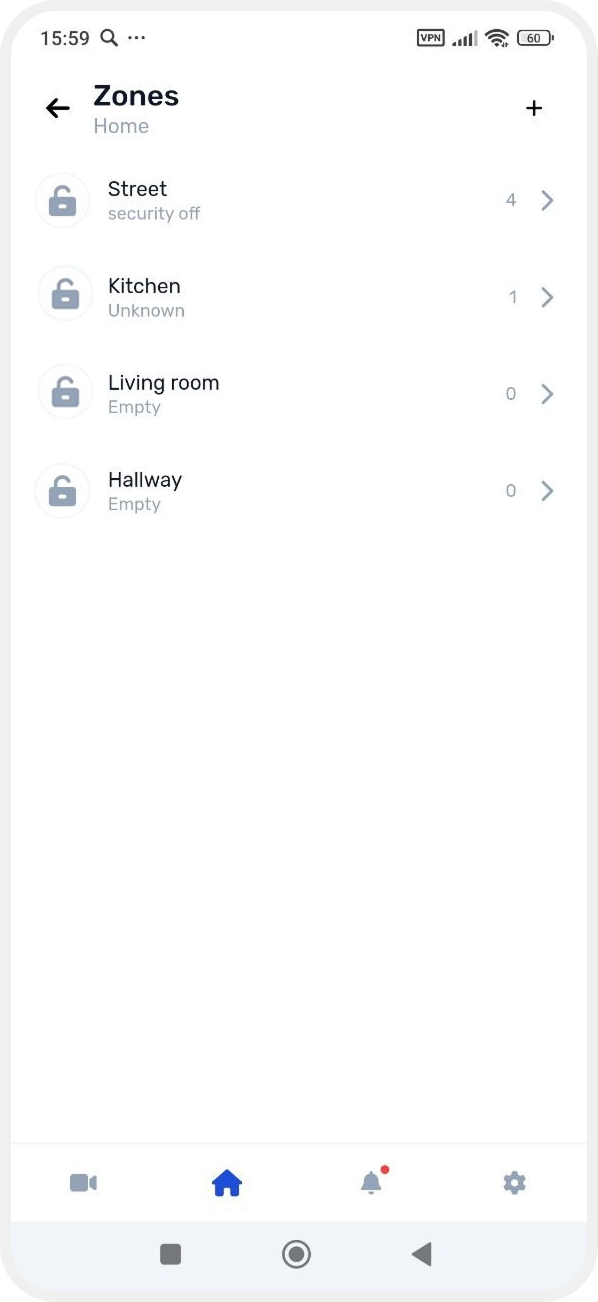
2. Select the required zone from the list
3. In the zone card, tap Put it on guard
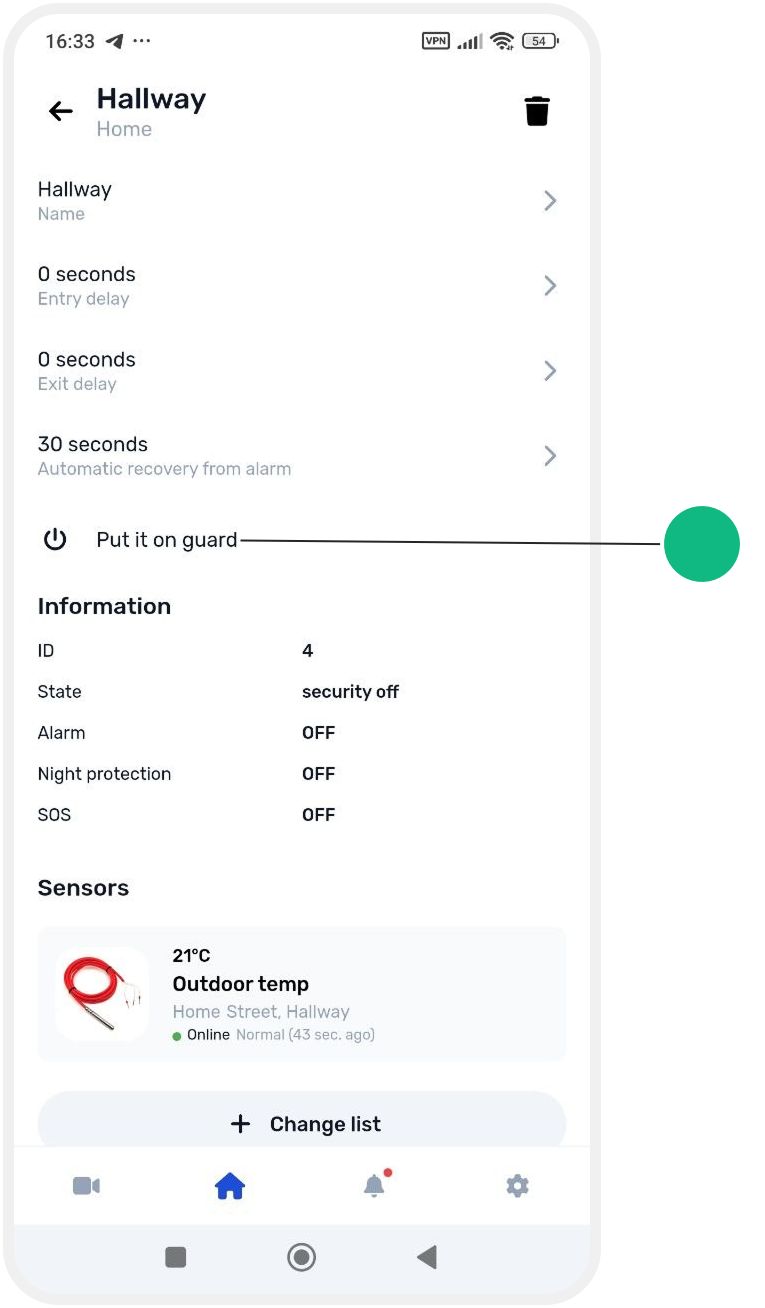
The zone will switch to armed mode.
The zone will be marked with a lock icon in the zones list.

The site status will change to Partial arming, and the armed zone will be shown on the main screen.
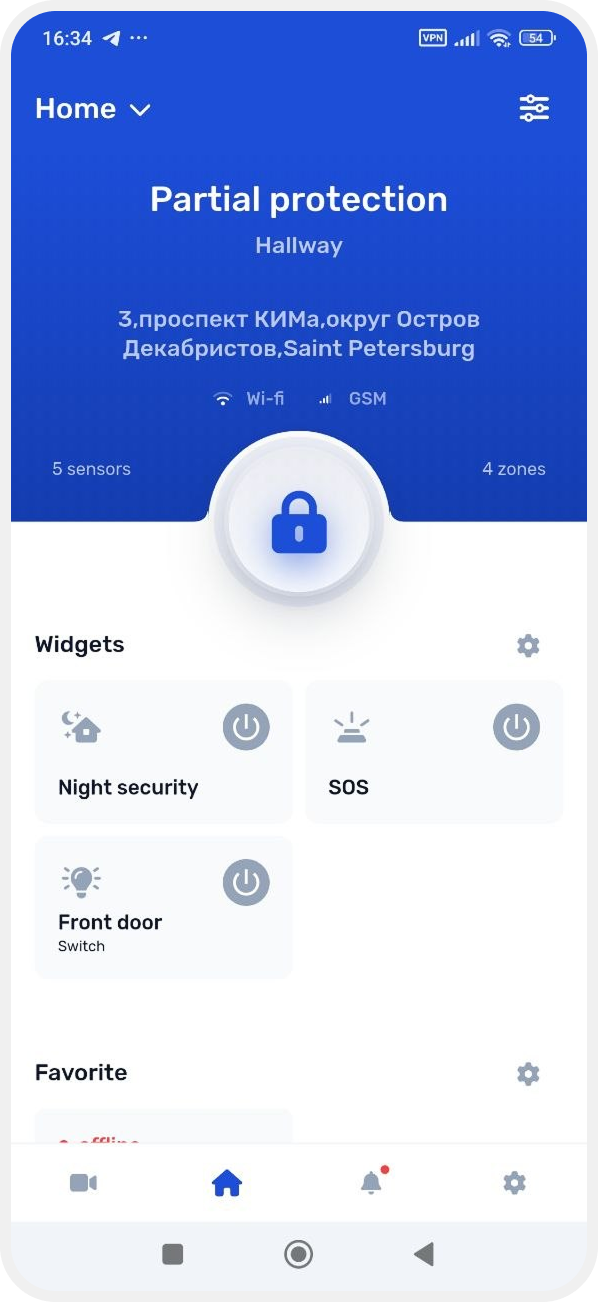
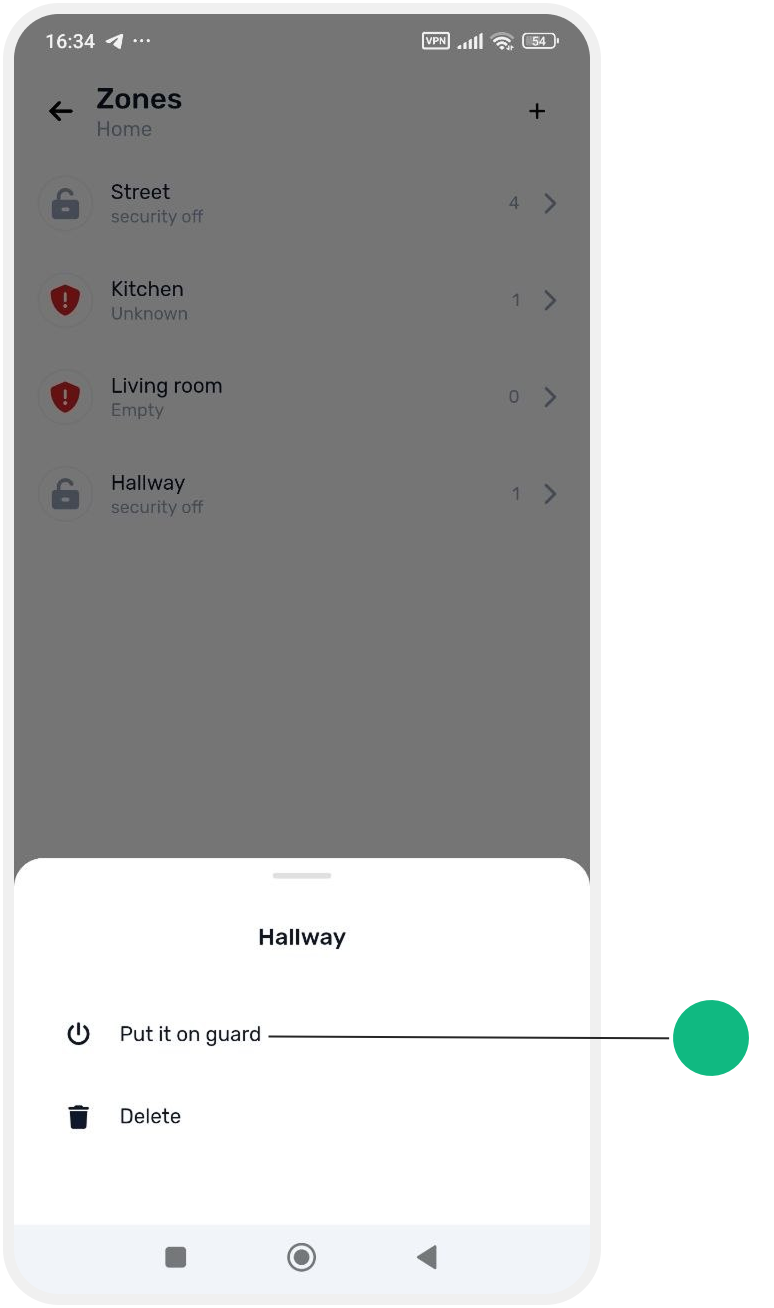
Via the zone menu
1. Press and hold the required zone in the list
2. In the menu that appears, select Put it on guard