
How to delete a zone
A zone can be deleted in two ways:
Via the zone card
1. Go to the Zones tab
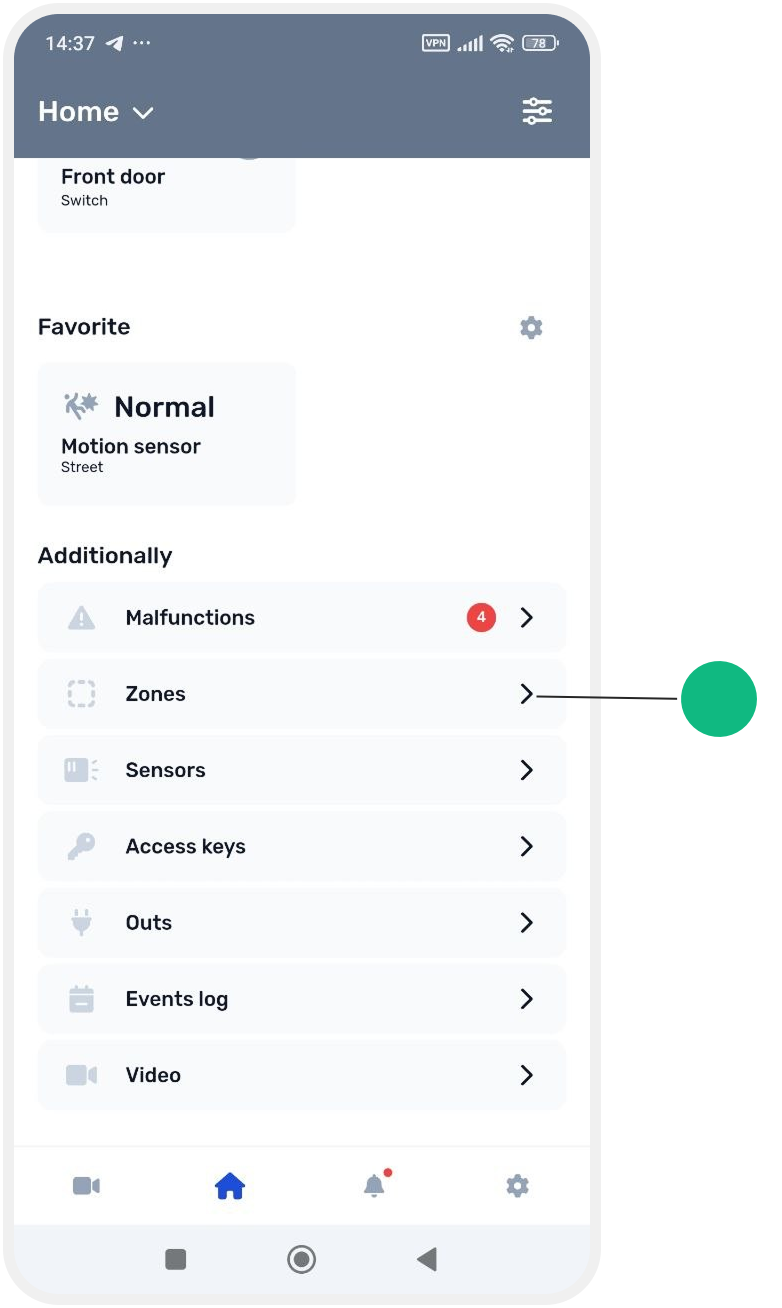
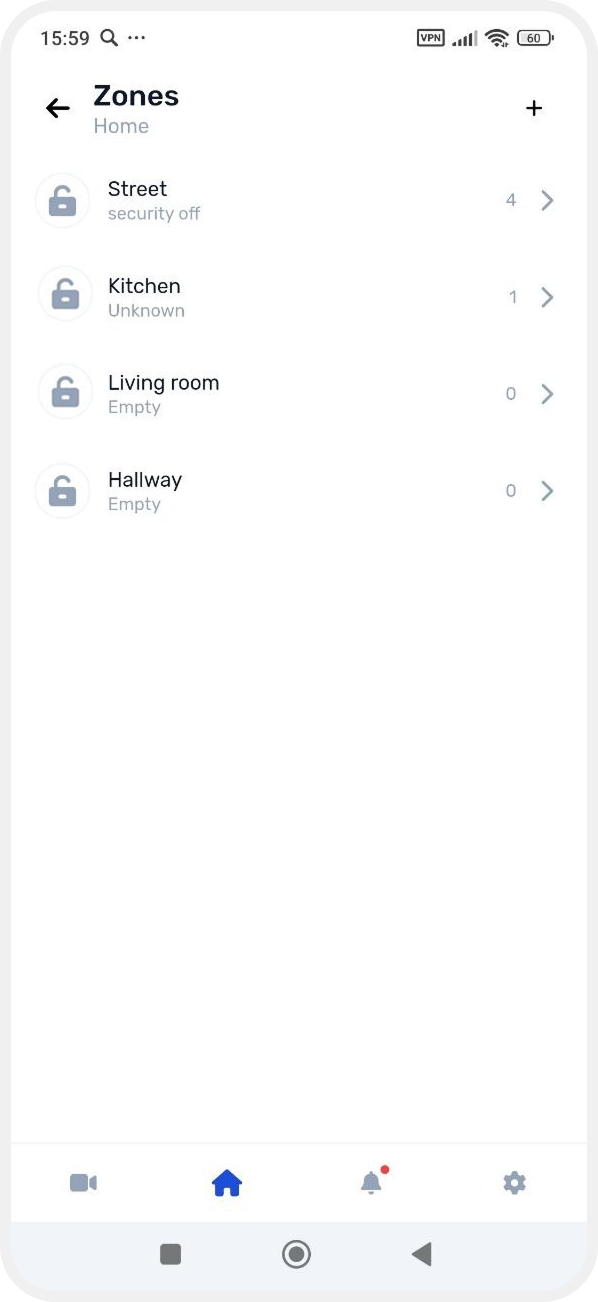
2. Select the required zone
3. In the zone card, tap the delete icon  in the top-right corner and confirm deletion
in the top-right corner and confirm deletion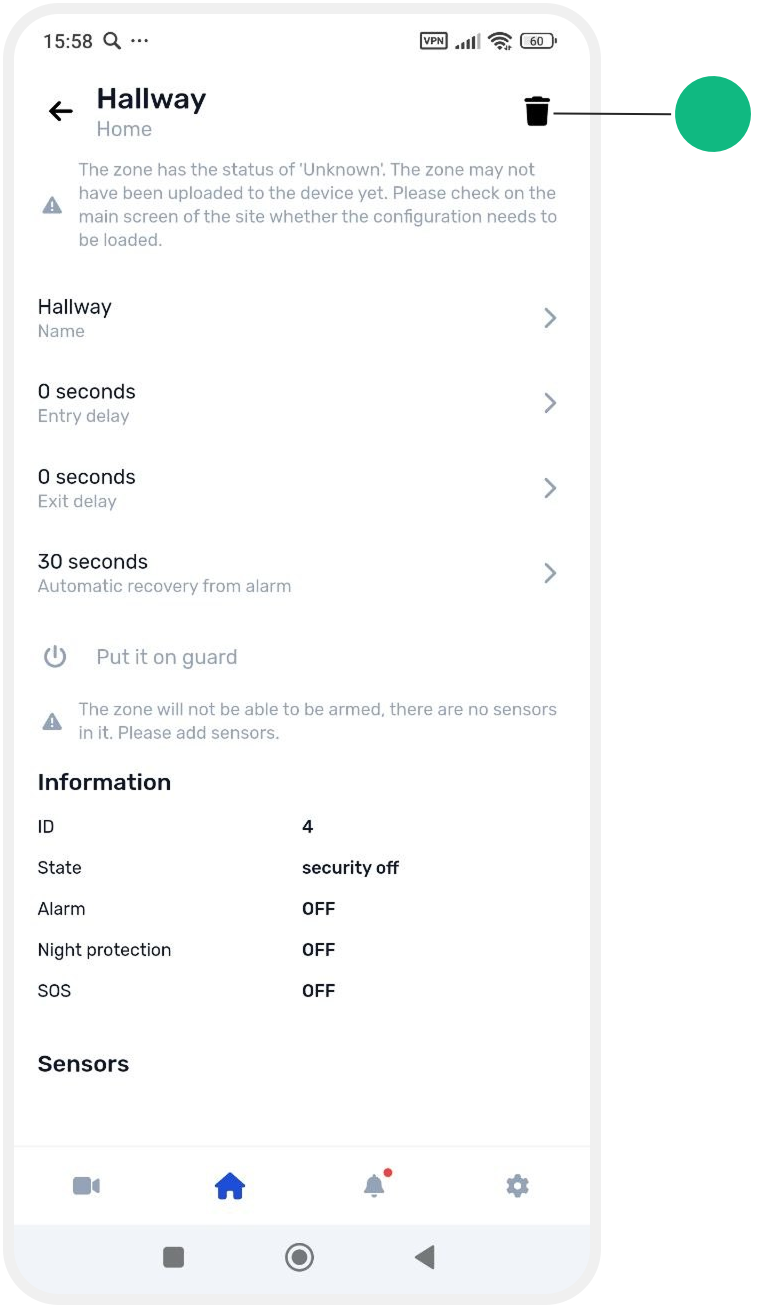
Via the zone menu
1. Go to the Zones tab
2. Press and hold the required zone in the list
3. In the menu that appears, select Delete

After confirmation, the zone will be removed from the system.