
How to configure outputs in the app
The Outputs tab allows you to configure actuators connected to the system, including:
— sirens
— lighting
— locks
— gates
— control relays and other devices
Configuring an output
1. Open the Outputs tab from the main site screen
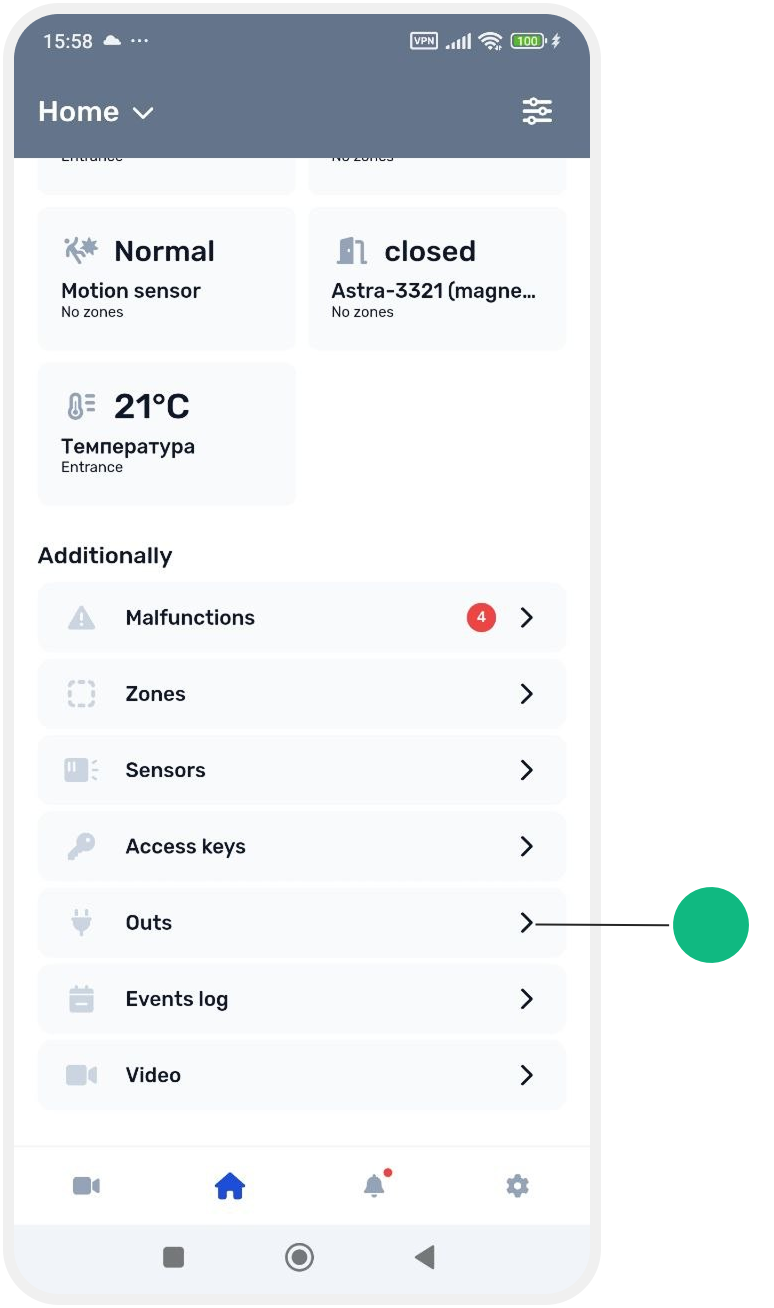
2. Select the required output from the list

3. Tap the output to open its settings card
Output settings
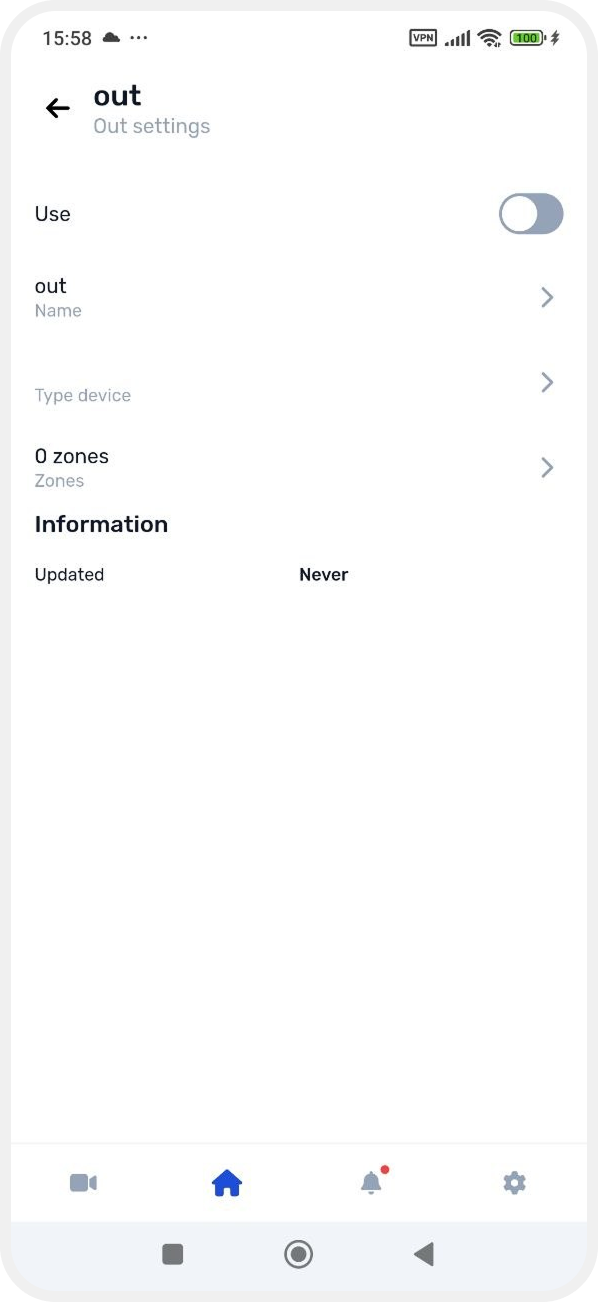
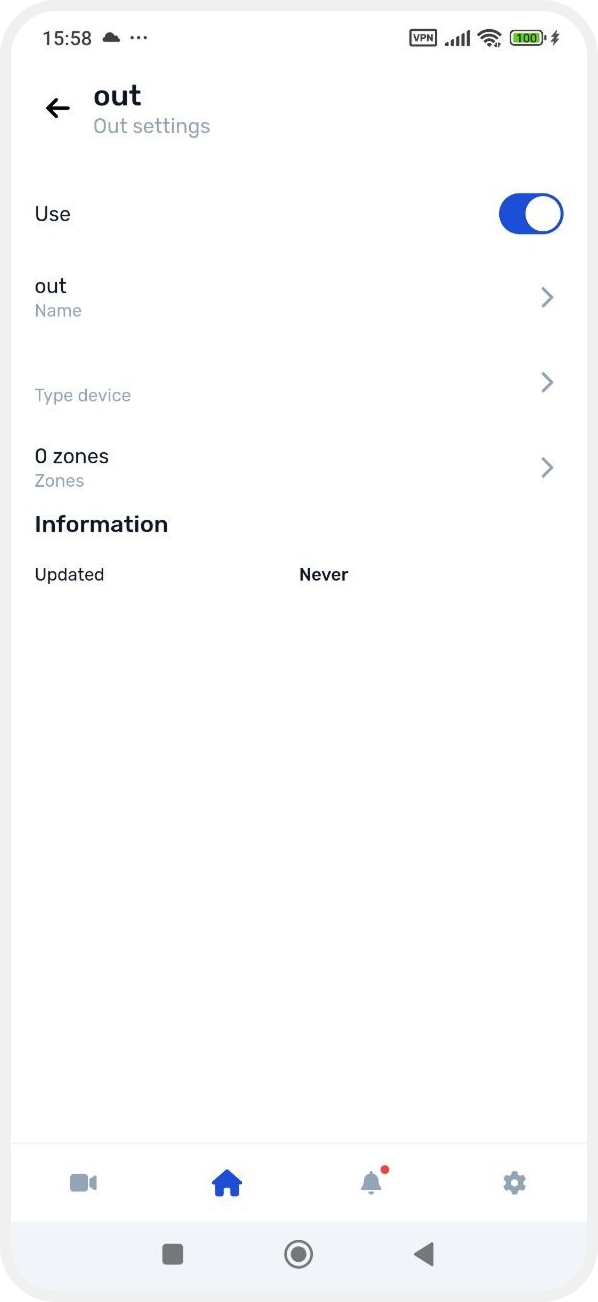
Enable the output
To make the output active in the system, turn on the Use switch.
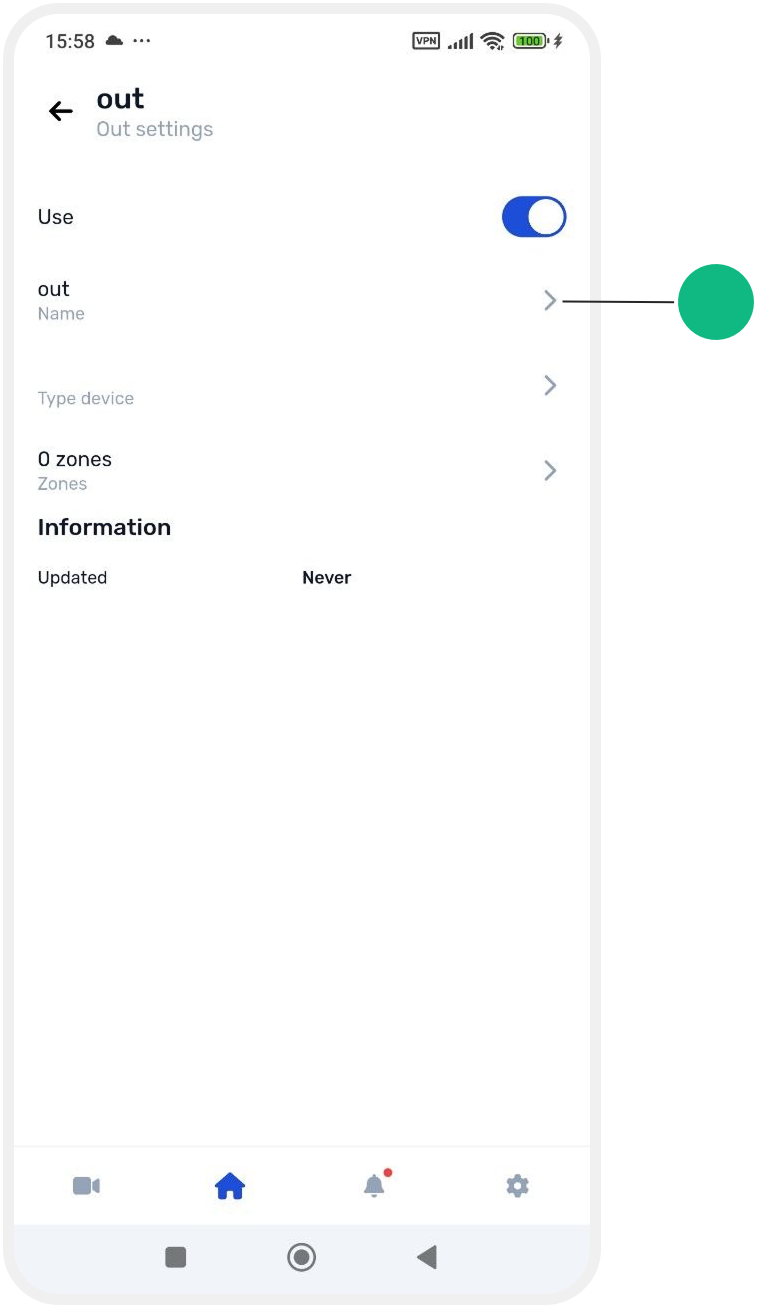
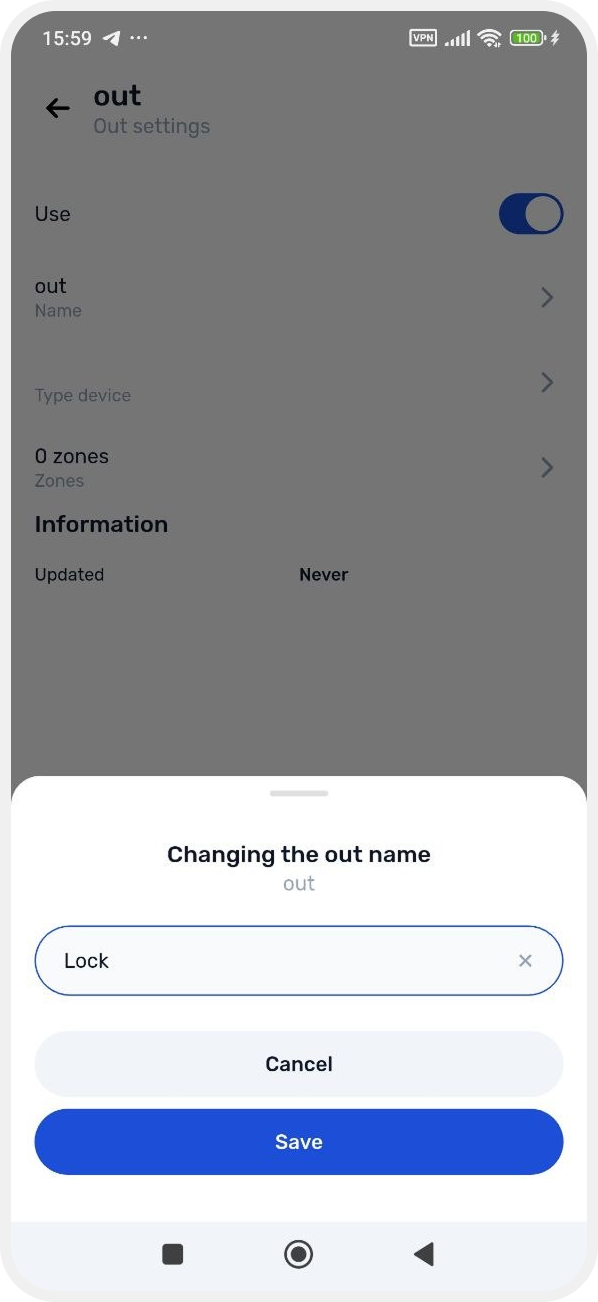
Output name
Enter a name for the device.
Output type
Select the type of device connected to this output.
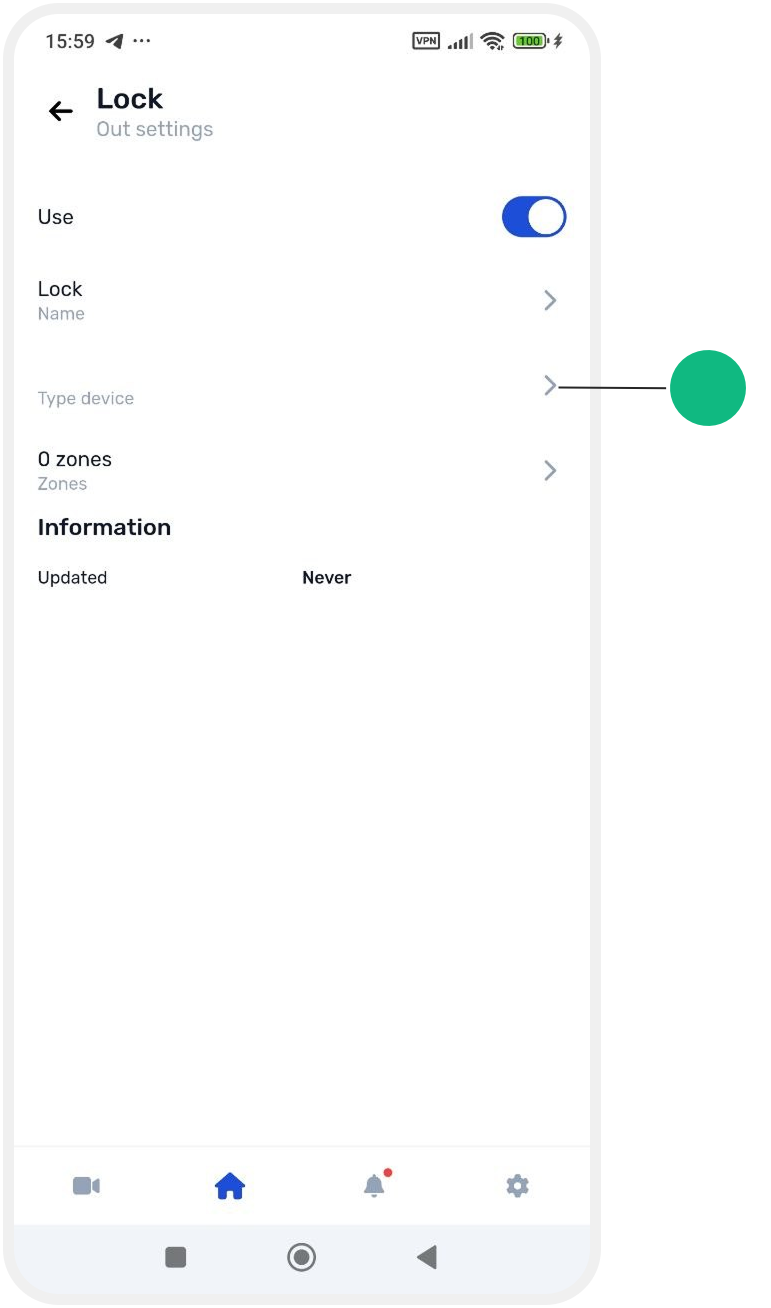
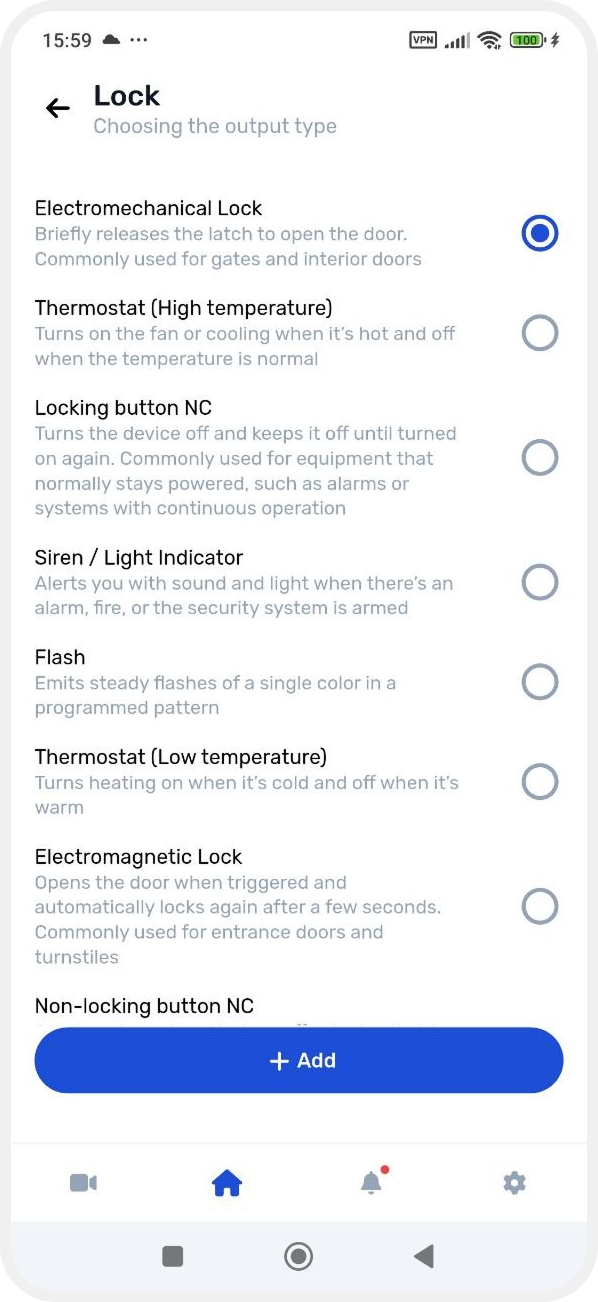
Initially, only one output type may be available.
To add additional options:
1. Tap Add
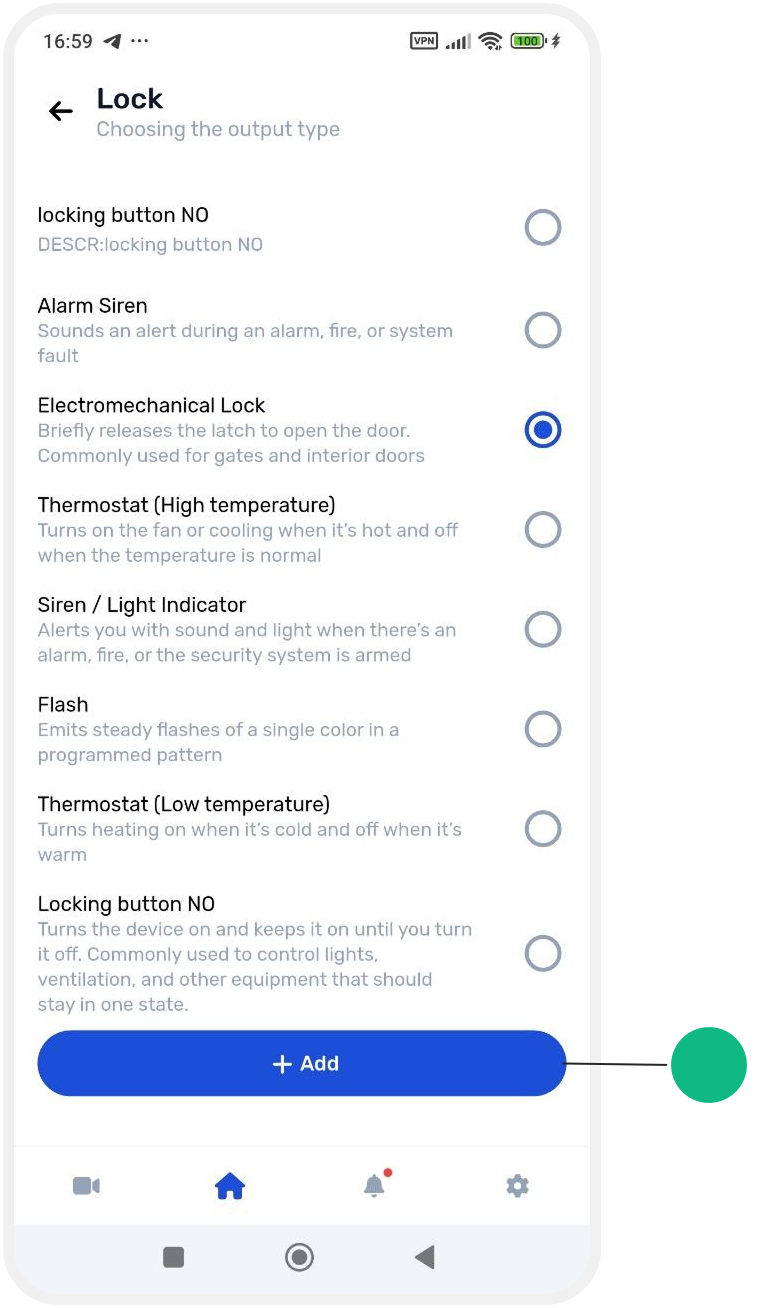
2. A list of output type templates will open

3. Select the template that matches your device.
The new output type will then appear in the list and can be assigned to the output.
Assigning a zone
Select the zone that the output should operate with.
If no zone is assigned, the output will not function.
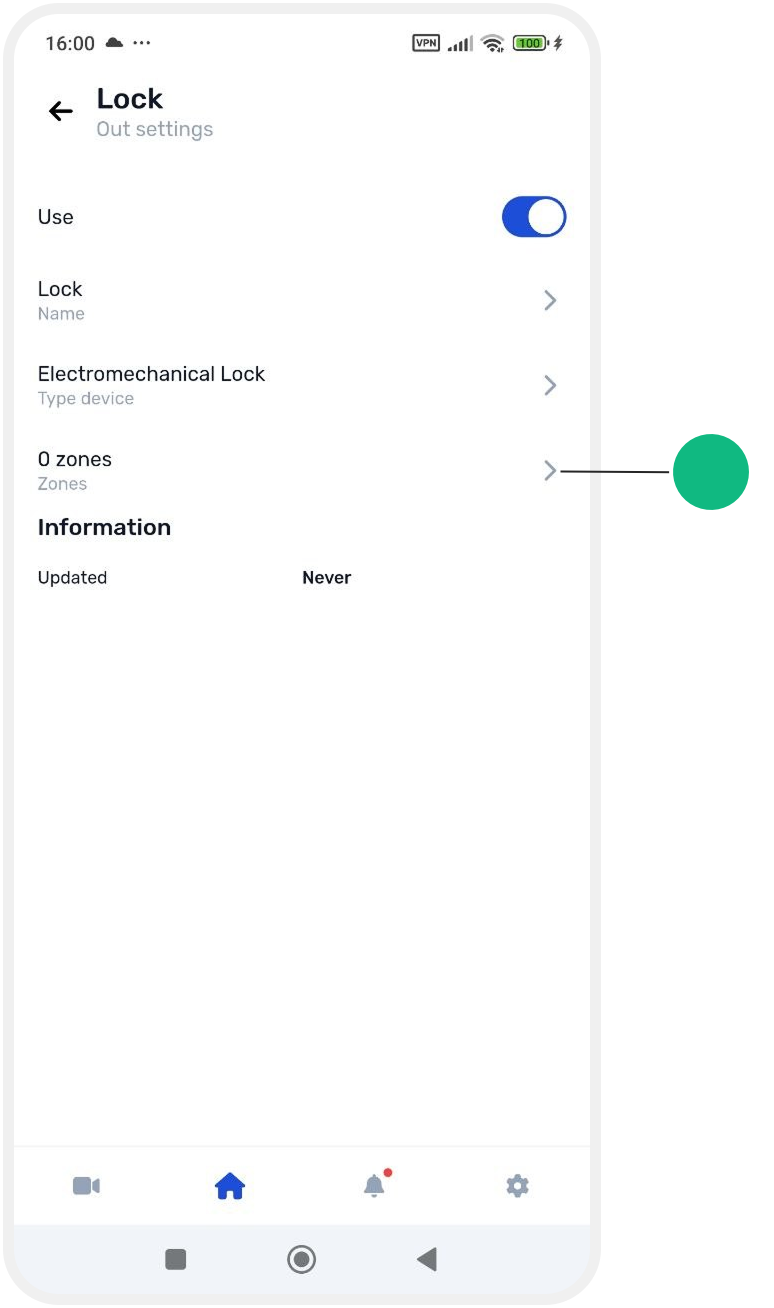
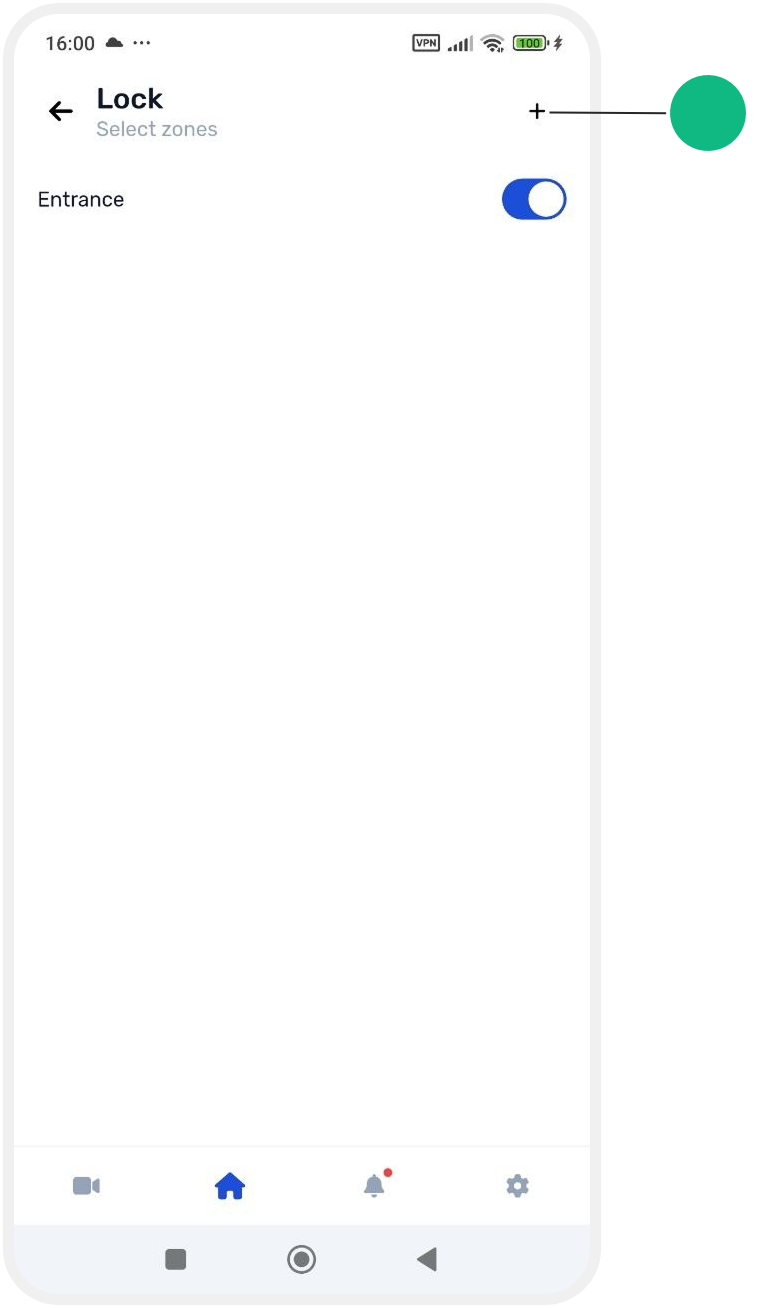
If the required zone does not exist yet:
1. In the zone selection window, tap the + button in the upper-right corner.
2. Create a new zone and continue configuring the output
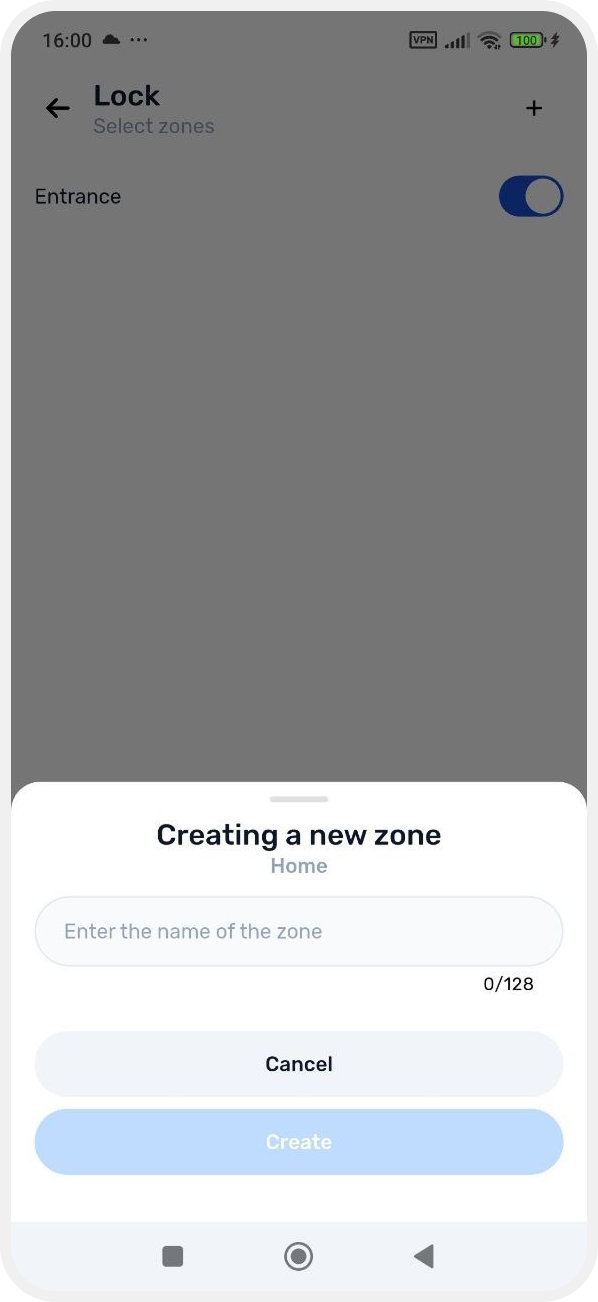
After saving the settings, the output will be assigned to the selected zone and will be ready for use.