
How to sign in and register
To start using the GARM system, you'll need to either create a new account or sign in to an existing one.
What you'll need
-
A smartphone with the GARM app installed
-
An active internet connection
-
A valid email address
How to register a new account
If you’re using the GARM app for the first time, follow these steps:
1. Open the app on your smartphone
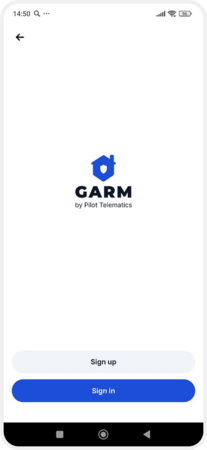
2. On the welcome screen, tap Sign up
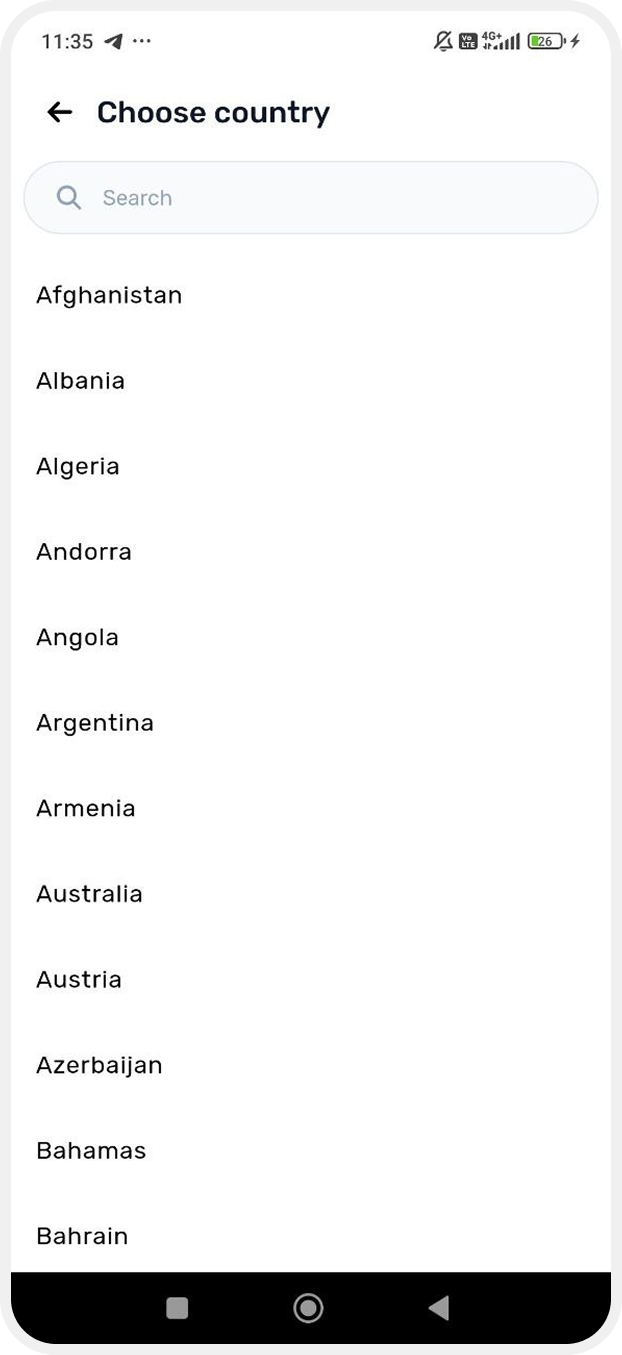
3. Choose your country from the list, or use the search bar to find it
4. Choose your preferred app language
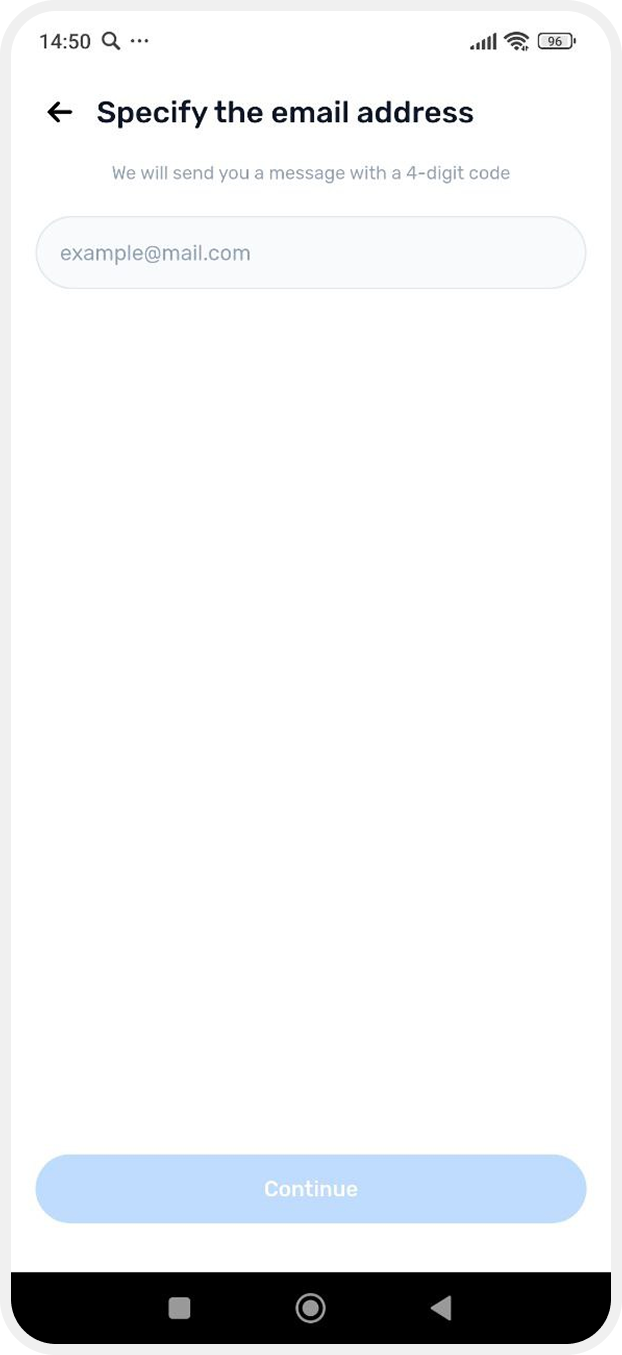
5. Enter your email address. A confirmation code will be sent to it
6. Open your inbox, find the email from GARM with the confirmation code, and enter the code in the app
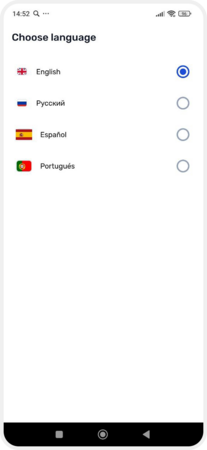
7. Create a password and confirm it

8. Enter a username
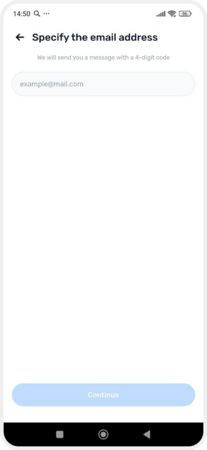
9. Set a 4-digit PIN code for quick and secure access to the app, then confirm it


That’s it — your account is ready!
How to log in to an existing account
If you already have a GARM account, follow these steps:
1. Open the GARM app on your smartphone
2. On the welcome screen, tap Sign in
3. Enter your login details:
-
Your registered email address
-
The password you created during registration

4. If you didn’t set a PIN during registration, you'll be prompted to create one now
5. After logging in, you'll be taken to your list of connected locations
Forgot your password
If you’ve forgotten your password, you can easily reset it:
1. On the welcome screen, tap Sign in
2. On the login screen, tap Forgot your password?
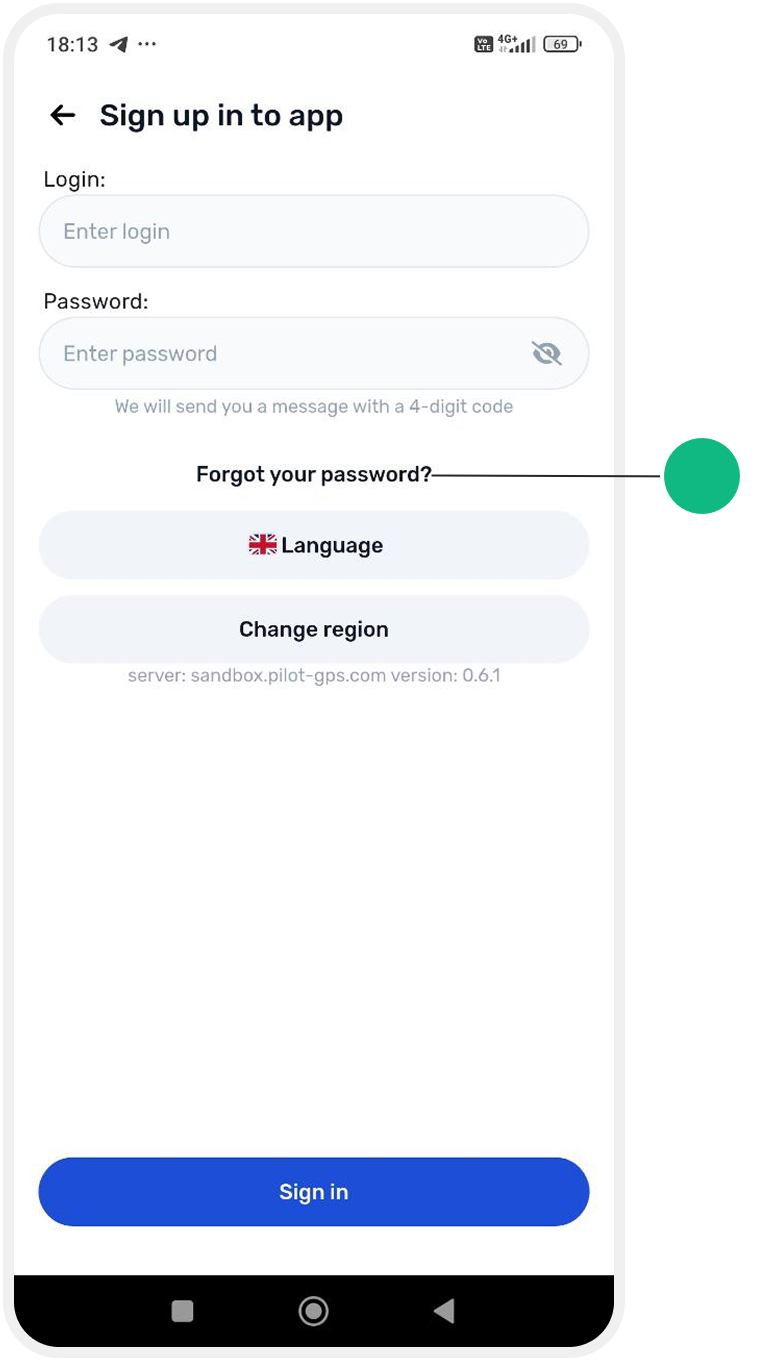
3. Enter the email address linked to your account
4. You’ll receive a 4-digit reset code via email
5. Enter the code in the app
6. Create a new password and confirm it
7. You can now log in with your new credentials