
Moving a camera to another site
You can move a camera to another Site if you need to change its location in the system. Reconnection is not required — the camera can be transferred without reconfiguration.
How to move a camera
1. Go to the Cameras section
2. Find the required camera in All сameras or Favorites
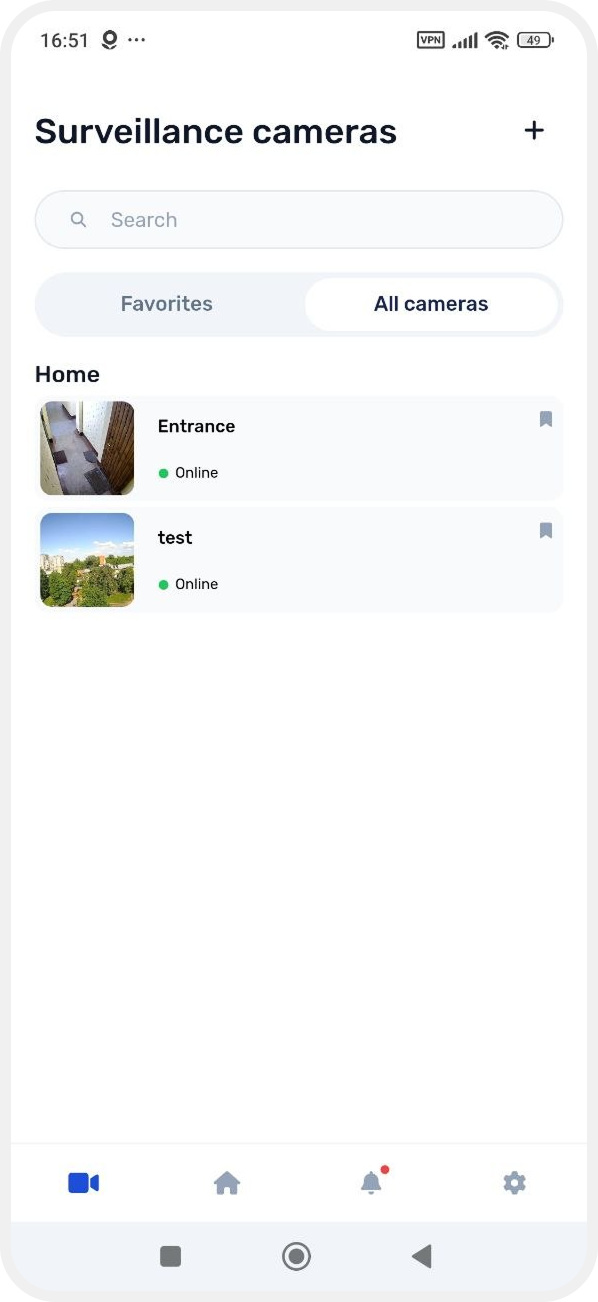
3. Press and hold the camera card
4. In the menu that appears, select Move to another site

5. Select the site where you want to move the camera
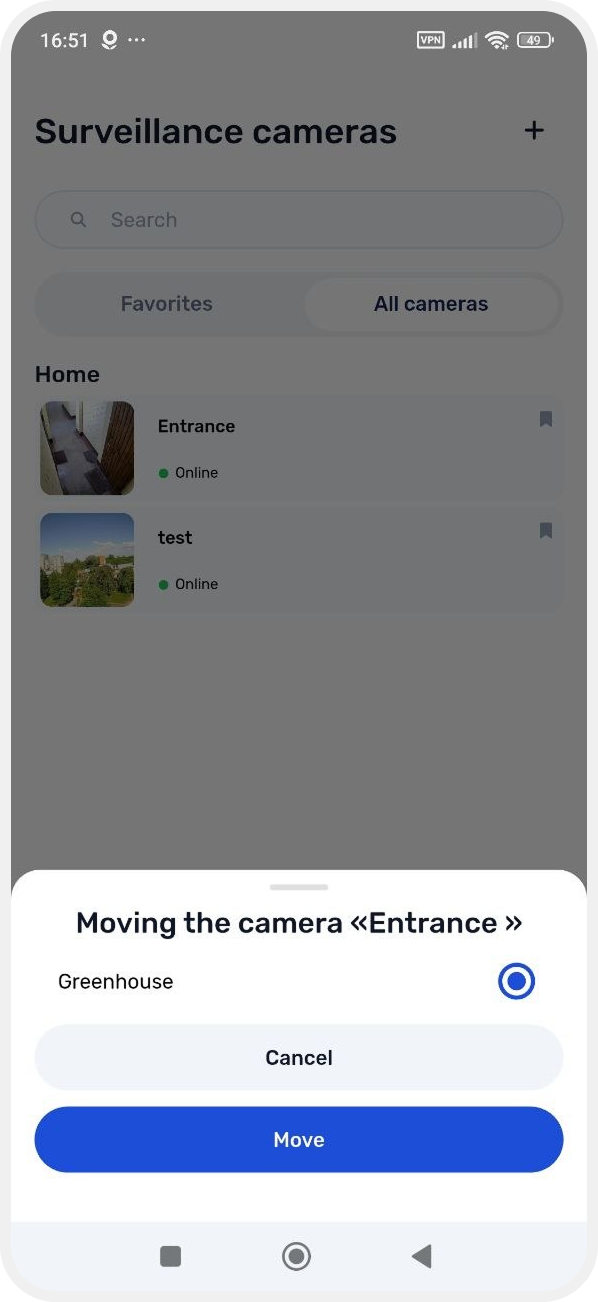
6. Tap Move
After this, the camera will be transferred to the selected site.