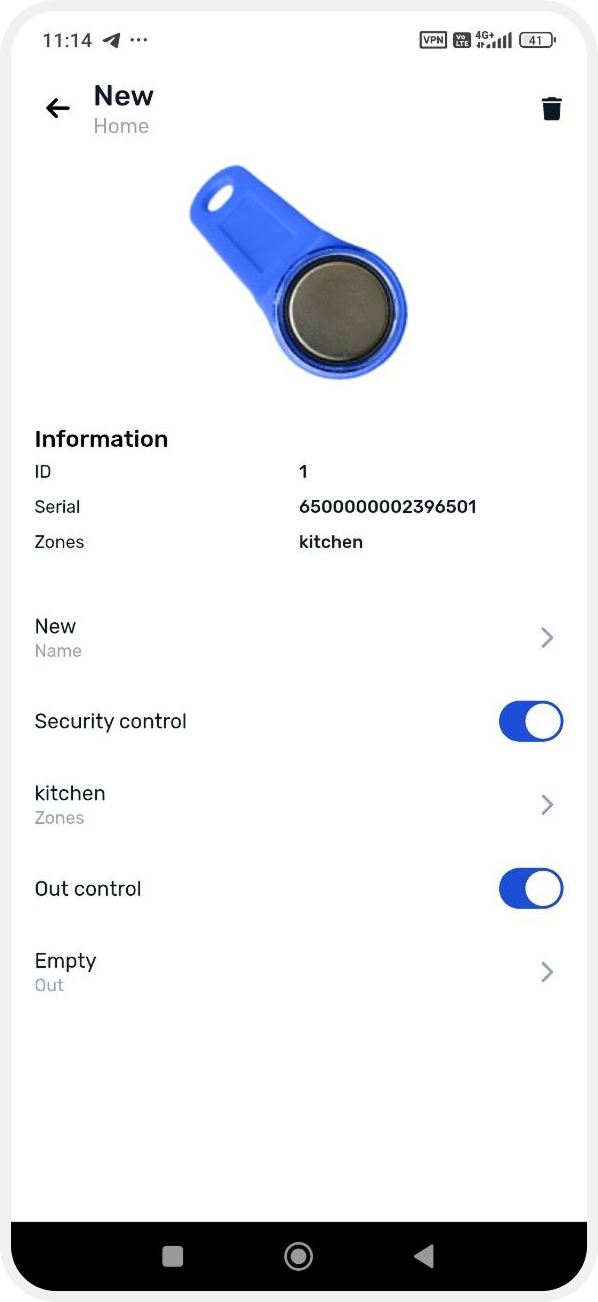
Access keys list
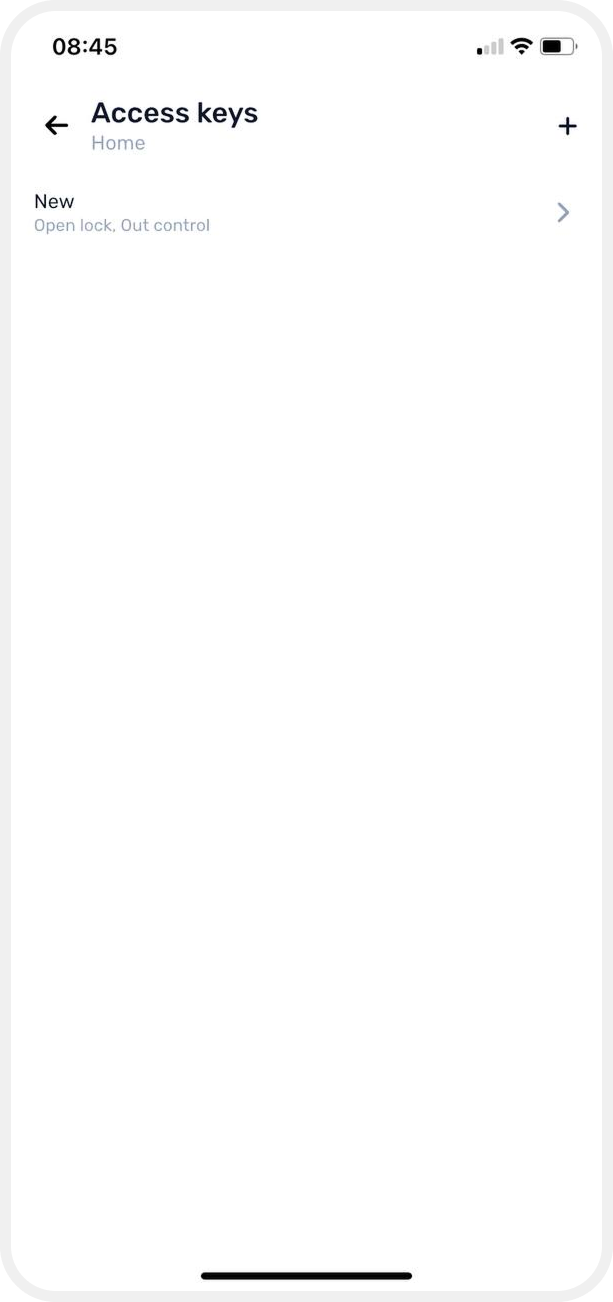
All registered keys are displayed in the Access keys tab.
To open the key list:
1. On the main screen of the site, go to the Access keys tab
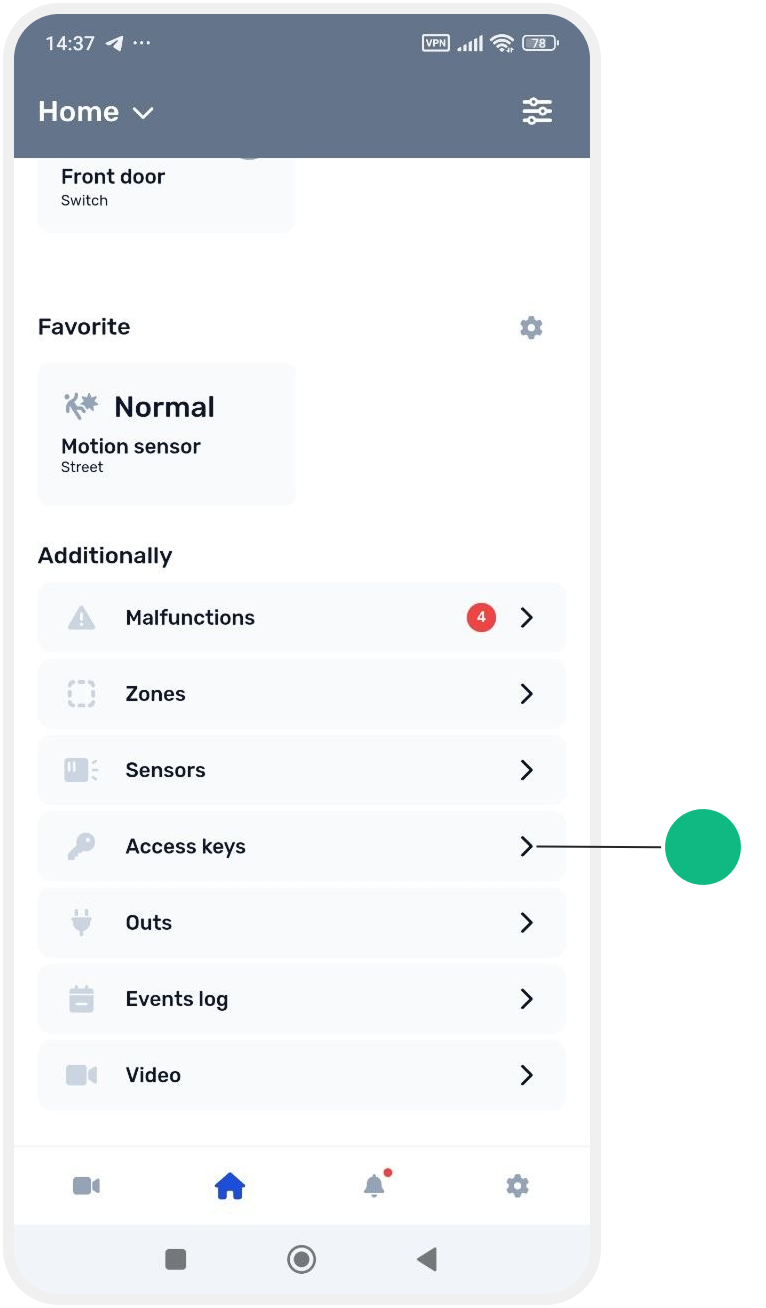
2. Here you will see:
— all keys added to the system
— the name of each key
— assigned control functions
For example, the system shows whether a key is used for:
— security control (arming/disarming)
— opening locks or other connected devices
To open key settings:
1. Tap the required key in the list
2. The key card will open, where you can:
— change the key name
— configure control functions
— change linked zones or outputs
— delete the key from the system