
Viewing live camera streams
If a camera is in Online status, you can view its live video stream at any time.
Only the site owner can view the camera live stream and events, as well as change its settings and control the camera.
|
How to open a live stream
1. Go to the Cameras section
2. Open the required camera in All cameras or Favorites

3. The camera card with the live video stream will open
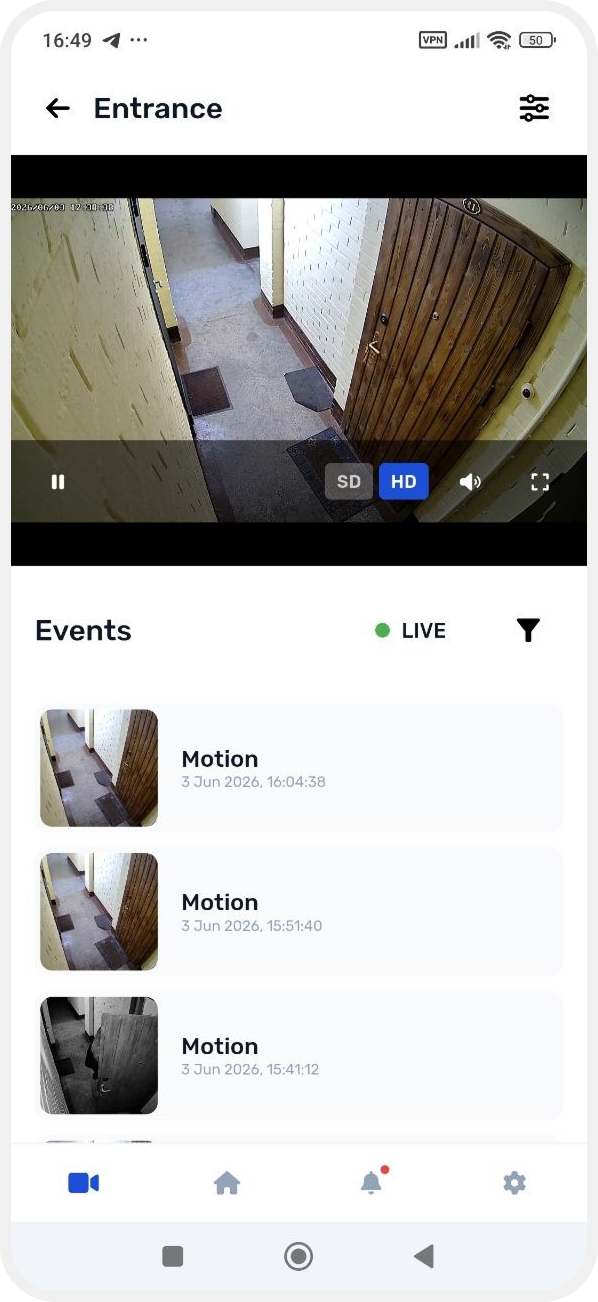
While watching the live stream, you can:
— start or stop the stream
— switch video quality (HD or SD)
— turn sound on or off
— switch to full-screen mode
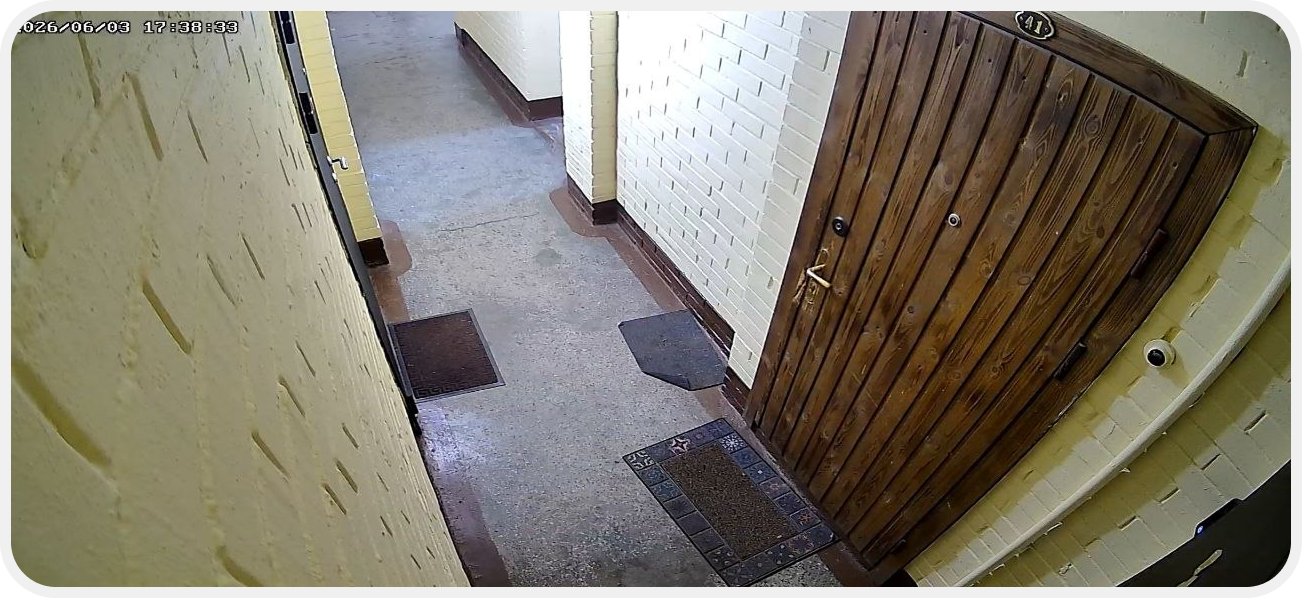
If the camera stream is not available
If the camera does not show video, check:
— the camera’s internet connection
— the device power supply
Once the connection is restored, the live stream will become available again.