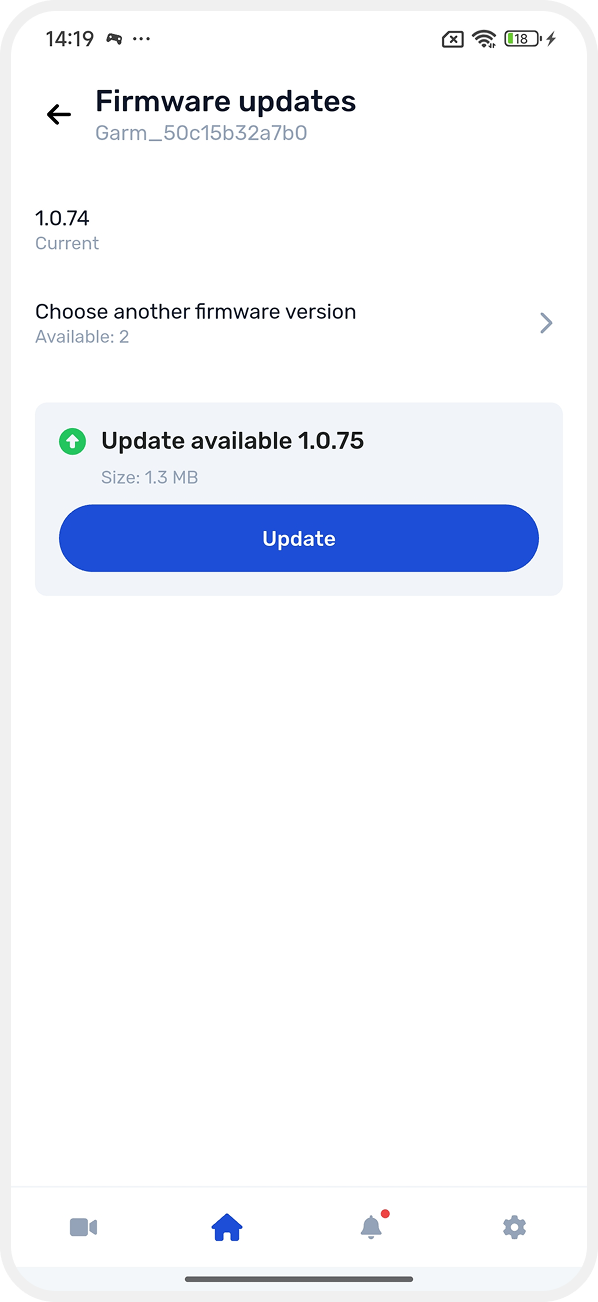
Hub information
Information about the hub and connected equipment is available in the hub card. Here you can monitor the device status and manage it.
How to open the hub card
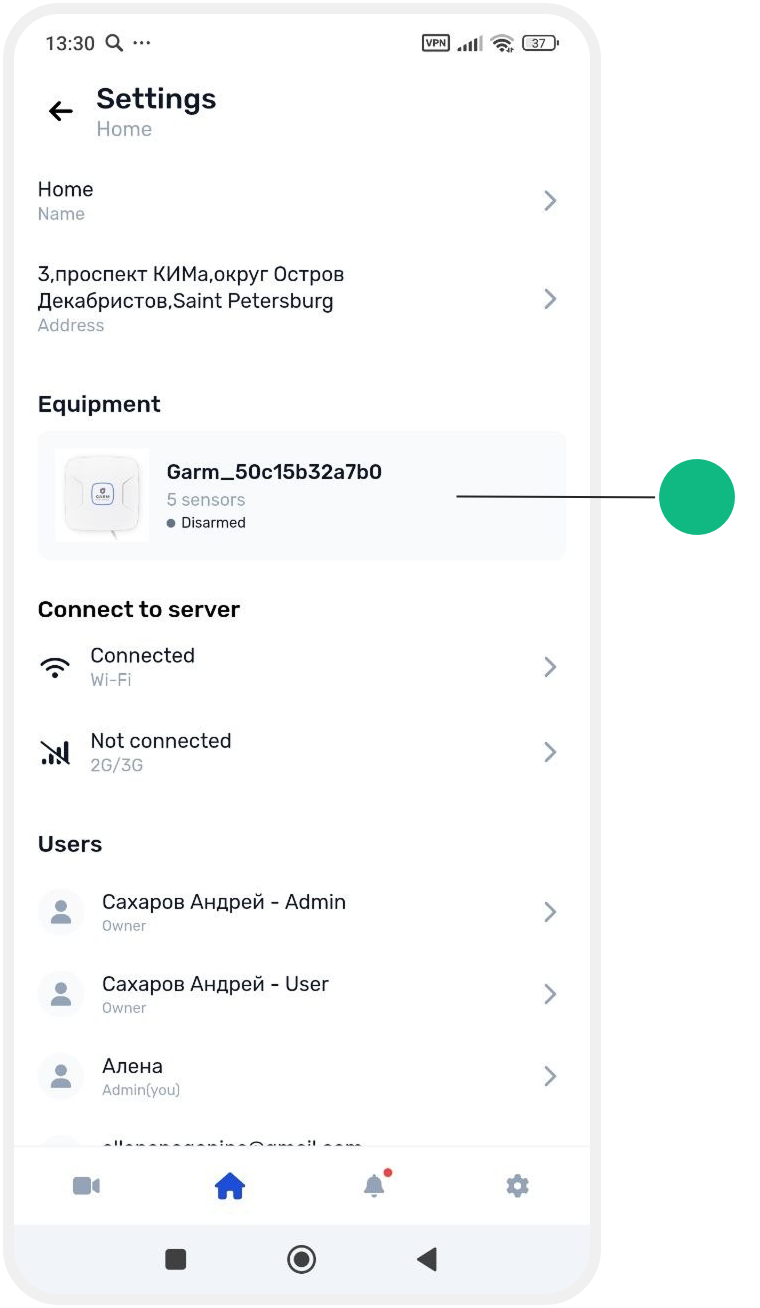
1. Open the main screen of the site
2. Go to Site settings

3. In the Equipment section, tap the hub card
The hub card is divided into sections.
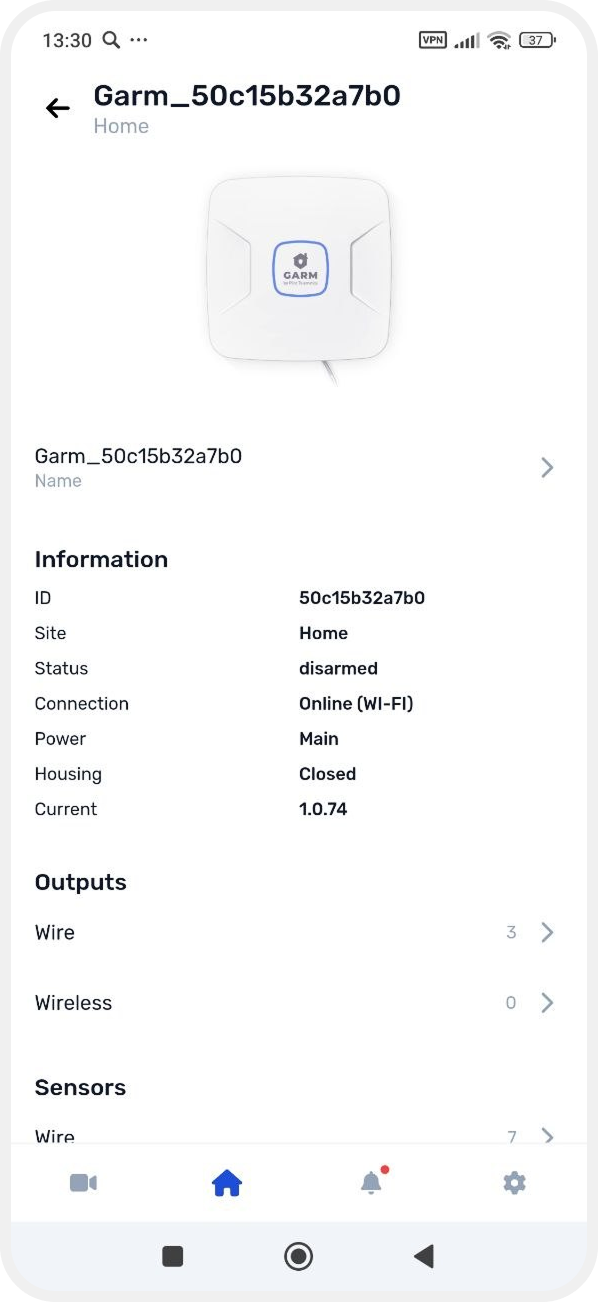

1. Top section
• Hub image
• Hub name — the current hub name is displayed here. You can change it by tapping the name field
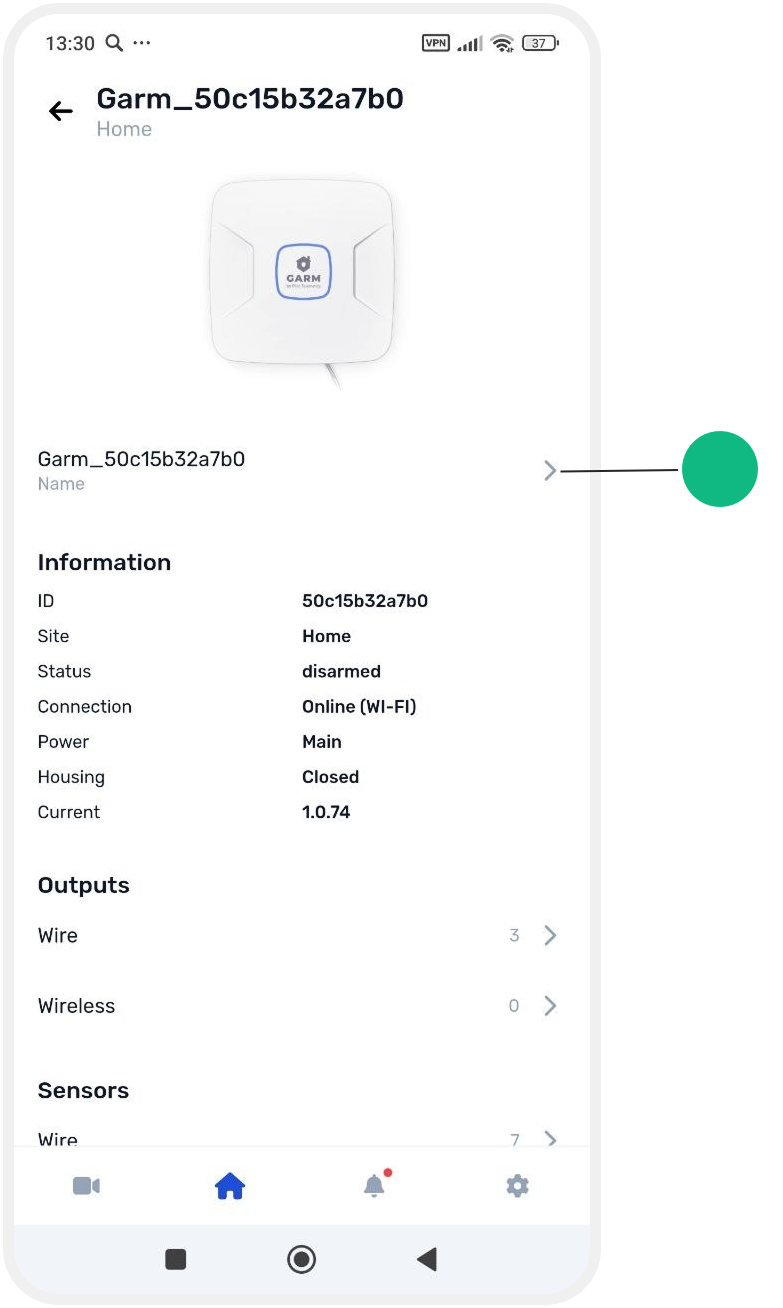
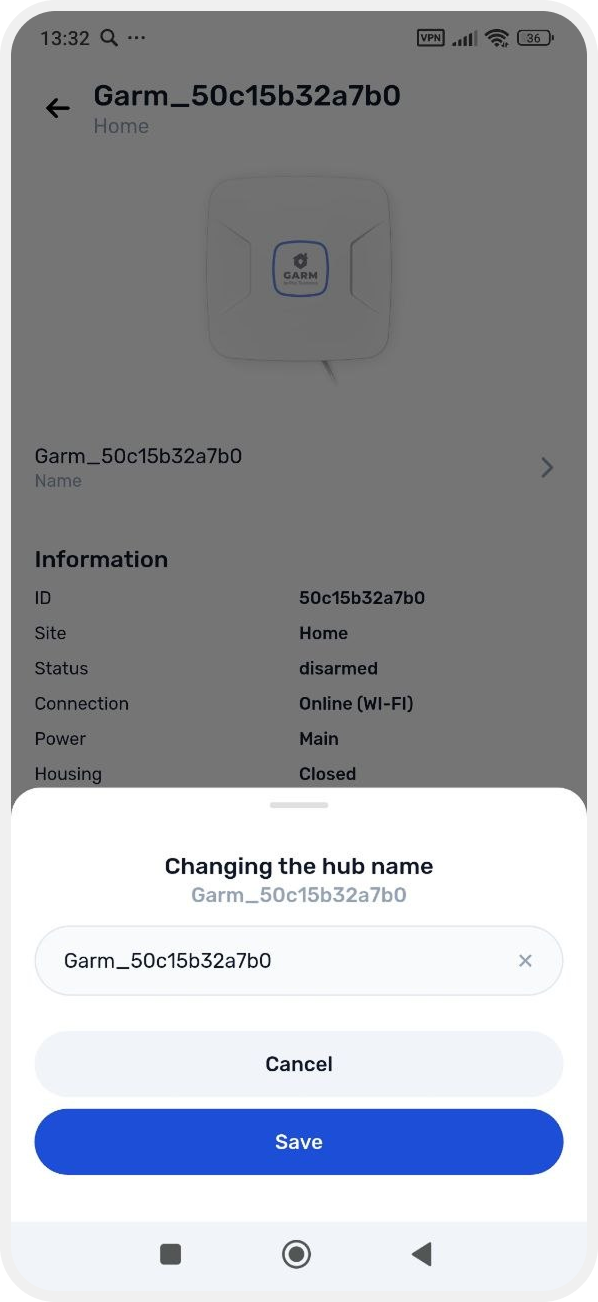
2. Hub information
This section displays the main technical information:
• ID — unique device number
• Site — the site connected to the hub
• Status — current security status (for example, “Disarmed”)
• Connection — how the hub is connected to the internet (Wi-Fi or GPRS)
• Power — main or backup power source
• Enclosure — cover status (open/closed)
• Current firmware version — installed software version
3. Equipment
This section shows which devices are connected to the hub. Tap a row to open the device list.
• Outputs — wired and wireless
• Sensors — wired, wireless, and temperature sensors
• Zones — created security zones
Owner actions
Additional actions are available for the site owner in the hub card:
• Restart device — reboots the hub

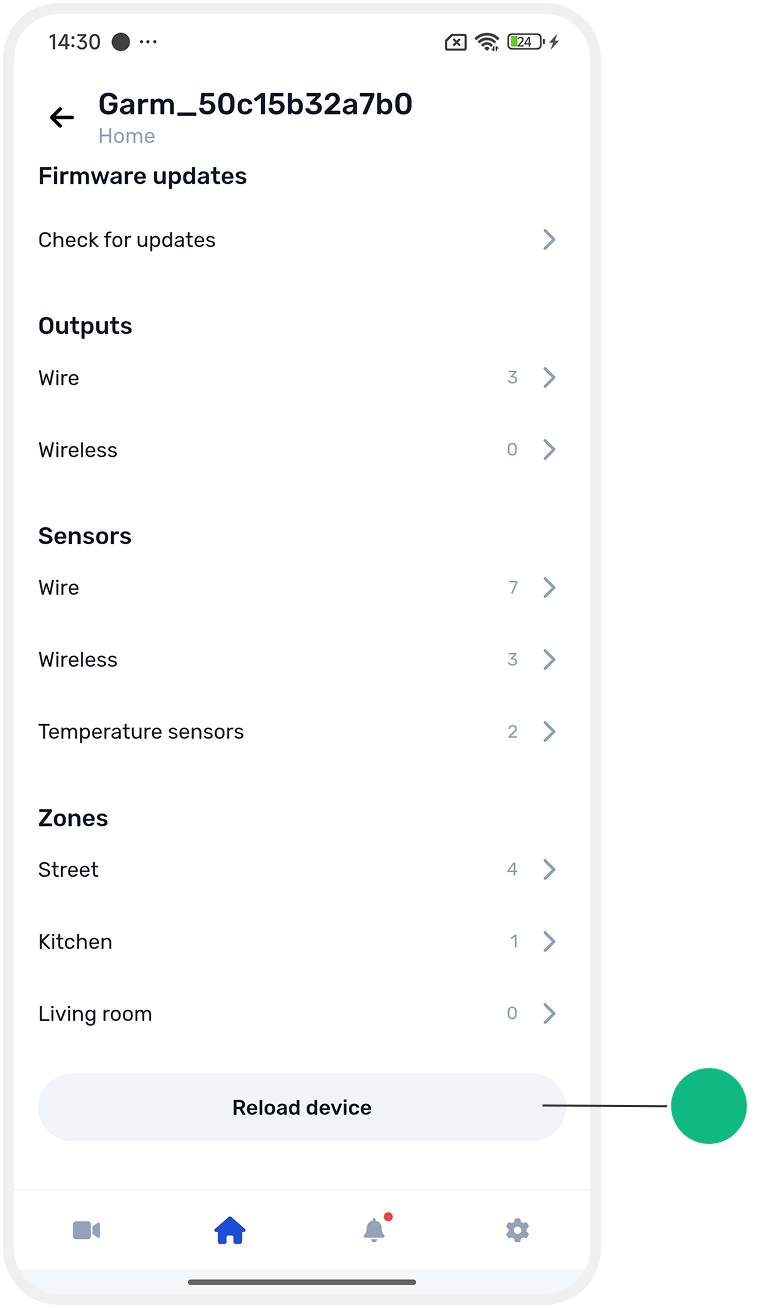
• Update firmware — checks for and installs a new software version